
Weekly Issue: 2023-31
-
Google Assistant swaps ‘Lens’ quick capture option for a ‘Screen reader’ button

Recently, I noticed a ‘Lens’ option that intermittently popped up on Google Assistant for my Pixel phone. Appearing just once or twice, it quickly disappeared and I was left scratching my head. Apparently, this has been a thing on some devices, but not all, for a few months at least.
-
How to Change Your Chromebook’s Accent Color


Do you like customizing your Chromebook? Now you can change your Chromebook’s accent color too. Let me show you how. Changing Chromebook Accent Colors To change Chrome OS accent color: How does that look? Did you like your Chromebook’s new look? Let me know in the comments section.
-
How to Enable or Disable System Sounds on a Chromebook
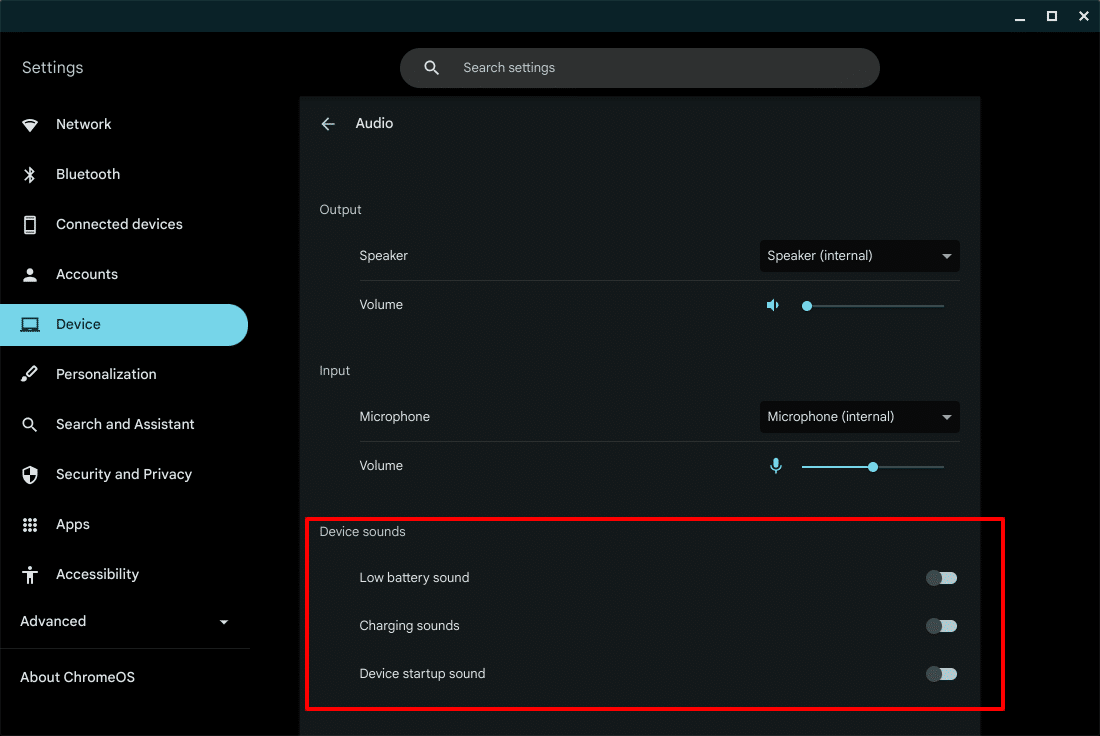
Your Chromebook can now play audio notifications for low battery, charging, and while starting up. In this article, I will show you how to enable or disable system sounds on your Chromebook. Enable or Disable System Sounds To enable or disable system sounds: Did that work?
-
How to Change Your Chromebook’s Accent Color

Do you like customizing your Chromebook? Now you can change your Chromebook’s accent color too. Let me show you how. Changing Chromebook Accent Colors To change Chrome OS accent color: How does that look? Did you like your Chromebook’s new look? Let me know in the comments section.
-
How to Enable or Disable System Sounds on a Chromebook

Your Chromebook can now play audio notifications for low battery, charging, and while starting up. In this article, I will show you how to enable or disable system sounds on your Chromebook. Enable or Disable System Sounds To enable or disable system sounds: Did that work?
-
Supporting Mongolia’s Vision 2050 in education

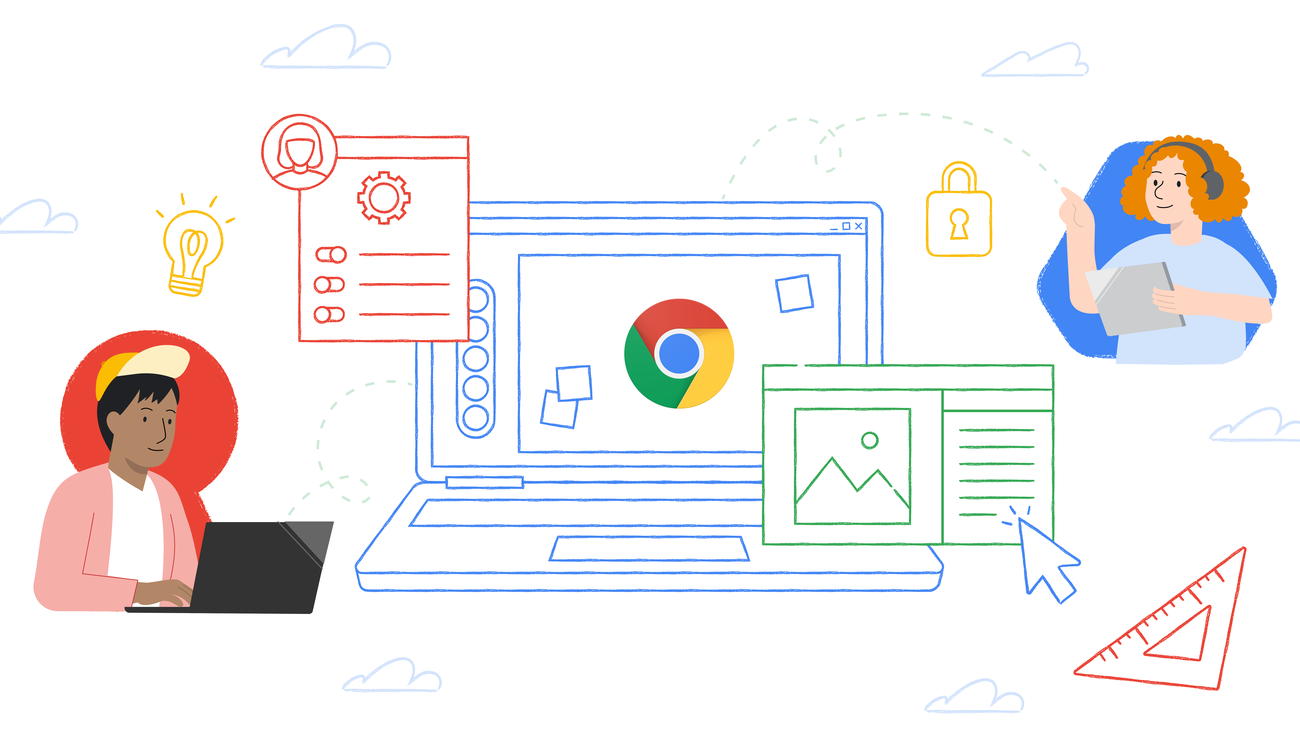
We’ve partnered with the Mongolian government to help provide Chromebooks, ChromeOS Flex and teacher training.
-
You may soon be able to get your Pixel phone repaired at Best Buy

Dealing with a broken smartphone is never a pleasant experience. For many Google Pixel users, that experience has felt a bit like a nightmare with Google’s fairly poor track record of correcting issues and problems that arise with their own Pixel-branded hardware.
-
Big savings on Nest Wi-Fi Pro 3-Pack bundled with a Chromebook at Best Buy

Thanks to a heads-up from one of our Patrons (you can see more about becoming a part of our Patreon community here), we’ve been made aware of a pretty awesome deal that’s likely of interest to some of you out there shopping not only for a new Chromebook, but a better connectivity solution for your…
-
Chrome Dev for Desktop Update

The Dev channel has been updated to 117.0.5927.0 for Windows, Mac and Linux.A partial list of changes is available in the Git log. Interested in switching release channels? Find out how. If you find a new issue, please let us know by filing a bug.
-
Chrome’s Reading Mode settings condensed to a cogwheel, looks terrible to use [Canary]
![Chrome’s Reading Mode settings condensed to a cogwheel, looks terrible to use [Canary]](https://chromeunboxed.com/wp-content/uploads/2023/08/Chrome-Reading-Mode-Feature.jpg)
Google’s been working on its side panel Reading Mode for quite some time, and as you probably already know by now, it condenses a web article or page into a readable format with no ads, images or videos – just text.
-
Chrome Dev for Android Update
Hi everyone! We’ve just released Chrome Dev 117 (117.0.5926.2) for Android. It’s now available on Google Play.You can see a partial list of the changes in the Git log. For details on new features, check out the Chromium blog, and for details on web platform updates, check here.
-
Google beefs up its privacy tools to empower you to better control your online footprint

Google announced today in a Keyword blog post that it’s beefing up the ‘Results about you’ tool that we covered last year.
-
Building Internet-scale event-driven applications with Cloud Spanner change streams

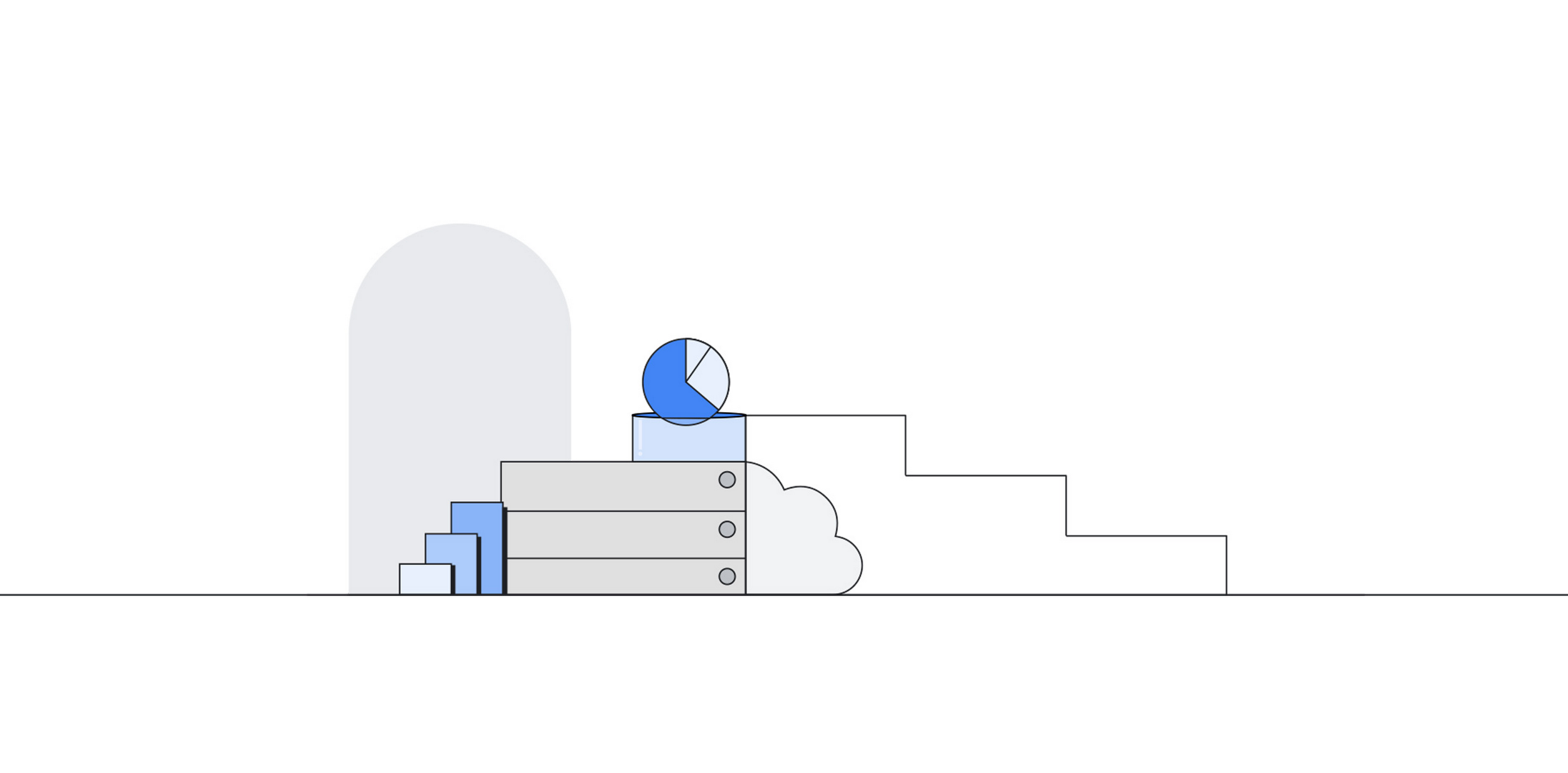
Since its launch, Cloud Spanner change streams has seen broad adoption by Spanner customers in healthcare, retail, financial services, and other industries. This blog post provides an overview of the latest updates to Cloud Spanner change streams and how they can be used to build event-driven applications.
-
How to use Proton VPN on a Chromebook without Android or Linux
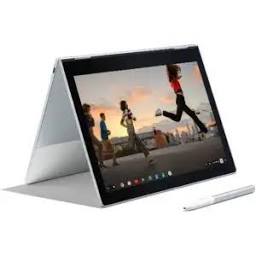
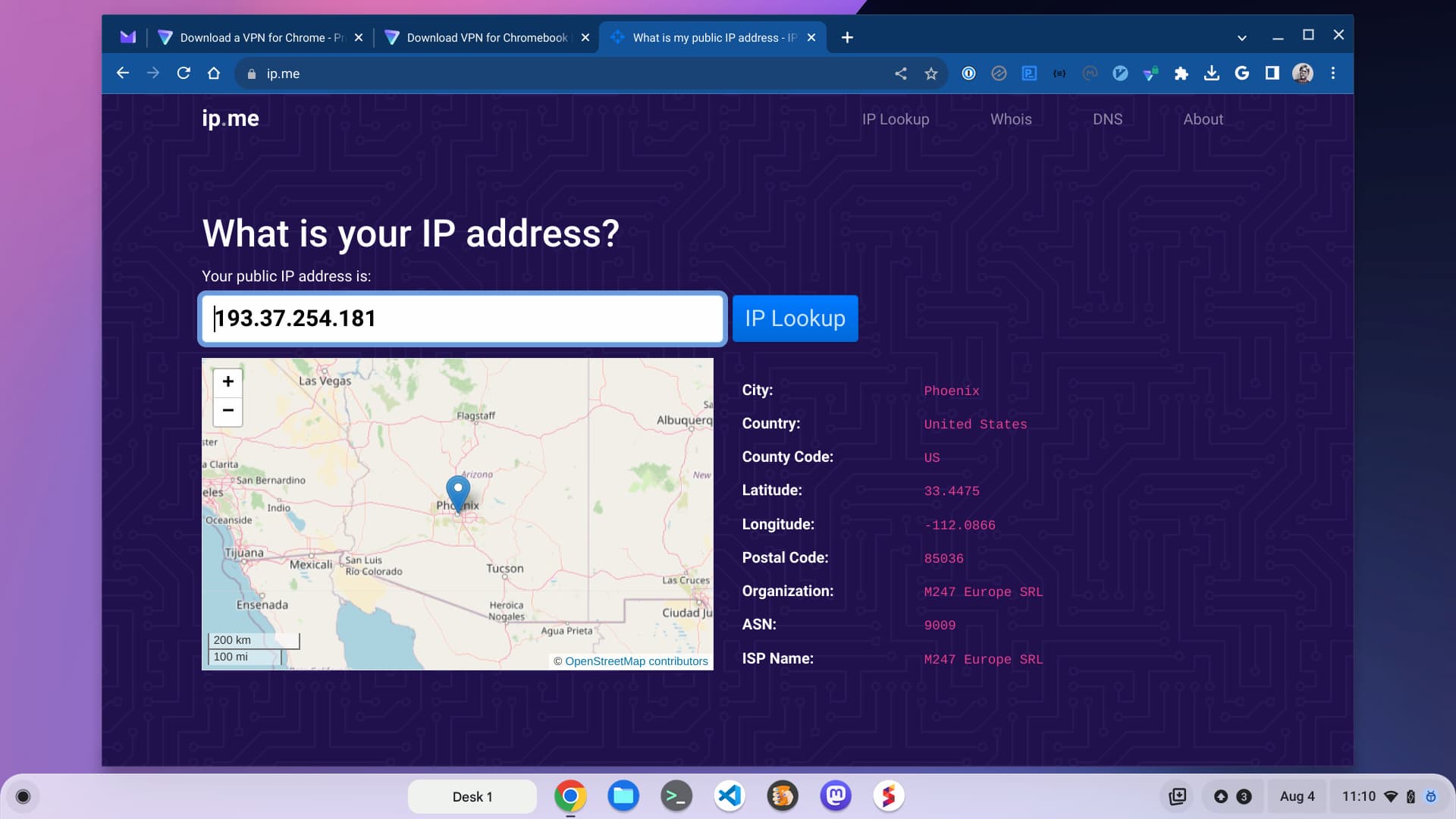
You can use Proton VPN on a Chromebook through either Android or Linux, but these use up your hardware resources. The Proton VPN extension solves that problem.
-
You can now buy the sleek, long-lasting ASUS Chromebook CM14 Flip at Walmart

We’ve been keeping an eye on the ASUS Chromebook CM14 Flip ever since its surprise unveiling at CES 2023. It’s one of those quiet Chromebooks that captured our attention thanks to an interesting combo of features, battery life and price.
-
Soon the most popular ‘real’ desktop will be the Linux desktop

Microsoft is moving Windows to the cloud and Apple will be happy to have you run macOS on the cloud Opinion If you count Android and Chrome OS as Linux, which I do, the Linux desktop accounts for 44.98 percent of the end user market.
-
How to disable Chrome’s ‘download tray’ & restore ‘Download bar’ at bottom
Google is rolling out redesigned download experience called “Download Tray” in the Chrome browser. Downloads now appear at the top right of the screen via an icon on the toolbar, rather than in a bottom bar. Here is how to restore Chrome’s classic or old downloads UI at the bottom.
-
How to disable Chrome’s ‘download tray’ & get ‘Download bar’ at bottom


Google is rolling out redesigned download experience called “Download Tray” in the Chrome browser. Downloads now appear at the top right of the screen via an icon on the toolbar, rather than in a bottom bar. Here is how to restore Chrome’s classic or old downloads UI at the bottom.
-
How to disable Chrome’s ‘download tray’ & get ‘Download bar’ at bottom
Google Chrome has introduced a new “download tray” on the toolbar, here is how to disable it and restore the old downloads UI
-
How to disable Chrome’s ‘download tray’ & get ‘Download bar’ at bottom
Google Chrome has introduced a new “download tray” on the toolbar, here is how to disable it and restore the old downloads UI
-
How to disable Chrome’s ‘download tray’ & get ‘Download bar’ at bottom
Google Chrome has introduced a new “download tray” on the toolbar, here is how to disable it and restore the old downloads UI
-
How to disable Chrome’s ‘download tray’ & get ‘Download bar’ at bottom
Google Chrome has introduced a new “download tray” on the toolbar, here is how to disable it and restore the old downloads UI
-
How to disable Chrome’s ‘download tray’ & get ‘Download bar’ at bottom
Google Chrome has introduced a new “download tray” on the toolbar, here is how to disable it and restore the old downloads UI
-
How to disable Chrome’s ‘download tray’ & get ‘Download bar’ at bottom
Google Chrome has introduced a new “download tray” on the toolbar, here is how to disable it and restore the old downloads UI
-
How to disable Chrome’s ‘download tray’ & get ‘Download bar’ at bottom
Google Chrome has introduced a new “download tray” on the toolbar, here is how to disable it and restore the old downloads UI
-
How to disable Chrome’s ‘download tray’ & get ‘Download bar’ at bottom
Google Chrome has introduced a new “download tray” on the toolbar, here is how to disable it and restore the old downloads UI
-
More Chromebook models are now eligible to get Minecraft for free via perks

Not long ago, Google introduced a new Perk, allowing certain Chromebook models to obtain the new Chromebook-ready Minecraft Android app for free.
-
Blue Origin tells staff to catch next rocket back to their desks
Face colleagues five days a week, Jeff Bezos’ space firm says Blue Origin, the off-planet enterprise owned by Jeff Bezos, has told staff to get back to the office for a five-day week – a move which sees the twilight of flexible WFH arrangements at the company.…
-
Don’t miss these 3 big deals on 3 big Chromebooks

Back to School season is in full swing – as evidenced by my trip out to the store during lunch that took twice as long as normal – and that means Chromebook deals are popping up left and right.
-
Lacros rescues Chromebooks by extending their lifespans
‘Play sports and live longer’ apparently now applies to ChromeOS as well as sedentary geeks The Lacros project – a contrived acronym for Linux and Chrome OS* – is an internal Google development project with a goal that may sound bizarre: to run the standalone Linux version of the Chrome web browser on top of…
-
Long Term Support Channel Update for ChromeOS
LTS-108 is updated in the LTS channel to 108.0.5359.239 (Platform Version: 15183.102.0) for most ChromeOS devices. Want to know more about Long Term Support? Click here.
-
Gboard is set to roll out a new “Resize” customization feature for tablets and foldables

Currently in the Beta version, Google’s Gboard is introducing a new feature called “Resize.
-
Optimizing your sustainability efforts for resilience
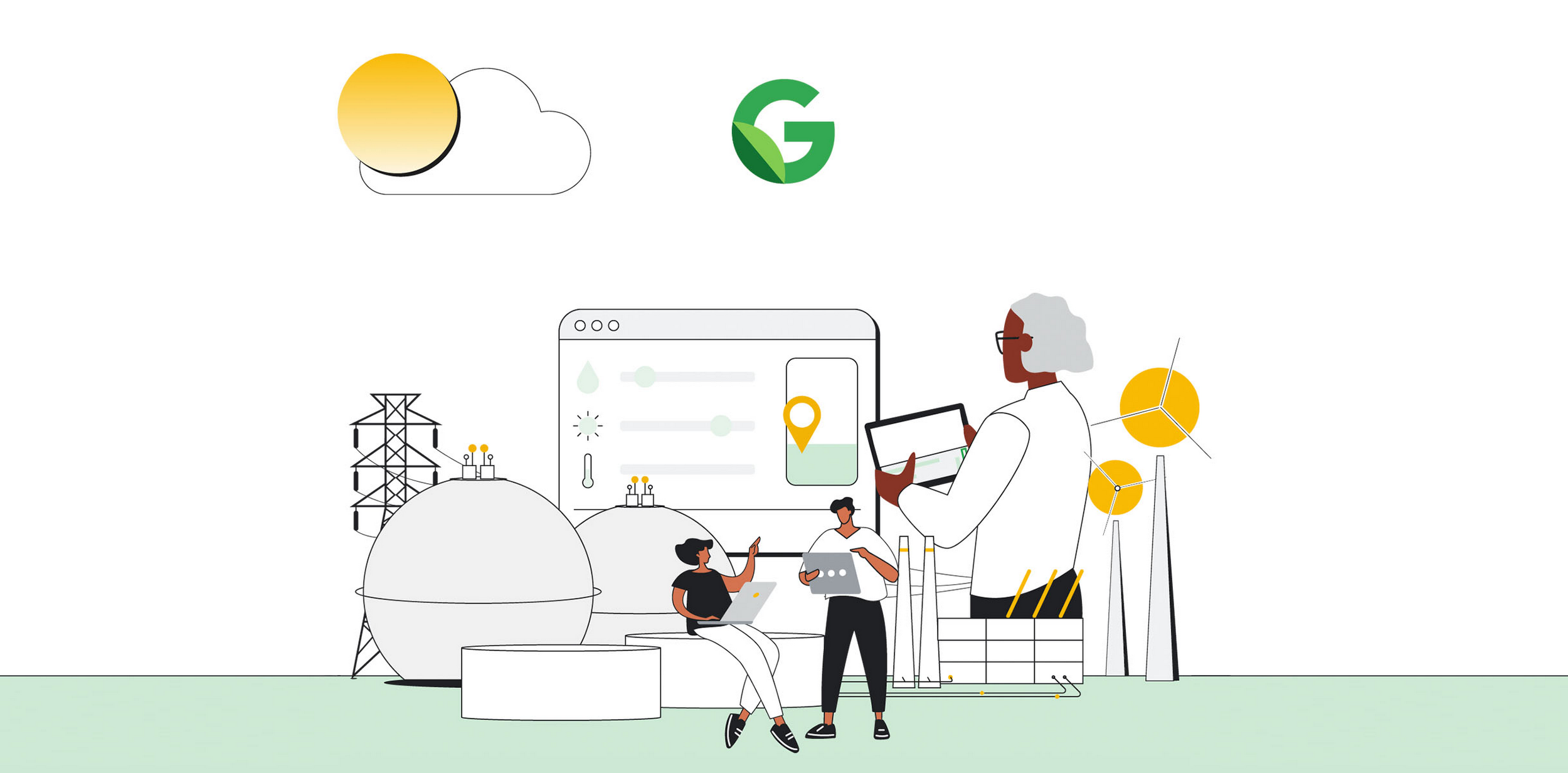
In our previous blog post, we discussed the foundational need to measure the progress of your sustainability program with verifiable data, and we introduced you to a number of Google Cloud Ready – Sustainability partners that can help you make it happen.
-
Chrome Beta for Android Update
Hi everyone! We’ve just released Chrome Beta 116 (116.0.5845.61) for Android. It’s now available on Google Play.You can see a partial list of the changes in the Git log. For details on new features, check out the Chromium blog, and for details on web platform updates, check here.
-
Chrome Beta for Desktop Update
The Beta channel has been updated to 116.0.5845.62 for Windows, Mac and Linux.A partial list of changes is available in the Git log. Interested in switching release channels? Find out how. If you find a new issue, please let us know by filing a bug.
Welcome to the ChromeOSphere
Your one-stop hub for all things Chrome OS and Chrome browser. Our mission is simple: to keep you connected with the pulse of this ever-evolving digital realm. From the latest updates on Chrome, ChromeOSphere brings together the diverse voices of the Chrome world.