
Weekly Issue: 2023-31
-
Predicting and mitigating weather risk to your business with BigQuery and Weather Source

Editor’s note: The post is part of a series showcasing our partner solutions that are Built with BigQuery.In a world where data-driven decision-making is the key to success, have you ever considered the impact that weather can have on your organization?
-
Chrome Stable for iOS Update

Hi everyone! We’ve just released Chrome Stable 115 (115.0.5790.160) for iOS; it’ll become available on App Store in the next few hours.This release includes stability and performance improvements. You can see a full list of the changes in the Git log.
-
Don’t miss $150 off on the powerful Acer Chromebook 516 GE

If you are shopping for a great Chromebook for the Back to School season, you may have just found exactly what you are looking for. Right now, Best Buy is offering the Acer Chromebook 516 GE – easily one of my favorite Chromebooks available right now – for just $499.
-
What to expect from Google’s new Fitbit app: coming this fall

Google has just announced a completely revamped Fitbit app scheduled for launch later this fall. The new app will offer a comprehensive, personalized perspective on health and wellness, focusing on the metrics most important to the individual using it.
-
Google Assistant plans a return to its former glory with the help of Artificial Intelligence

I’ve been on a warpath against Google Assistant this year both in my home and in my highly opinionated pieces here on Chrome Unboxed. Google’s once golden child has become dumber than a box of rocks, and most of our readers agree whole heartedly each time we have this discussion.
-
Exclusive: customized RBG keyboard color zones coming to Chromebooks

Last year about this time, we were first introduced to the idea of a gaming-centered Chromebook. Three devices launched and a few months later, ASUS’ second, vastly improved attempt showed up as well, giving us 3 great options in this space.
-
Though delayed, Google’s revamped Find My Device network for Android gets leaked early

According to a new leak from the Google News Telegram group, who’s been responsible for several neat sneak peaks lately including the Google Calendar and News widgets, the Google Weather redesign and more, Google’s “Find My Device” network will soon be completely revamped!
-
Scroll-driven animations – New in Chrome 115


Watch the full video → https://goo.gle/3OBmkj1 Catch the latest → https://goo.gle/NewInChrome Subscribe to Google Chrome Developers → https://goo.gle/ChromeDevs #NewInChrome
-
It may be easier to move to other platforms next year thanks to changes coming to Google Takeout

Google Takeout, the tool we all use (or should be using) to backup all of our Google Account data, may soon undergo a long overdue upgrade. The proposed enhancements aim to streamline the process of exporting your data to other platforms – hallelujah!
-
Google is cleaning house: How to save your dormant account from deletion

We woke up to a curveball from Google, and it might just rattle your peace of mind. In the online world, out of sight often means out of mind, but with a new policy that’s started rolling out today, ignoring those rarely used accounts could come with a heavy price.
-
Cloud CISO Perspectives: Late July 2023
Welcome to the second Cloud CISO Perspectives for July 2023. Security, privacy, and protecting data is one of the major drivers behind the accelerated transformations in healthcare.
-
Simplify data lake pipelines with new Pub/Sub Cloud Storage subscriptions
Ever wanted to move your data from Pub/Sub into Cloud Storage? Until today, data engineers focused on building the data lake for their organizations had to put together complex data pipelines to ingest streaming data from Pub/Sub into Cloud Storage.
-
Introducing predictable cost options for Cloud Data Loss Prevention
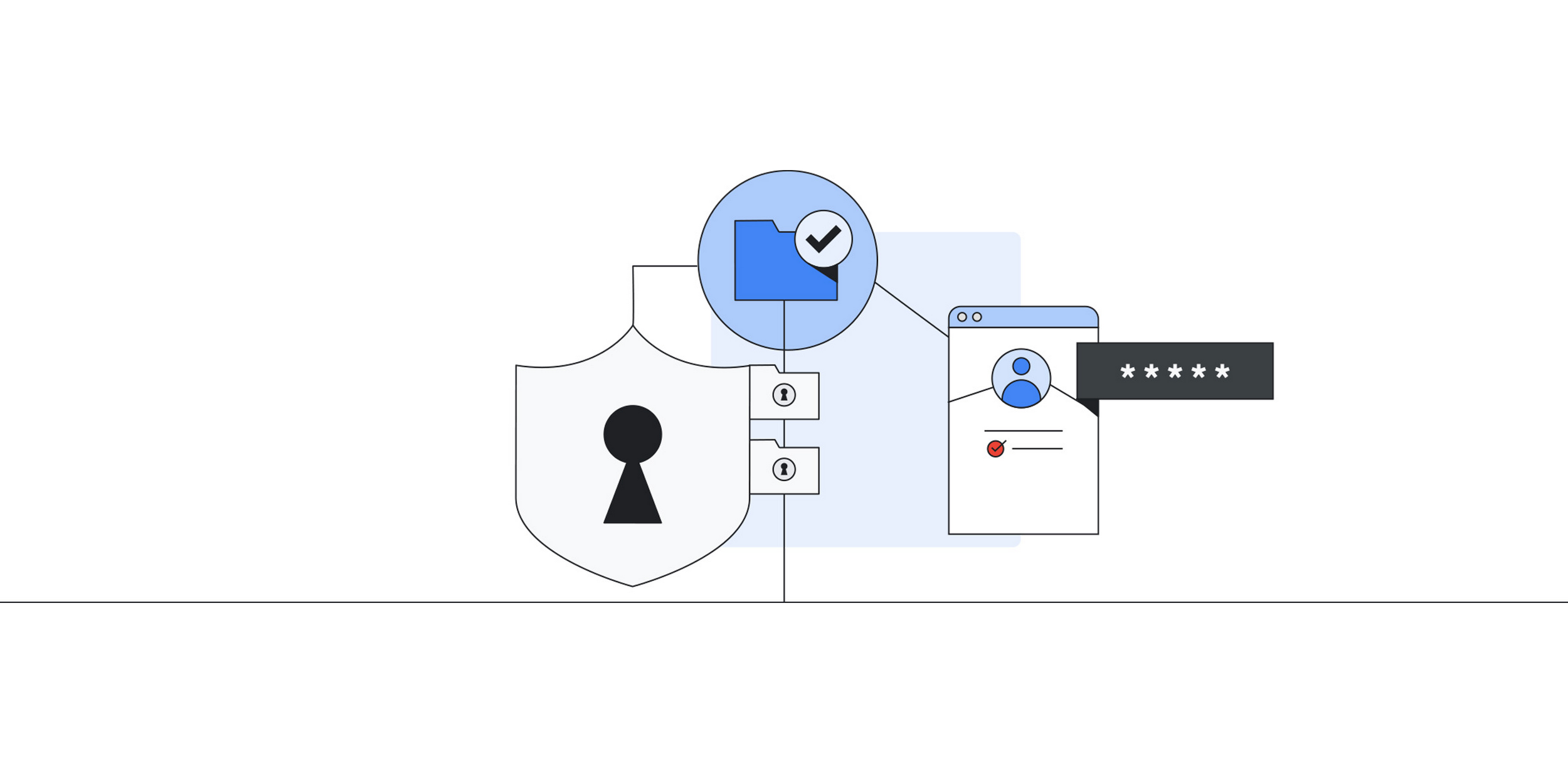
Cloud Data Loss Prevention’s Discovery service can help you discover, profile, and monitor sensitive data across your entire organization or just select projects. We’ve expanded the service to cover BigQuery and BigLake, with more cloud analytics services that manage sensitive data coming later this year.
-
New leak reveals Pixel Watch 2 exclusive watch faces

With the first Pixel Watch, the general consensus is that Google did a great job for a first-gen product.
-
Chrome Incognito Mode no longer leaks Video Title & Thumbnail on Lock Screen
Google has done it. Chrome incognito mode now hides the media metadata from Windows media controllers. For instance, on Windows 11 lock screen, you’ll now see the message “A site is playing media” instead of an album title and image.
-
Chrome Incognito Mode no longer leaks Video Title & Thumbnail on Lock Screen


Google has done it. Chrome incognito mode now hides the media metadata from Windows media controllers. For instance, on Windows 11 lock screen, you’ll now see the message “A site is playing media” instead of an album title and image.
-
Chrome Incognito Mode no longer leaks Video Title & Thumbnail on Lock Screen
Google has done it. Chrome incognito mode now hides the media metadata from Windows media controllers. For instance, on Windows 11 lock screen, you’ll now see the message “A site is playing media” instead of an album title and image.
-
Chrome Incognito Mode no longer leaks Video Title & Thumbnail on Lock Screen
Google has done it. Chrome incognito mode now hides the media metadata from Windows media controllers. For instance, on Windows 11 lock screen, you’ll now see the message “A site is playing media” instead of an album title and image.
-
Chrome Incognito Mode no longer leaks Video Title & Thumbnail on Lock Screen
Google has done it. Chrome incognito mode now hides the media metadata from Windows media controllers. For instance, on Windows 11 lock screen, you’ll now see the message “A site is playing media” instead of an album title and image.
-
Chrome Incognito Mode no longer leaks Video Title & Thumbnail on Lock Screen
Google has done it. Chrome incognito mode now hides the media metadata from Windows media controllers. For instance, on Windows 11 lock screen, you’ll now see the message “A site is playing media” instead of an album title and image.
-
Chrome Incognito Mode no longer leaks Video Title & Thumbnail on Lock Screen
Google has done it. Chrome incognito mode now hides the media metadata from Windows media controllers. For instance, on Windows 11 lock screen, you’ll now see the message “A site is playing media” instead of an album title and image.
-
Chrome Incognito Mode no longer leaks Video Title & Thumbnail on Lock Screen
Google has done it. Chrome incognito mode now hides the media metadata from Windows media controllers. For instance, on Windows 11 lock screen, you’ll now see the message “A site is playing media” instead of an album title and image.
-
Chrome Incognito Mode no longer leaks Video Title & Thumbnail on Lock Screen
Google has done it. Chrome incognito mode now hides the media metadata from Windows media controllers. For instance, on Windows 11 lock screen, you’ll now see the message “A site is playing media” instead of an album title and image.
-
Chrome Incognito Mode no longer leaks Video Title & Thumbnail on Lock Screen
Google has done it. Chrome incognito mode now hides the media metadata from Windows media controllers. For instance, on Windows 11 lock screen, you’ll now see the message “A site is playing media” instead of an album title and image.
-
Chrome Incognito Mode no longer leaks Video Title & Thumbnail on Lock Screen
Google has done it. Chrome incognito mode now hides the media metadata from Windows media controllers. For instance, on Windows 11 lock screen, you’ll now see the message “A site is playing media” instead of an album title and image.
-
Chrome Incognito Mode no longer leaks Video Title & Thumbnail on Lock Screen
Google has done it. Chrome incognito mode now hides the media metadata from Windows media controllers. For instance, on Windows 11 lock screen, you’ll now see the message “A site is playing media” instead of an album title and image.
Welcome to the ChromeOSphere
Your one-stop hub for all things Chrome OS and Chrome browser. Our mission is simple: to keep you connected with the pulse of this ever-evolving digital realm. From the latest updates on Chrome, ChromeOSphere brings together the diverse voices of the Chrome world.