
-
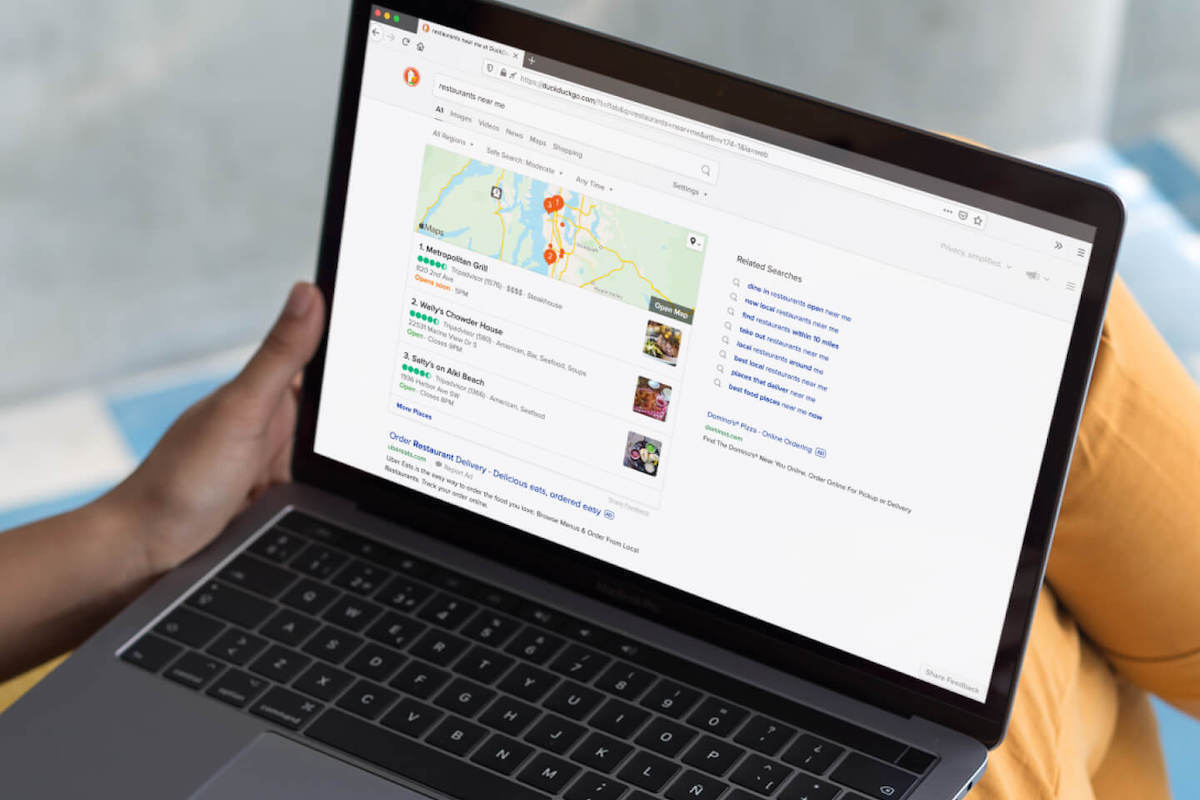
DuckDuckGo, the privacy-centric internet company best known for its search engine of the same name, released a public beta of its own browser for Windows PCs today.Characteristically, the browser puts user privacy front and center.
-
Flexing device works where surgeons find hard to reach Scientists have developed a robot that can perform safe and minimally invasive medical procedures inside the body using a magnetically controlled folding and flexing structure.…
-

One of the latest features to come to Pixel phones is the recently-introduced Cinematic Wallpaper.
-
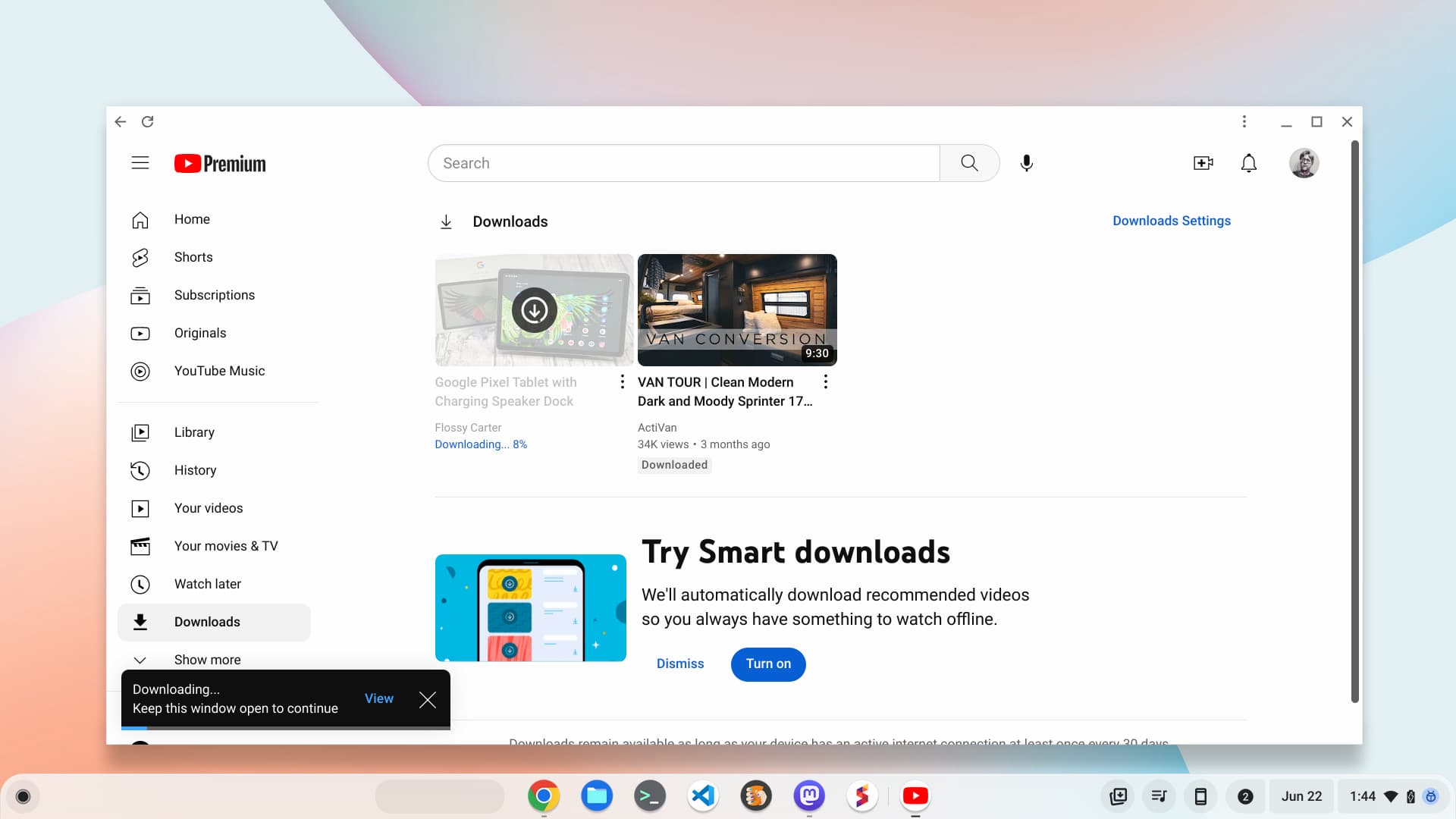
Reports of Google’s “Chromebook X” effort suggest Chromebook X branding with a minimum set of hardware specs. Here’s a better approach for a wider audience.
-
Hi everyone! We’ve just released Chrome Dev 116 (116.0.5842.3) for Android. It’s now available on Google Play.You can see a partial list of the changes in the Git log. For details on new features, check out the Chromium blog, and for details on web platform updates, check here.
-
TL;DR – Google Cloud budgets are now easier to customize, allowing you to scope costs by folders or organizations instead of the entire billing account or choosing specific projects.The best way to keep an eye on your Google Cloud costs is by creating budgets.
-

Agencies at all levels of government are looking to technology in order to scale their efforts, respond quickly and provide critical services to the community.
-

Since the earliest news of the Pixel Tablet arrived, we all assumed Google would make a simple keyboard and stylus solution for their new, larger-screened device.
-
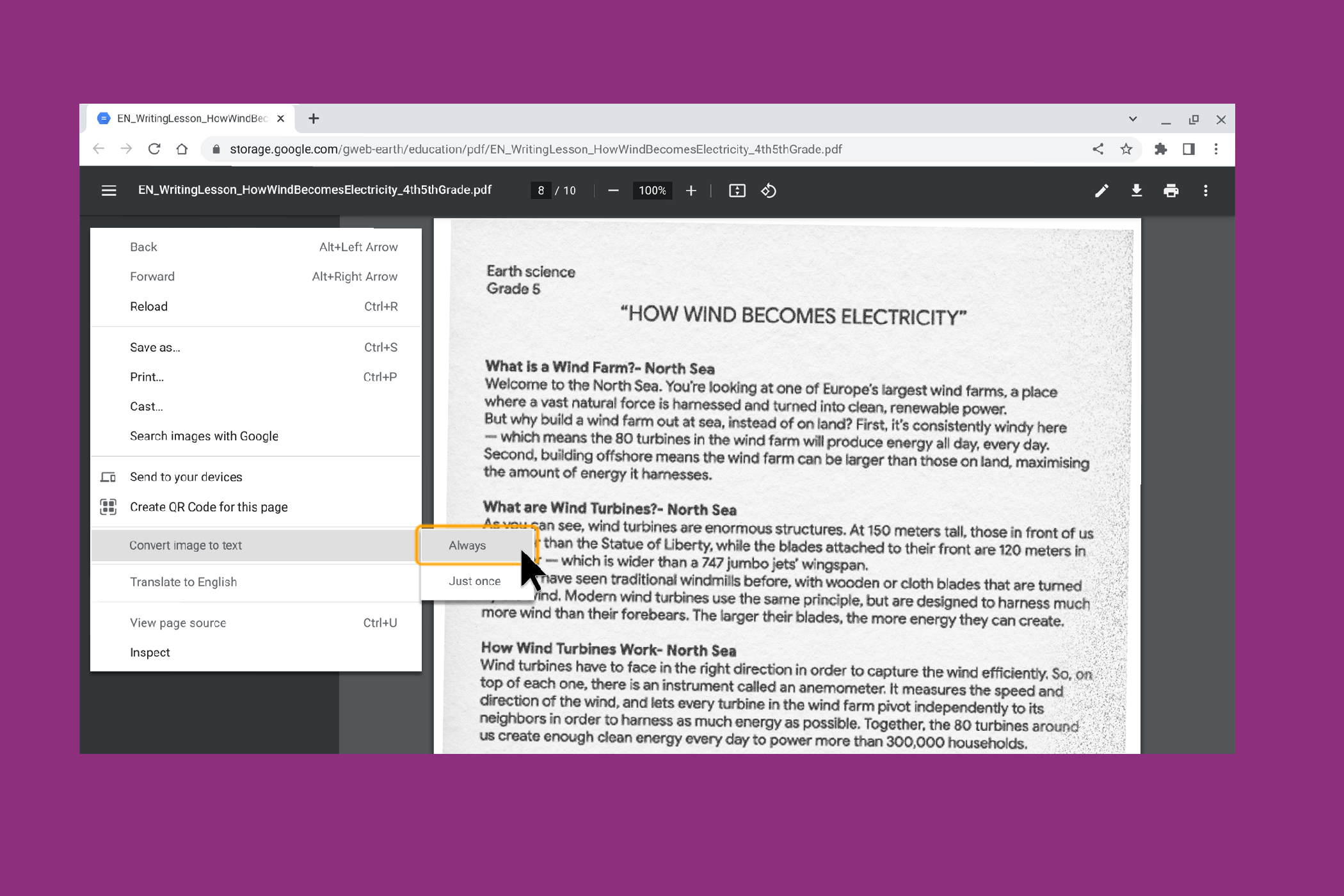
Google is adding PDF OCR technology to Chrome, so users can convert things in an image to text, and easily read or access them
-

We’re announcing new features like image to text on Chrome browser and updated safety controls for admins in Google Admin Console.
-
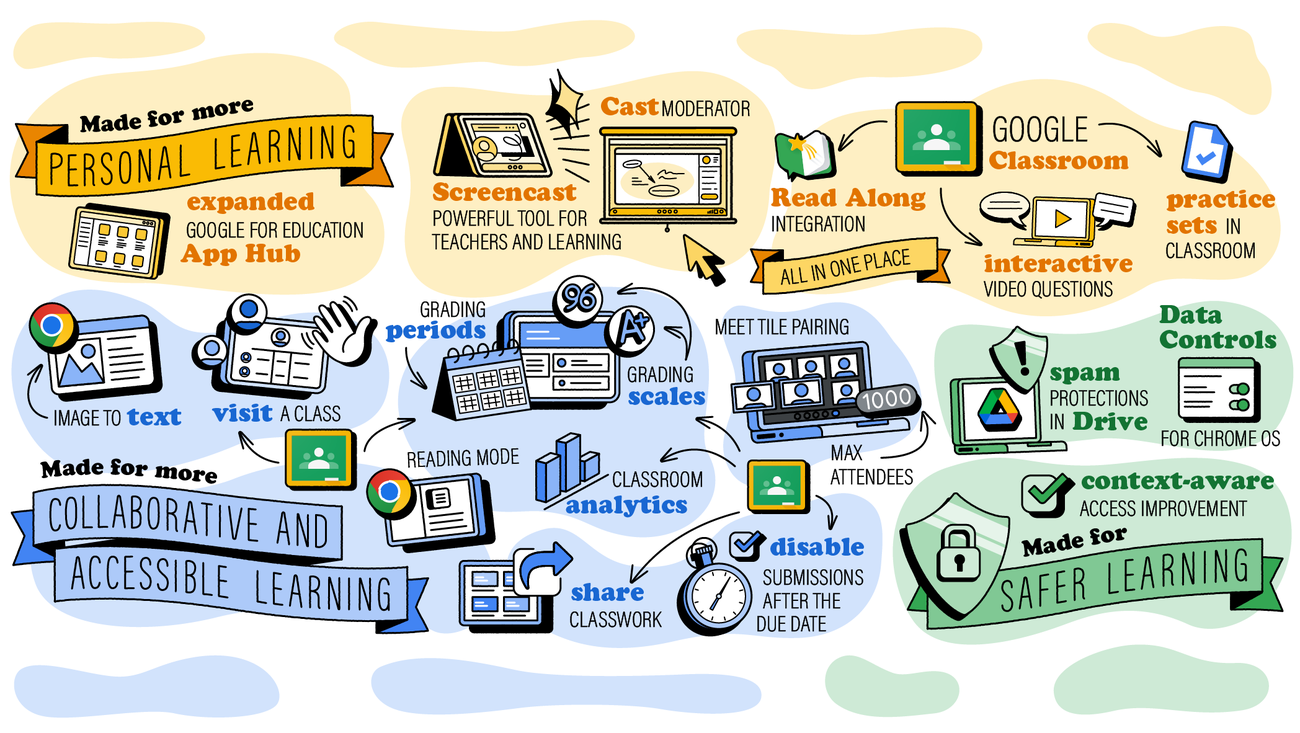
Today at ISTE, we’re introducing new tools in Google Workspace for Education and Chromebooks.
-

Finally, after a long time, since the launch of Tab Hover Cards, Google has added an option in the Appearance settings of Chrome browser to control image visibility on Tab Hover Preview cards.
-
The Stable channel is being updated to 114.0.5735.143 (Platform version: 15437.57.0) for most ChromeOS devices and will be rolled out over the next few days. This build contains a number of bug fixes and security updates.
-
Google looks to be prepping a new standard for Chromebook excellence with ‘Chromebook X’
 Issue 2023-25
In a report from 9to5 Google yesterday, it seems Google could be right on the cusp of delivering a new way for consumers to make sense of the growing – and sometimes confusing – Chromebook market.
-
Hi everyone! We’ve just released Chrome Beta 115 (115.0.5790.40) for Android. It’s now available on Google Play.You can see a partial list of the changes in the Git log. For details on new features, check out the Chromium blog, and for details on web platform updates, check here.
-
The Beta channel has been updated to 115.0.5790.40 for Windows,Linux and MacA full list of changes in this build is available in the log. Interested in switching release channels? Find out how here. If you find a new issues, please let us know by filing a bug.
-
Hi everyone! We’ve just released Chrome Beta 115 (115.0.5790.40) for iOS; it’ll become available on App Store in the next few days.You can see a partial list of the changes in the Git log. If you find a new issue, please let us know by filing a bug.Krishna GovindGoogle Chrome
-
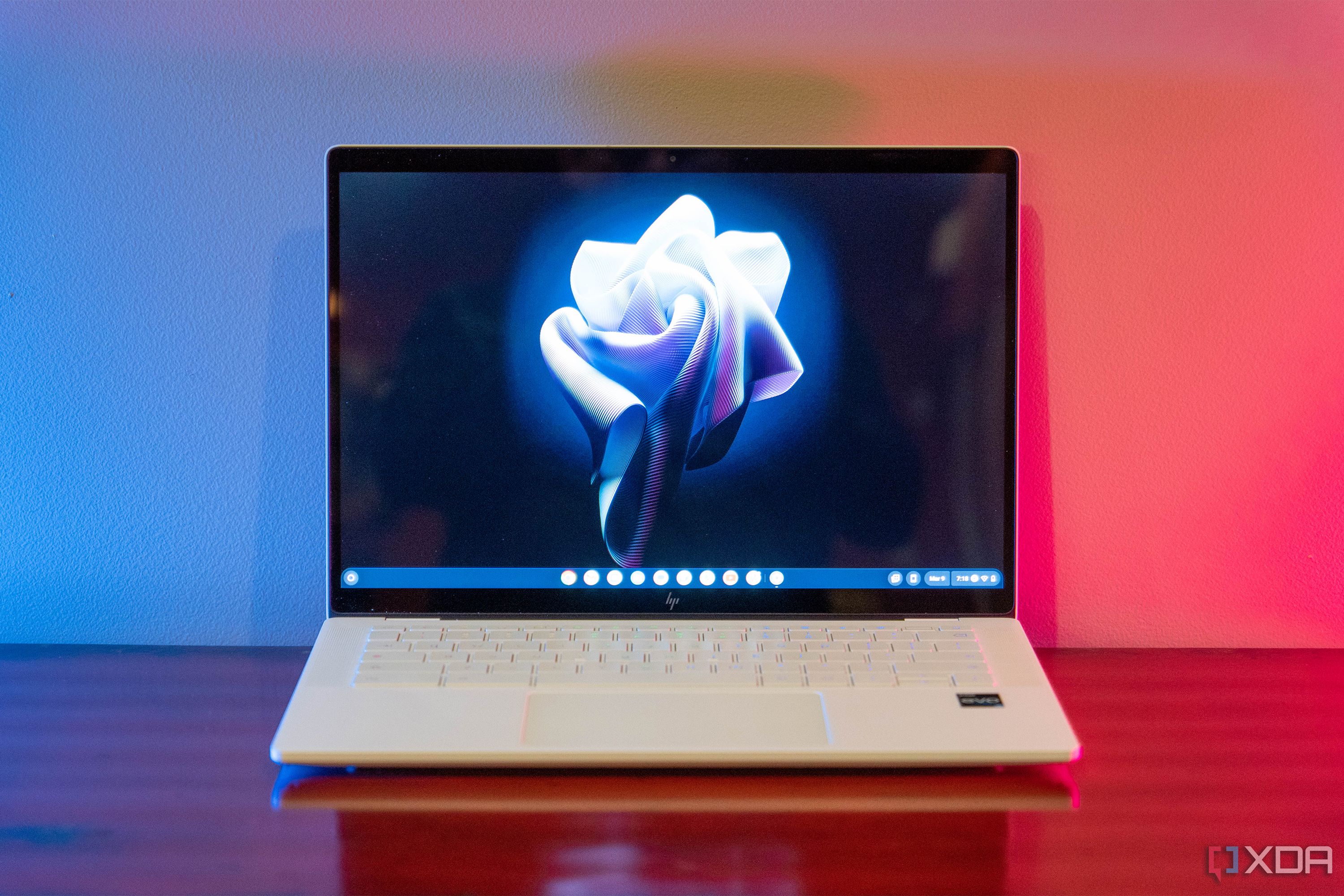
A new program could launch this year to highlight and distinguish premium ChromeOS devices.
-

The Chrome team at Google does a very solid job of keeping the browser on parity across all the platforms on which it lives. As with most software, Chrome does vary a bit from OS to OS but most features usually make it to all platforms sooner or later.
-
LTS-108 is being updated in the LTS channel to 108.0.5359.235 (Platform Version: 15183.98.0) for most ChromeOS devices. Want to know more about Long Term Support? Click here.
-

I’m not going to lie: I’m getting pretty excited about what OnePlus is set to officially unveil in the V Fold, supposedly coming in August.
-
Arpeely disrupts digital advertising with ML-based demand generation platform on Google Cloud
 Issue 2023-25
AtArpeely, we’ve developed some of the world’s most advanced advertising technology. Our machine learning (ML) media acquisition platform and “win-win” business model enables customers to bring highly intentful users to their offerings with precision, peace of mind and minimal overhead.
-

Once again, our favorite ChromeOS tablet of all time is back on sale and yes, it is still an exceptional value at this steeply discounted price. Of course, I’m talking about the sleek and versatile Lenovo Duet 5 Chromebook.
-

I’m pretty shocked by this right now. The Pixel Fold – due to ship out to early buyers from the Google Store by the end of the month – is now available for pre-order from AT&T and Verizon.
-
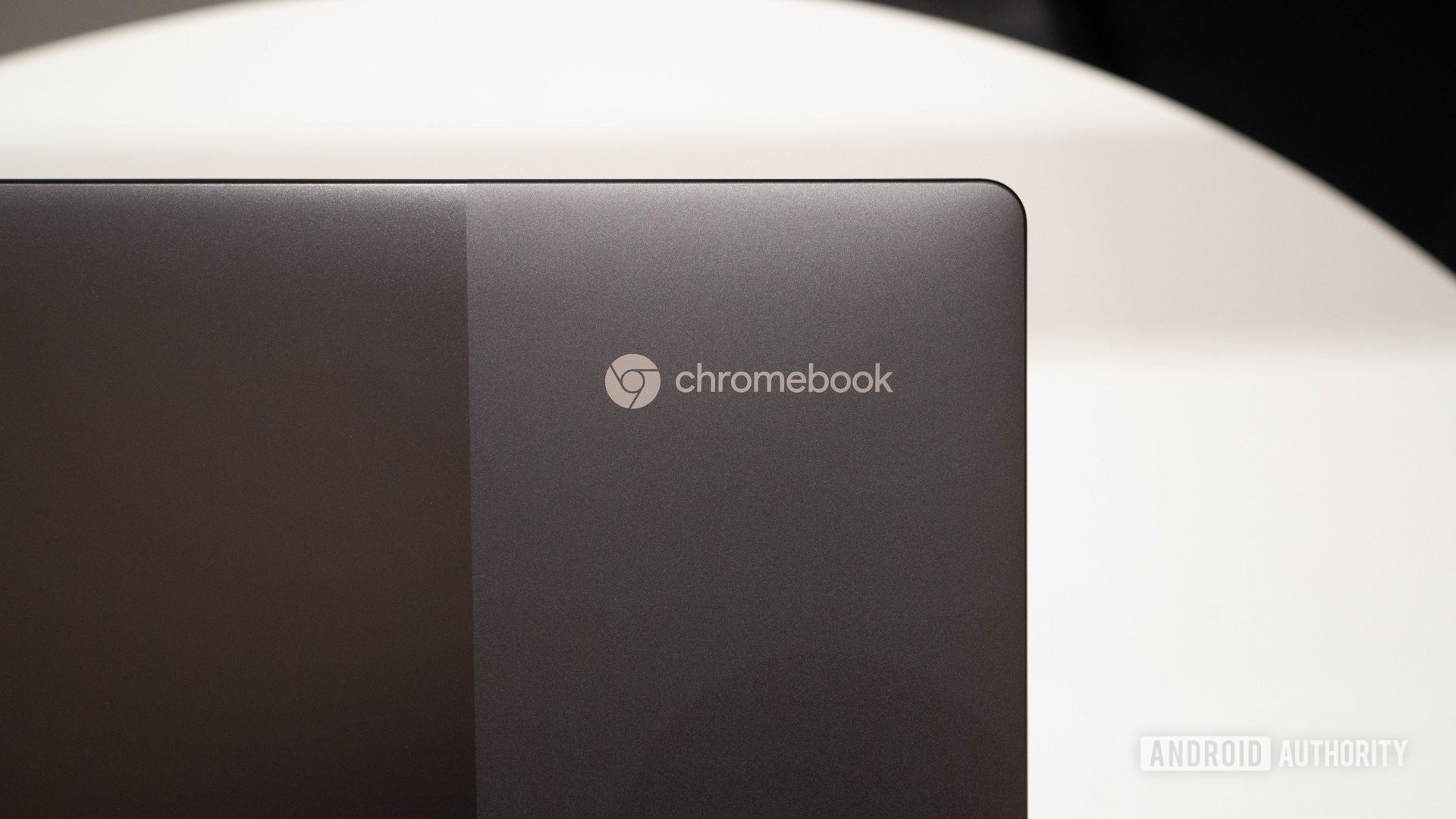
Expect hardware branding, a special boot screen, and extra features for these laptops.
-

When does a Chromebook become more than “just a Chromebook?” That’s the question that Google has set out to answer with its upcoming “Chromebook X” program for high-quality laptops and tablets.
-

When it comes to larger laptops, 15.6″ is about the max for my personal preference. I’m actually most at home with something around the 14-inch display size but I’m not everyone and there’s clearly a market for the over sized laptop or OEMs wouldn’t keep making them.
-

Opera went live today with Opera One, an extensive makeover of its namesake Chrome-based web browser that includes a native generative AI feature that allows users to ask it to create text or computer code and get questions answered with greater detail.
-

Have you ever picked up your phone or opened your laptop just to find that the screen looks like something out of a Predator movie? You know what I mean. All the colors are jacked up and it looks like you’re seeing things through infrared goggles.
-
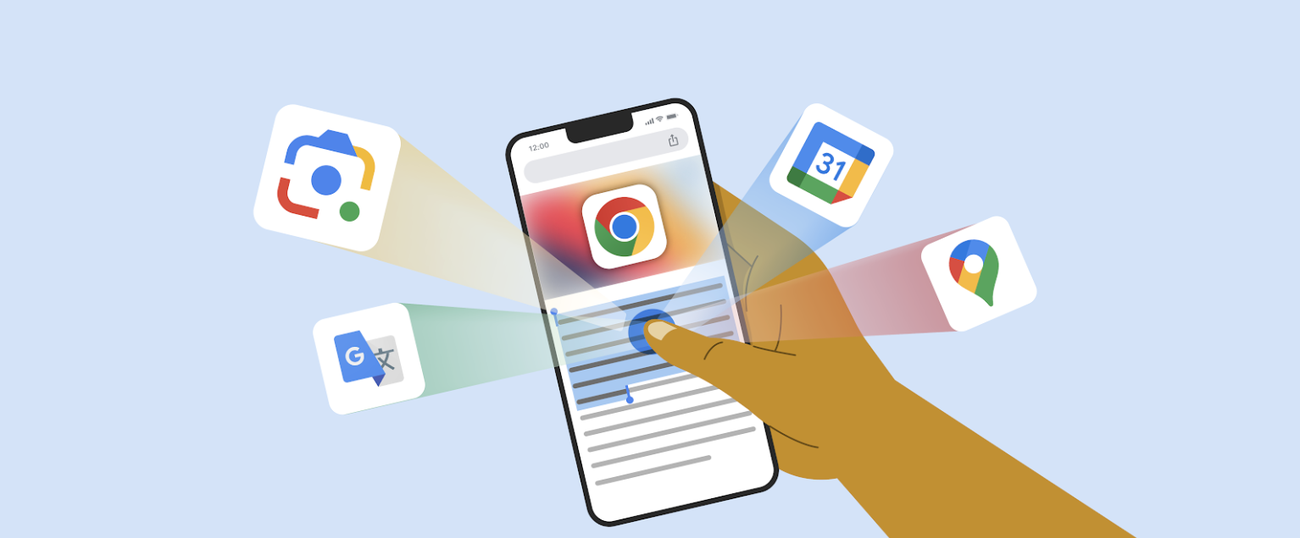
Check out four new and favorite Chrome features coming to your iOS device.
-
Innovating Japanese Customer Service at TEPCO Energy Partner with Google Maps Platform
Issue 2023-25
Editor’s note: Today’s article comes from Mr. Yoshitaka Iizuka, Team Leader of the DX Promotion Office at TEPCO Energy Partner, Inc., a group company of Tokyo Electric Power Holdings, Inc. (TEPCO). Iizuka is leading a comprehensive digital transformation (DX) initiative based on Google Maps Platform.
-
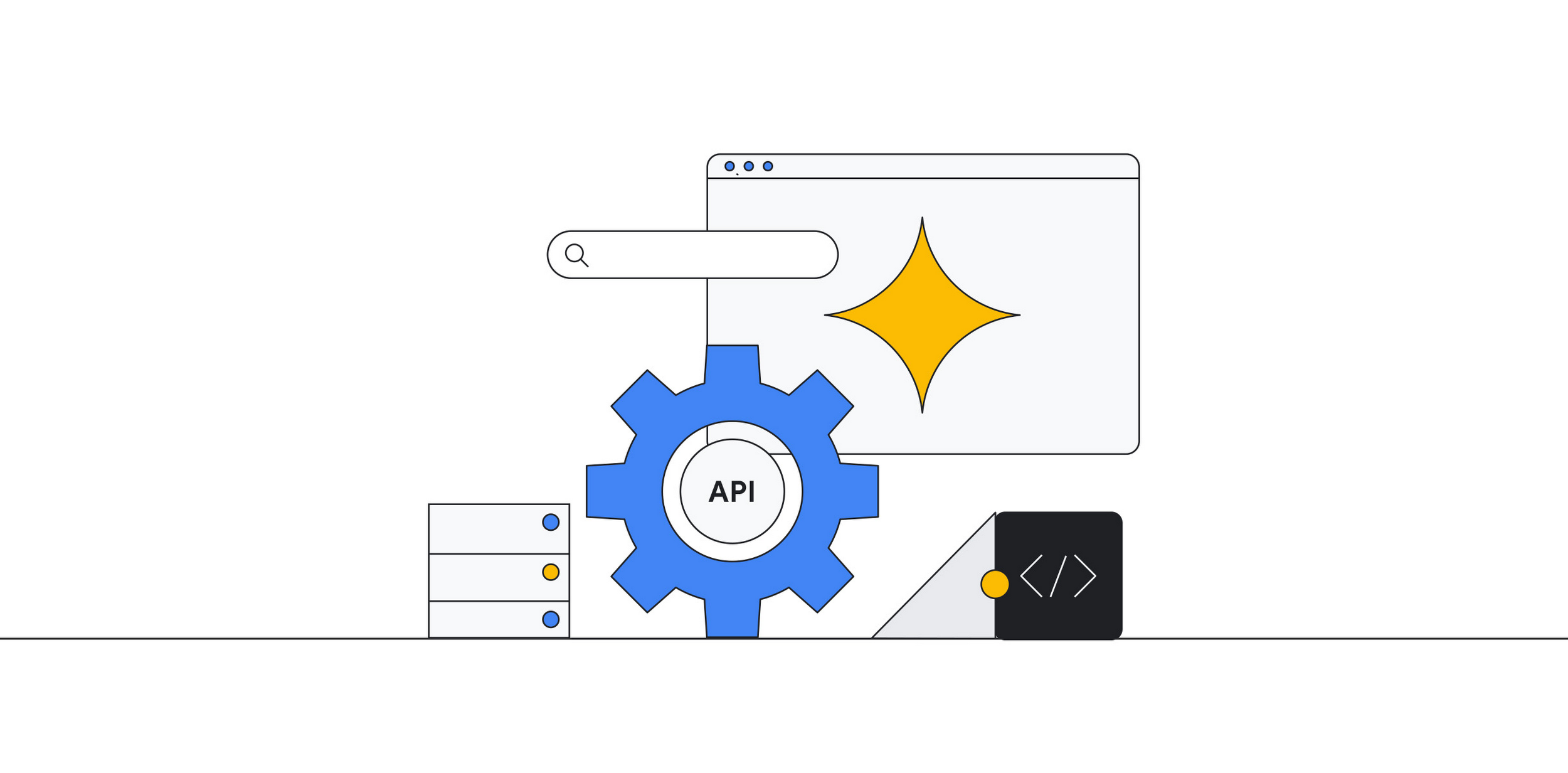
With 150 million users and counting, Picsart was originally founded as a photo and video editing app we use to enhance our everyday life before uploading them to various social media platforms.
-
/cdn.vox-cdn.com/uploads/chorus_asset/file/24738029/chromeios.jpg)
Image: Google Google is adding some more features to its Chrome iOS browser to tempt iPhone users away from Safari. Chrome on iOS is getting built-in Google Lens support soon, which will allow Chrome users to search for anything they see using just their camera.
-
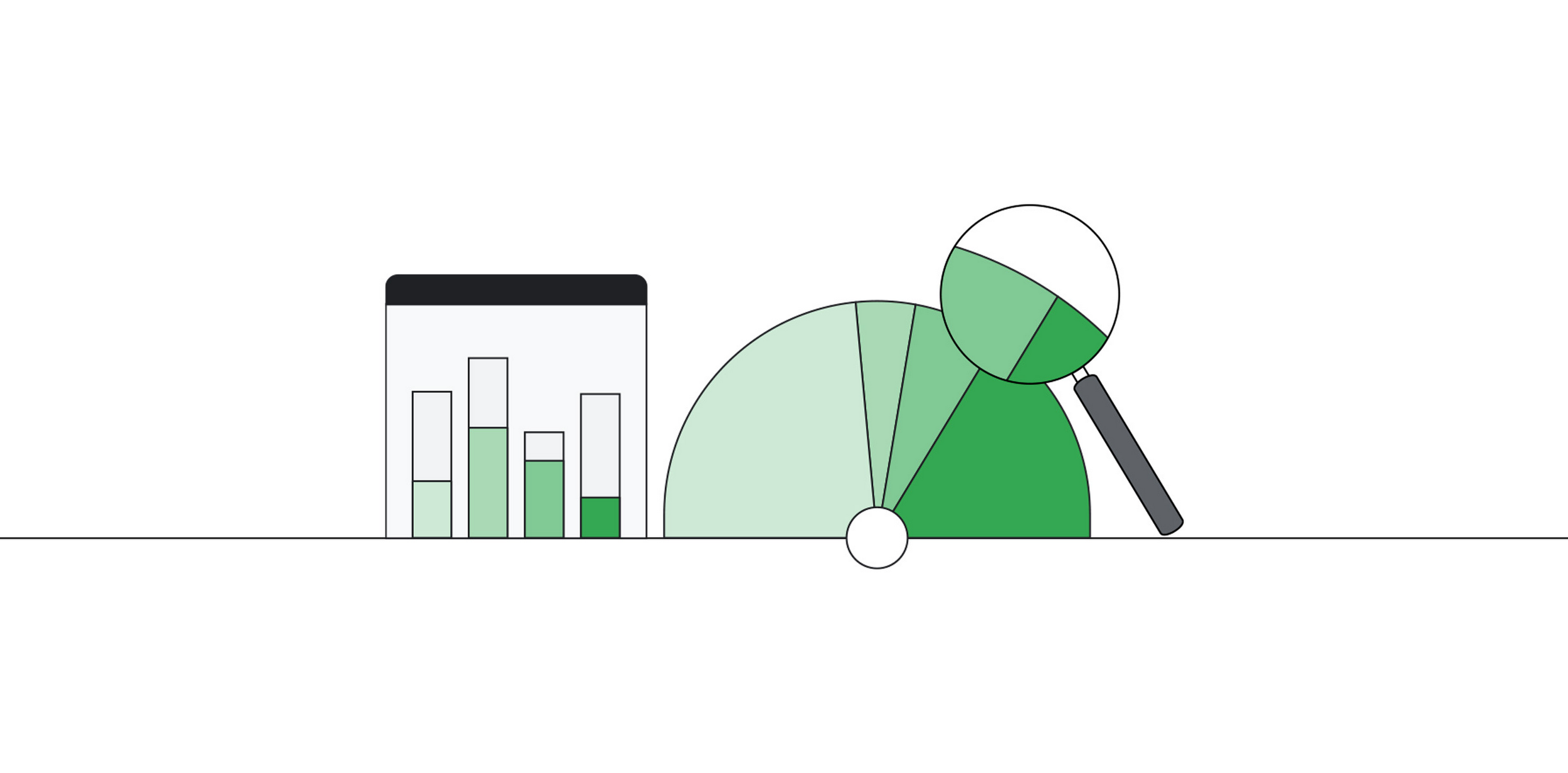
When your data is siloed data across lakes and warehouses, it can be hard to transform outcomes with your data.
-

Today is the day! Google’s long-awaited Pixel Tablet with its included charging speaker dock is officially available. Those that pre-ordered may already have theirs in-hand or are anxiously waiting for the delivery driver to arrive on their doorsteps.









Welcome to the ChromeOSphere
Your one-stop hub for all things Chrome OS and Chrome browser. Our mission is simple: to keep you connected with the pulse of this ever-evolving digital realm. From the latest updates on Chrome, ChromeOSphere brings together the diverse voices of the Chrome world.