
If you follow esports seriously — tracking live scores, monitoring odds, watching streams, switching between match pages and stat trackers — you are running this workflow on a machine that is actively working against you.
Windows is doing things in the background at the exact moments you need it not to. And the cost is not dramatic crashes or error screens. The cost is latency: tabs that take a beat longer to refresh, streams that buffer mid-round, input lag in bet placement that costs you a line you wanted.
A user on Microsoft’s own support forum described the exact scenario: after upgrading a gaming laptop from Windows 10 to Windows 11, FPS, latency, and ping all got significantly worse, and Task Manager showed 48 separate instances of svchost.exe running simultaneously. That’s not a bug report — that’s Windows 11 behaving normally.
The problem isn’t raw throughput. The issue is frametimes — specifically the 0.1% and 1% lows that create visible stutters when a background process suddenly grabs CPU cycles.
For gaming that matters. For esports monitoring, it matters differently but just as much.
What Windows Is Doing While You Watch?
SysMain preloads frequently used apps into RAM. On a machine with 32GB, it’s actively competing for memory bandwidth.
Windows Search indexing is the worst offender for disk spikes — it runs at low priority in theory, but on NVMe drives it still generates I/O that causes frametime variance.
Windows machines tend to accumulate baggage over time with launchers, update agents, and monitoring tools all quietly hooking themselves into startup.
Windows 11’s new Low Latency Profile feature operates silently in the background, activating only when the system detects short, interactive workloads. It is completely invisible to the end user.
There is currently no option in the Settings app to manage or monitor the feature — the only way to get an idea of whether it is active is through the Performance tab in Task Manager.
In other words: Windows is trying to fix a latency problem it created, invisibly, with a tool you cannot see or control. That is not a system optimized for time-sensitive work.
Why ChromeOS Wins the Monitoring Workflow?
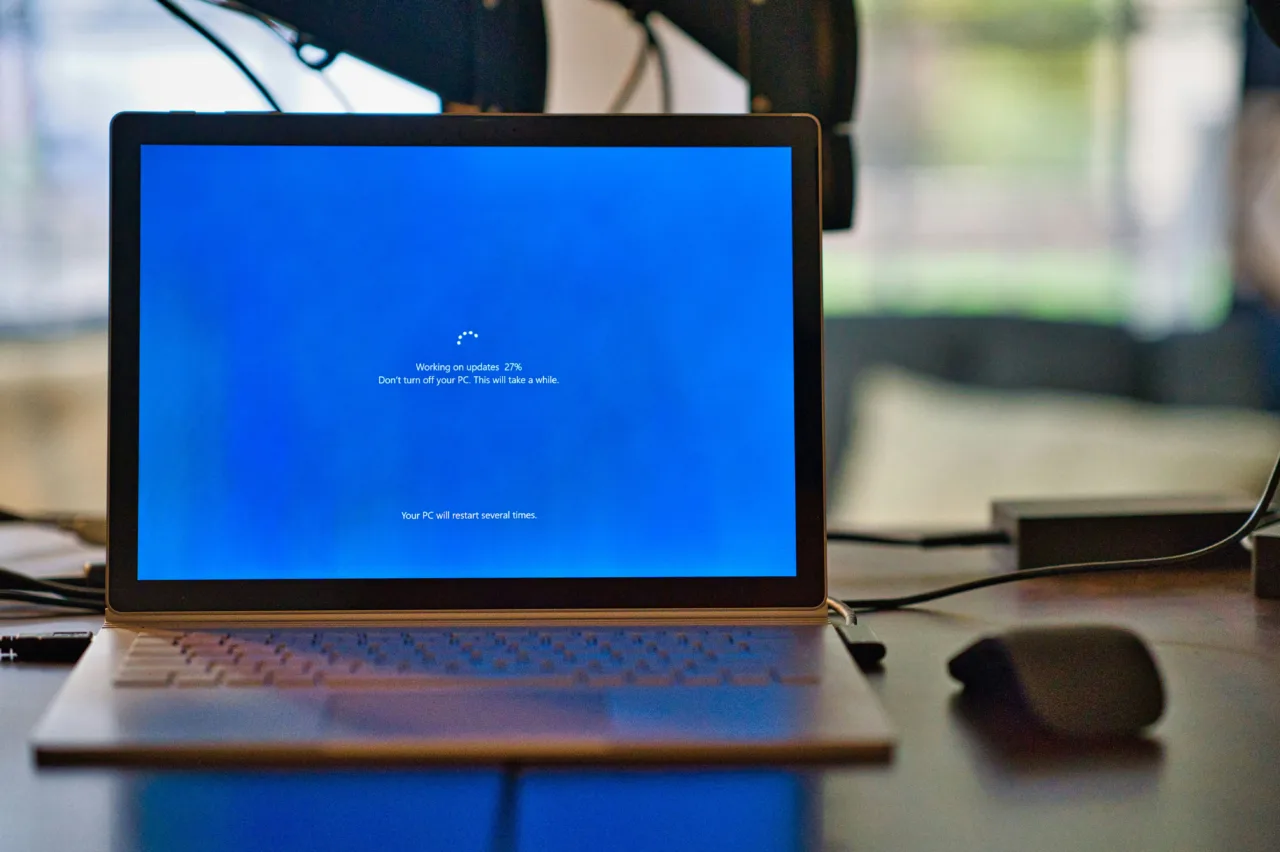
ChromeOS devices boot in 5 to 10 seconds. Windows 11 laptops take 20 to 40 seconds on the same hardware class. ChromeOS updates download in the background and apply on the next reboot in about 10 seconds. Windows updates sometimes require 20 to 30 minutes and occasionally interrupt active work.
No ransomware attacks on ChromeOS have been documented as of mid-2026. Windows runs more background security processes, antivirus scans, and firewall checks — these consume additional CPU and RAM.
For a browser-based esports monitoring workflow — multiple tabs, live streams, stat trackers, odds pages — ChromeOS eliminates the entire category of background-process interference that Windows creates. ChromeOS’s sandboxed architecture means each tab runs in isolation.
The system is simpler and often cheaper, with its power ceiling lower unless your entire life lives in web apps and cloud services — which an esports monitoring setup absolutely does.
Esports Betting: Where Latency Directly Costs You
This is where the latency gap stops being theoretical and starts being financial. The esports betting market moves fast — live odds shift with kills, objectives, and round outcomes in real time.
A monitoring setup that introduces even half a second of additional latency between a game event and your screen is a setup that costs you lines.
The platforms that serve this audience best are those built for browser-native, low-latency interaction — and the sites that have invested in that infrastructure stand apart from those that have not.
Before committing to any platform for live esports wagering, understanding the landscape of options is genuinely useful.
A thorough review of esports betting sites on Win.gg covers the major platforms in detail — evaluating live betting infrastructure, interface responsiveness, market depth across titles like CS2, VALORANT, and League of Legends, and which sites are actually optimized for the kind of fast-moving, tab-heavy monitoring workflow that serious esports bettors run.
The Practical Switch
You do not need to abandon Windows entirely. But if your esports monitoring happens on a secondary device — a laptop you keep open beside your main screen — the argument for ChromeOS is close to airtight.
Chromebooks average 10 to 13 hours of battery life per charge, compared to 4 to 10 hours for most Windows laptops.
Web benchmark scores show near-parity between the two platforms on identical hardware — the browser engine, not the OS, determines web performance.
Same browser performance. Longer battery. No background process interference. For a device that exists to run tabs, ChromeOS is simply the right tool.