
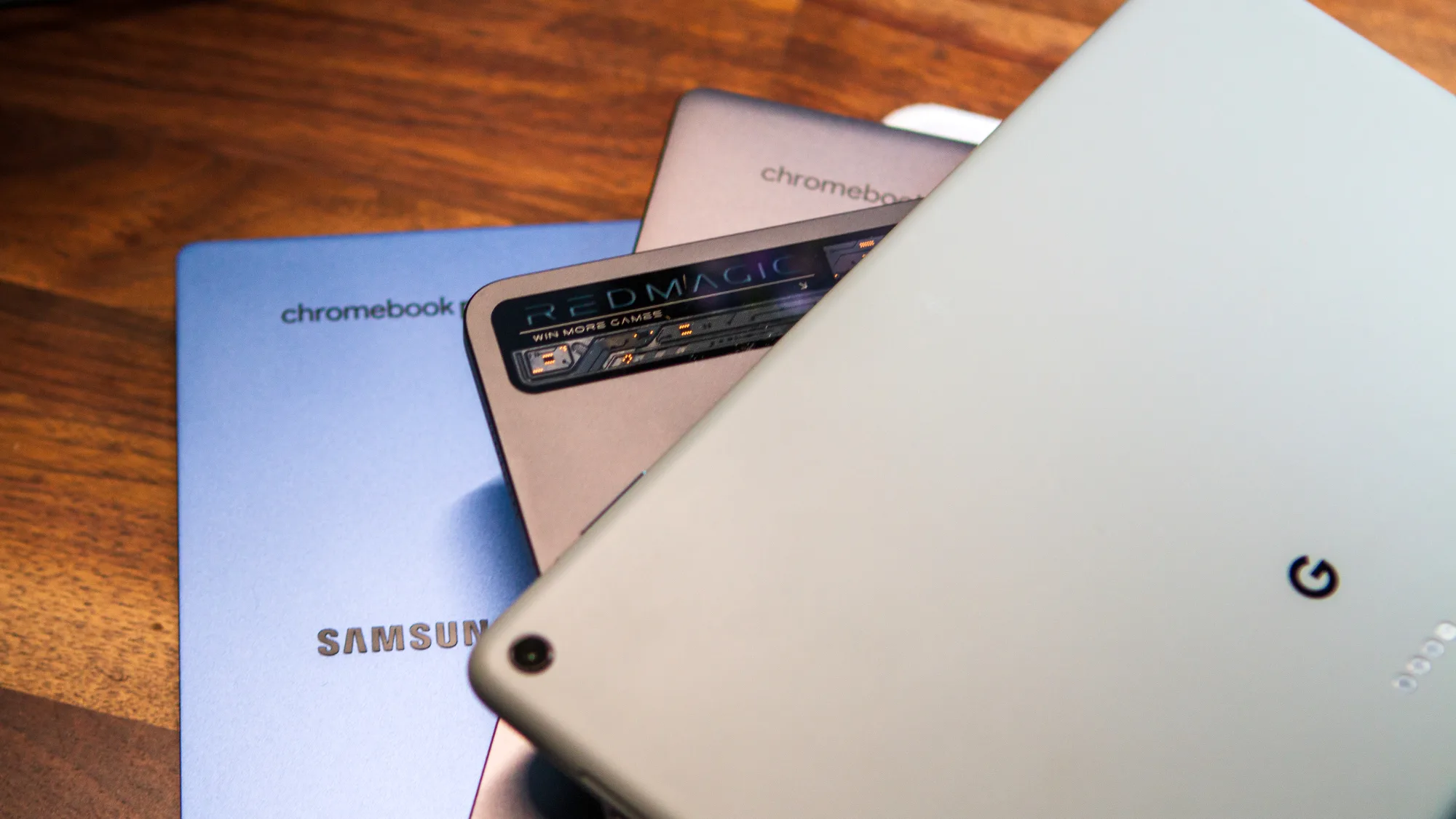
For years, Android phones have been the default way to experience Google’s mobile ecosystem. But something unexpected has been quietly happening in the background—Chromebooks have evolved into powerful Android machines that, in some cases, deliver a better experience than smartphones themselves.
Sounds exaggerated? It’s not. Let’s break down why a modern Chromebook can run Android apps smoother, smarter, and sometimes better than your phone.
Android on Chromebooks: Not Just an Add-On
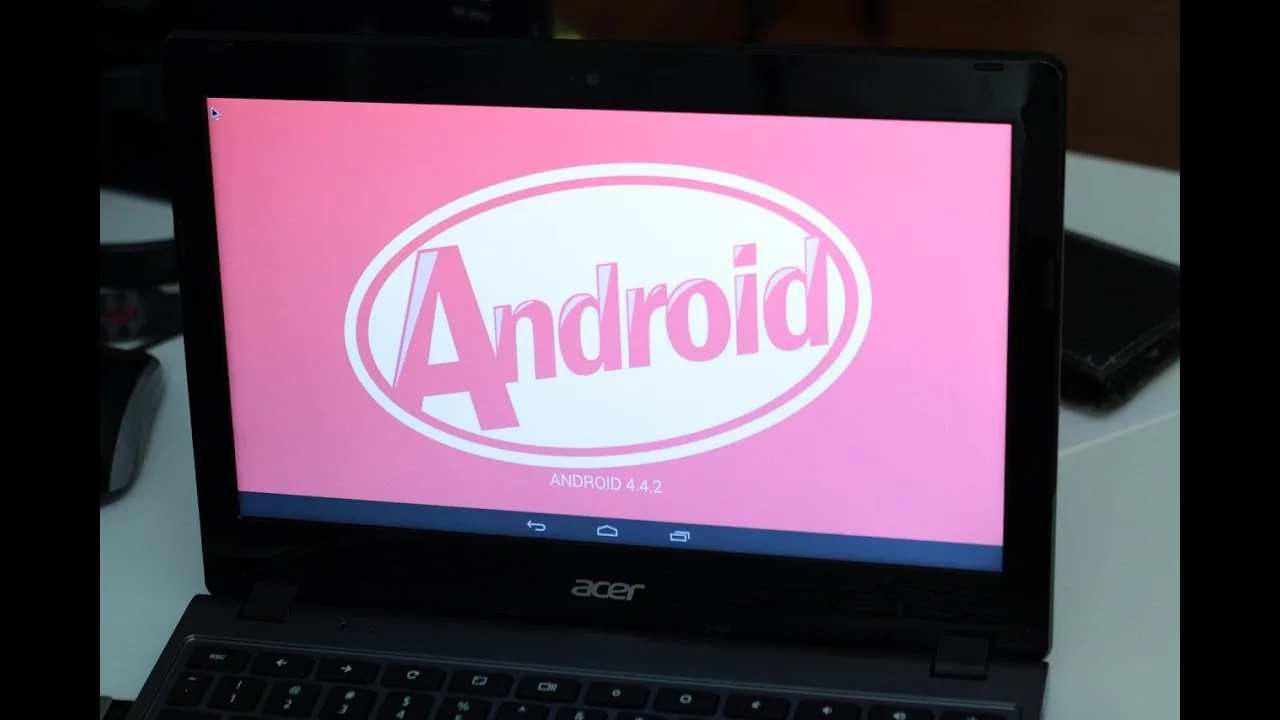
Chromebooks weren’t always this capable. Earlier models were limited to web apps, but with the introduction of the Google Play Store, they transformed into hybrid devices.
Today, Android apps on Chromebooks don’t just “work”—they adapt. The system intelligently resizes apps, supports keyboard and mouse input, and takes advantage of larger screens. Instead of feeling like a blown-up phone interface, many apps feel closer to desktop software.
Bigger Screen = Better Experience
Let’s be honest—your phone’s biggest limitation is its size.
On a Chromebook:
- Apps like video editors, note-taking tools, and games have room to breathe
- Multitasking becomes natural with split-screen features
- You can run multiple Android apps side by side
Imagine using apps like Canva, CapCut, or even mobile games on a 13-inch or 15-inch display. It’s not just more comfortable—it’s more productive.
Performance That Surprises You
Here’s where things get interesting.
Many Chromebooks are powered by efficient processors and optimized ChromeOS environments. Unlike phones, which juggle dozens of background tasks (calls, sensors, network switching), Chromebooks dedicate more resources to active apps.
The result:
- Faster app launches
- More stable performance during long sessions
- Less overheating compared to phones under heavy load
In fact, some users report smoother gameplay and better responsiveness on mid-range Chromebooks than on their smartphones.
Keyboard, Mouse, and Touch—All Together
Android apps were originally built for touch, but Chromebooks add something extra:
- Full keyboard support
- Precision with a trackpad or mouse
- Touchscreen when you want it
This hybrid control system gives you flexibility your phone simply can’t match. Typing long messages, editing documents, or even navigating games becomes far easier.
Multitasking Like a Pro
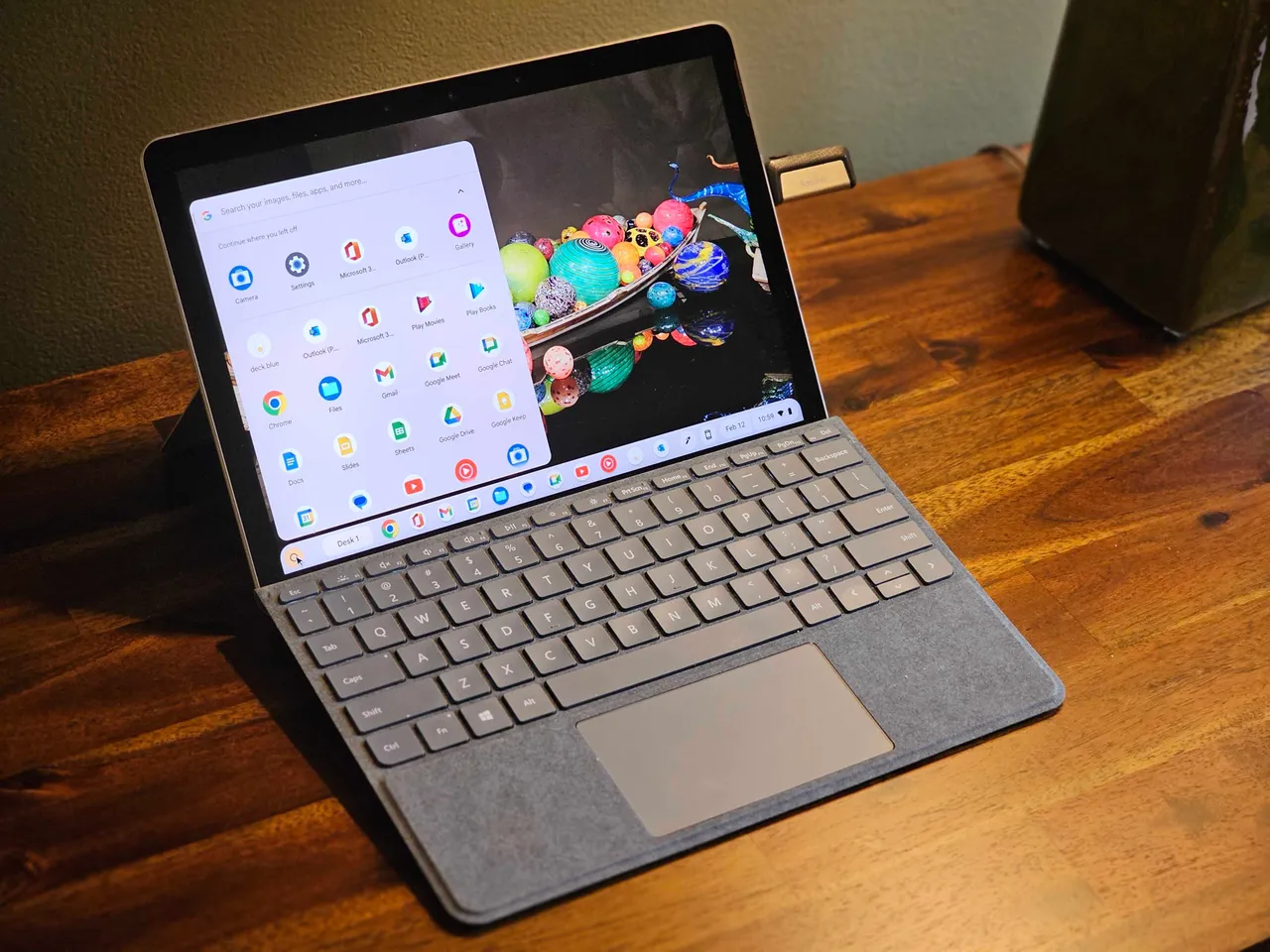
Phones try to multitask—but let’s be real, switching between apps isn’t the same as using them together.
Chromebooks allow:
- Split-screen Android apps
- Floating windows (on some models)
- Seamless switching between web and Android apps
You can watch a video, chat, and browse—all at once—without the frustration of constant app switching.
Battery Life That Keeps Up
Chromebooks are built for long sessions. Many offer 8–12 hours of battery life, and because they’re optimized for lightweight performance, Android apps don’t drain them as aggressively as they do on phones.
That means:
- Longer gaming sessions
- Extended productivity time
- Less anxiety about charging every few hours
Where Chromebooks Still Lag
To keep things fair, Chromebooks aren’t perfect Android replacements.
They can struggle with:
- Apps that rely heavily on phone hardware (camera, GPS, sensors)
- Some poorly optimized mobile apps
- Portability compared to a pocket-sized phone
So no, your Chromebook won’t replace your phone completely—but in many use cases, it outperforms it.
The Real Shift: Phones vs Hybrid Computing
What we’re seeing isn’t just better Android performance—it’s a shift in how we use devices.
Phones are great for:
- Quick tasks
- Communication
- On-the-go usage
Chromebooks, on the other hand, are becoming:
- Android-powered productivity machines
- Casual gaming platforms
- Lightweight creative workstations
As highlighted in platforms like technected, this crossover between mobile and desktop ecosystems is shaping the future of everyday computing.
Final Thoughts
The idea that a Chromebook could run Android better than your phone might sound strange—but it’s increasingly true in real-world scenarios.
With larger screens, better multitasking, and more flexible controls, Chromebooks are redefining what Android can feel like.
So next time an app feels cramped or limited on your phone, try it on a Chromebook—you might realize you’ve been using Android on the wrong device all along.