
-
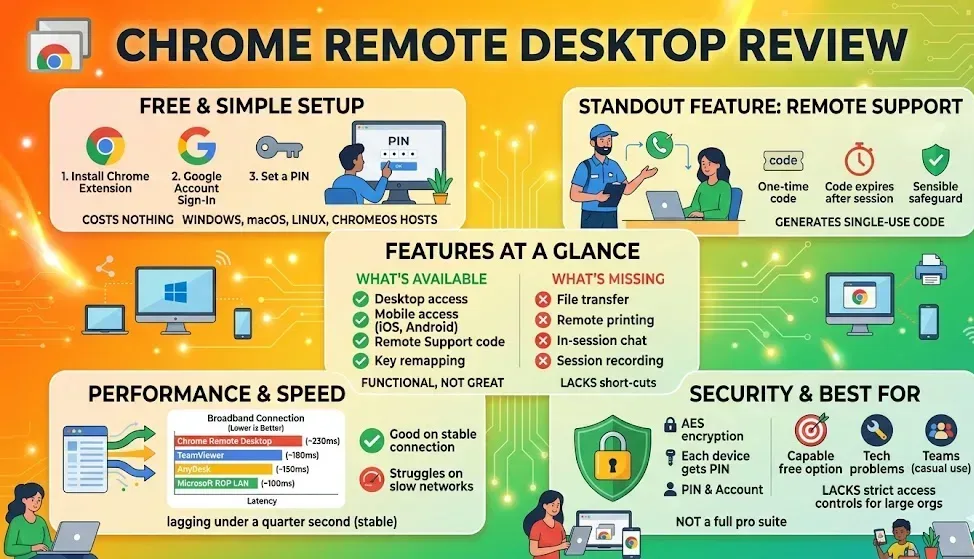
Chrome Remote Desktop offers a simple, free way to access your computer from anywhere using the Chrome browser. Learn where it works well for everyday use—and where it falls short for advanced IT tasks.
-
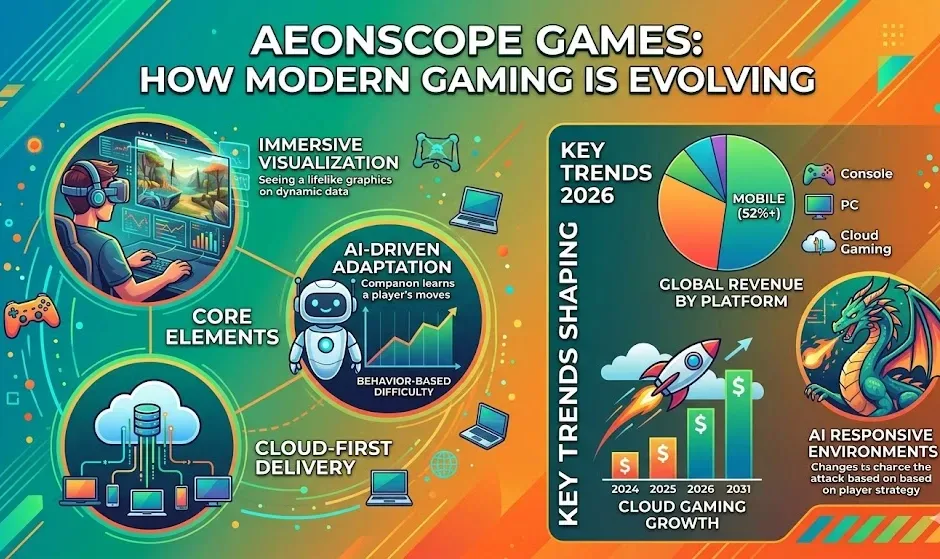
Aeonscope Games explores a new gaming concept built on immersive visuals, AI-driven gameplay, and cloud-first technology. Discover how it fits into 2026 trends and where this evolving gaming model could lead next.
-

Google Chrome may be taking up more of your storage than expected thanks to a large on-device AI model file that, in some cases, is being automatically downloaded to the browser’s system folders.
-
Google Chrome may be taking up more of your storage than expected thanks to a large on-device AI model file that, in some cases, is being automatically downloaded to the browser’s system folders.
-
Google Chrome may be taking up more of your storage than expected thanks to a large on-device AI model file that, in some cases, is being automatically downloaded to the browser’s system folders.
-

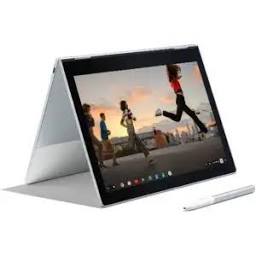
Getting a Chromebook is a bit different from picking up a Windows laptop or a Mac. ChromeOS is built around the browser, which means the ecosystem leans on web-based tools and lightweight apps rather than software downloaded from a disk.
-
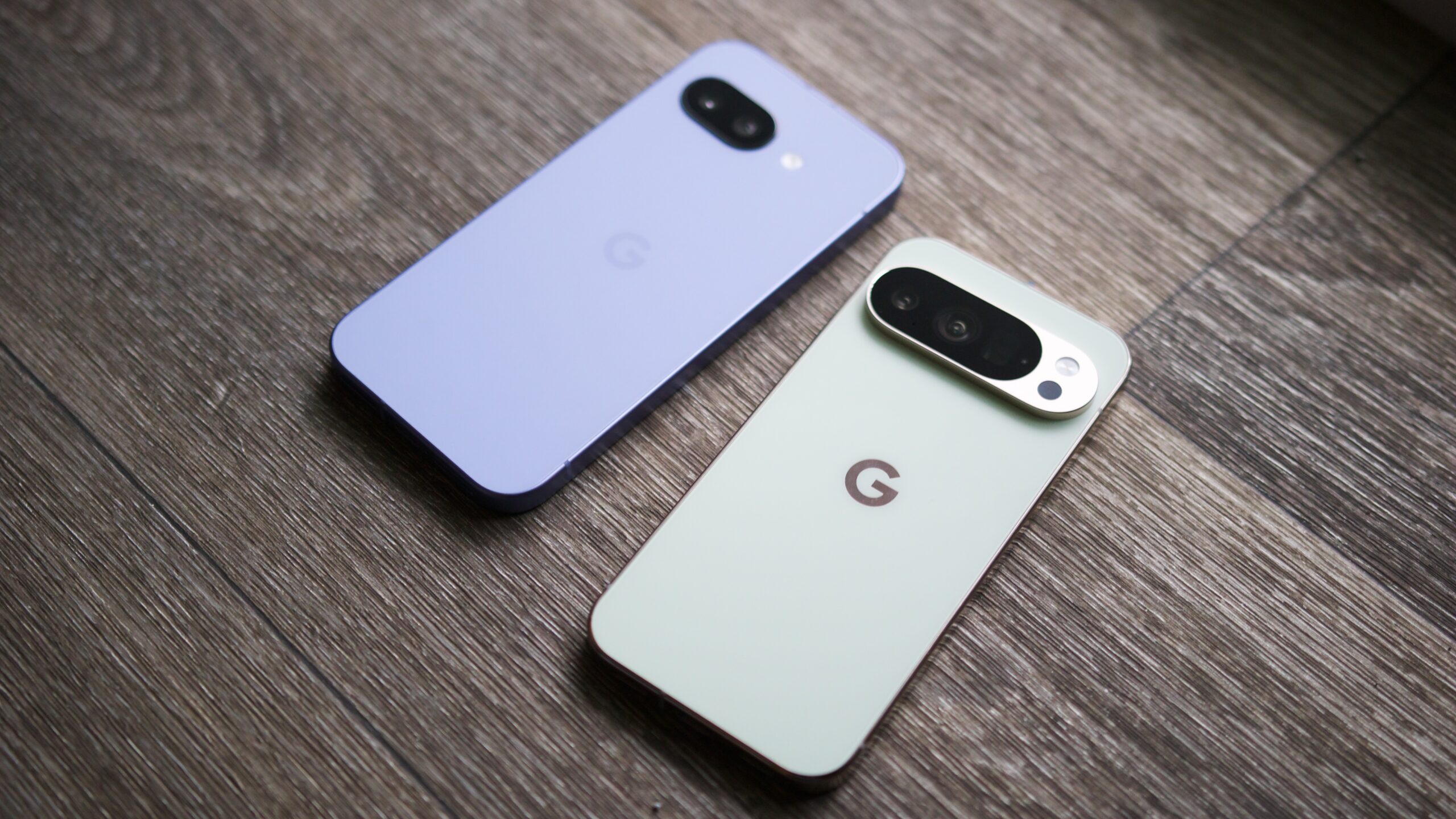
Google hikes bug bounties for complex Pixel hacks while slashing rewards for ‘routine’ AI finds.
-
Google hikes bug bounties for complex Pixel hacks while slashing rewards for ‘routine’ AI finds.
-
The Beta channel is being updated to OS version 16640.29.0 (Browser version 148.0.7778.158) for most ChromeOS devices.
-
Microsoft tests a big macOS change for Google Chrome that could cut browser memory use
 Issue 2026-19
Microsoft is testing a major change to how Chromium handles accessibility on macOS, and the early results look interesting, especially for memory usage. First … [Read more…]
-
Microsoft tests a big macOS change for Google Chrome that could cut browser memory use
Issue 2026-19Microsoft is testing a major change to how Chromium handles accessibility on macOS, and the early results look interesting, especially for memory usage. First … [Read more…]
-
Hi, everyone! We’ve just released Chrome 148 (148.0.7778.120) for Android. It’ll become available on Google Play over the next few days. This release includes stability and performance improvements. You can see a full list of the changes in the Git log. If you find a new issue, please let us know by filing a bug.
-
The Chrome team is delighted to announce the promotion of Chrome 148 to the stable channel for Windows, Mac and Linux. This will roll out over the coming days/weeks.Chrome 148.0.7778.96 (Linux) 148.0.7778.96/97 Windows/Mac contains a number of fixes and improvements — a list of changes is available in the log.
-
Browsers systematically remove features to reduce code complexity and boost security. They provide warnings and resources, to ensure a stable web and smooth transitions for developers. Resources: Feature deprecation and removal in Chrome: https://goo.gle/fdrc Chrome deprecation trials → https://goo.gle/cdt What is Chrome? → https://goo.gle/what-is-chrome Chrome release channels → https://goo.gle/crc Chrome Variations → https://goo.
-

A Norwegian researcher has identified an issue with Microsoft Edge’s Password Manager that could be a serious concern for businesses.
-
A Norwegian researcher has identified an issue with Microsoft Edge’s Password Manager that could be a serious concern for businesses.
-

Stable Diffusion AI turns text prompts into images using open-source models like SDXL and SD 3.5. Explore free generators, prompt tips, commercial use, Chromebook compatibility, and image editing tools.
-
We have a basic judge, but now we’re sending it to law school! Today, we’re building an alignment dataset to ensure our LLM judge actually agrees with human reasoning. Plus, learn how to use a statistical hack called Bootstrapping to prove your high scores aren’t just a lucky draw.
-
Lenovo’s powerful 8.8″ Legion Tab Gen 5 gaming tablet is officially available, but it comes at a premium
 Issue 2026-19
Following right on the heels of the teaser landing page we covered recently, Lenovo’s latest Android gaming tablet is officially here. The new Lenovo Legion Tab Gen 5 is now available for purchase in the US, but getting your hands on one will require a pretty significant investment.
-
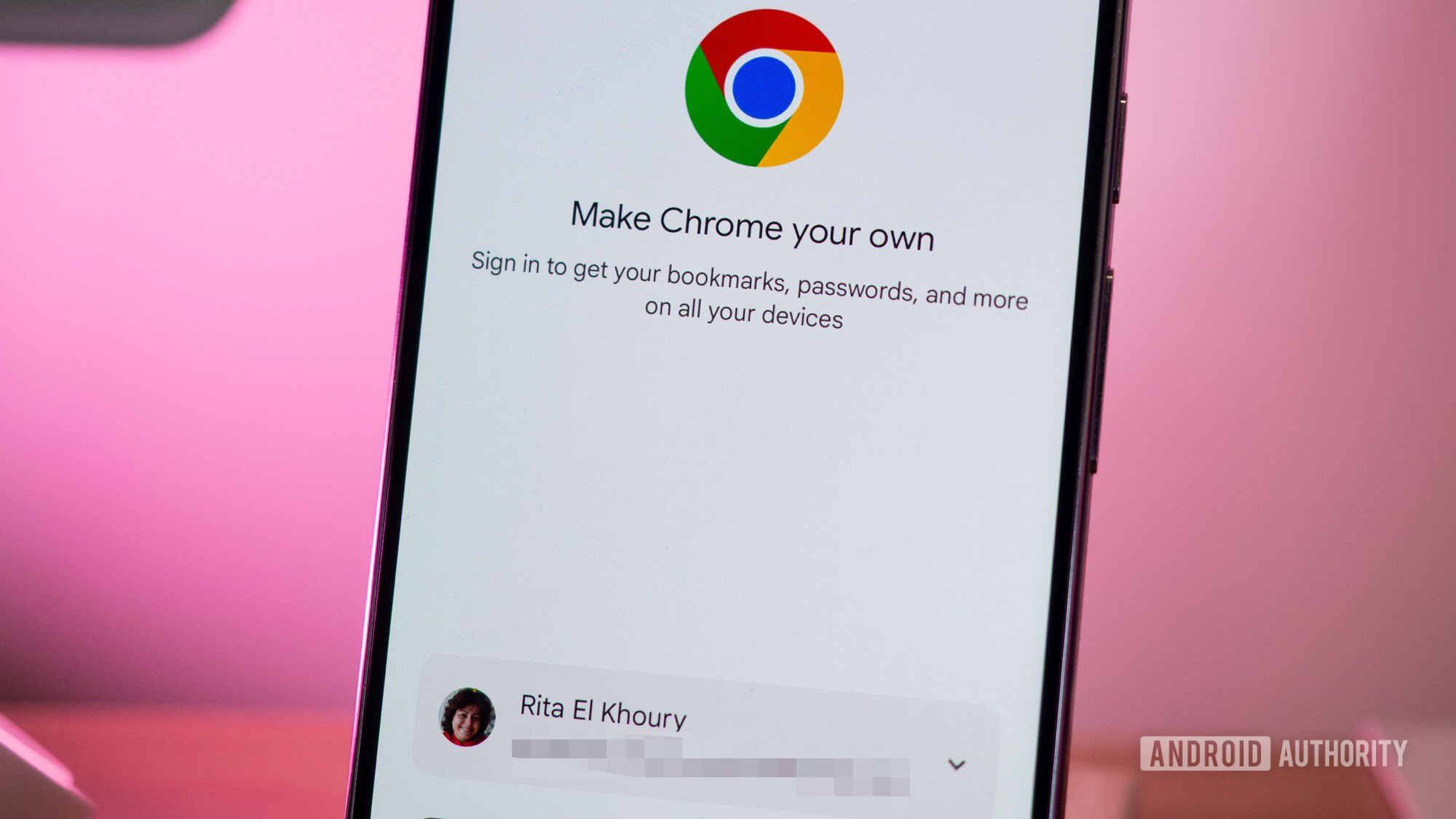
Your weather app doesn’t need your precise address, and Chrome finally agrees.
-
Your weather app doesn’t need your precise address, and Chrome finally agrees.
-
Approximate location sharing gives you more control over your location data in Chrome.
 Issue 2026-19
Chrome on Android users can now choose to share their approximate location with websites, instead of sharing their precise location.
-
Hi everyone! We’ve just released Chrome Beta 148 (148.0.7778.120) for Android. It’s now available on Google Play.You can see a partial list of the changes in the Git log. For details on new features, check out the Chromium blog, and for details on web platform updates, check here.
-
Massive Google Home update brings Gemini 3.1, a new web interface, and huge camera improvements
Issue 2026-19
If you utilize Google Home to keep your digital life running smoothly, things are about to get a lot more capable.
-
Massive Google Home update brings Gemini 3.1, a new web interface, and huge camera improvements
Issue 2026-19If you utilize Google Home to keep your digital life running smoothly, things are about to get a lot more capable.
-
Five must-have guides to move agents into production with Gemini Enterprise Agent Platform
 Issue 2026-19
Building AI agents that work well in a demo is one thing, but running them in production requires serious infrastructure. At Google Cloud Next ’26, we introduced Gemini Enterprise Agent Platform to help developers build, deploy, scale, govern, and optimize autonomous AI agents.
-
Five must-have guides to move agents into production with Gemini Enterprise Agent Platform
Issue 2026-19Building AI agents that work well in a demo is one thing, but running them in production requires serious infrastructure. At Google Cloud Next ’26, we introduced Gemini Enterprise Agent Platform to help developers build, deploy, scale, govern, and optimize autonomous AI agents.
-
Managing agents and their actions can quickly grow in complexity and introduce security risks unique to AI. To address these challenges, at Google Cloud Next we announced Agent Gateway to provide simple, secure, and governed connectivity across all user-to-agent, agent-to-agent, and agent-to-tools interactions.
-
Managing agents and their actions can quickly grow in complexity and introduce security risks unique to AI. To address these challenges, at Google Cloud Next we announced Agent Gateway to provide simple, secure, and governed connectivity across all user-to-agent, agent-to-agent, and agent-to-tools interactions.
-

Apple has held “exploratory” talks about manufacturing processors for its devices in the US, Bloomberg reports.
-
Apple has held “exploratory” talks about manufacturing processors for its devices in the US, Bloomberg reports.
-
For about a year now, I have been unapologetically calling the Lenovo Chromebook Plus 14 the best Chromebook ever made. From its stunning OLED display to the absolute powerhouse that is the MediaTek Kompanio Ultra chip, it has been an absolute delight to use day in and day out.
-
For about a year now, I have been unapologetically calling the Lenovo Chromebook Plus 14 the best Chromebook ever made. From its stunning OLED display to the absolute powerhouse that is the MediaTek Kompanio Ultra chip, it has been an absolute delight to use day in and day out.
-
When Google I/O prep gets exhausting, the Chrome Dino reminds us who we’re building for 🦖
 Issue 2026-19
Sometimes you just need a little inspiration from the Chrome Dino to power through #GoogleIO session prep. Join us to discover how advanced AI tools running directly in the browser will enable better agentic capabilities and streamline your daily workflows → https://goo.gle/3OHt9Cm Subscribe to Chrome for Developers → https://goo.gle/ChromeDevs #ChromeForDevelopers #Chrome #GoogleIO
-

Sony’s upcoming 1000X could cost $200 more than the WH-1000XM6.




Welcome to the ChromeOSphere
Your one-stop hub for all things Chrome OS and Chrome browser. Our mission is simple: to keep you connected with the pulse of this ever-evolving digital realm. From the latest updates on Chrome, ChromeOSphere brings together the diverse voices of the Chrome world.