
-

Your Chromebook runs Chrome OS, which means you can’t install traditional Windows or Mac applications. This limitation affects how you download videos for offline viewing. But several methods exist that work well with Chrome OS. Understanding Chrome OS Limitations Chrome OS operates differently from Windows or macOS.
-

Creating files in Linux means using Terminal commands to generate new documents, scripts, or configuration files on your system. This process gives you direct control over file creation without relying on graphical interfaces. You need this skill when setting up configurations, writing scripts, or managing your Linux environment efficiently.
-
Creating files in Linux means using Terminal commands to generate new documents, scripts, or configuration files on your system. This process gives you direct control over file creation without relying on graphical interfaces. You need this skill when setting up configurations, writing scripts, or managing your Linux environment efficiently.
-

Changing file names on Linux systems is a fundamental task. You can accomplish this through terminal commands or graphical interfaces. This article covers the most effective approaches to rename files Linux users frequently need.
-
Changing file names on Linux systems is a fundamental task. You can accomplish this through terminal commands or graphical interfaces. This article covers the most effective approaches to rename files Linux users frequently need.
-

Chromebook users often need special letters when writing in foreign languages or linguistic contexts. The æ character, called ash, appears in Danish, Norwegian, Icelandic, and French words. Standard keyboards lack a dedicated key for this ligature.
-
Chromebook users often need special letters when writing in foreign languages or linguistic contexts. The æ character, called ash, appears in Danish, Norwegian, Icelandic, and French words. Standard keyboards lack a dedicated key for this ligature.
-
ChromeOS 143 officially began its roll-out about a week ago, and much like the last few iterations, this release is decidedly “quiet” for the average consumer, focusing instead on deep-level administrative tweaks and enterprise tools. If you are like me, you probably forgot all about it.
-
ChromeOS 143 officially began its roll-out about a week ago, and much like the last few iterations, this release is decidedly “quiet” for the average consumer, focusing instead on deep-level administrative tweaks and enterprise tools. If you are like me, you probably forgot all about it.
-
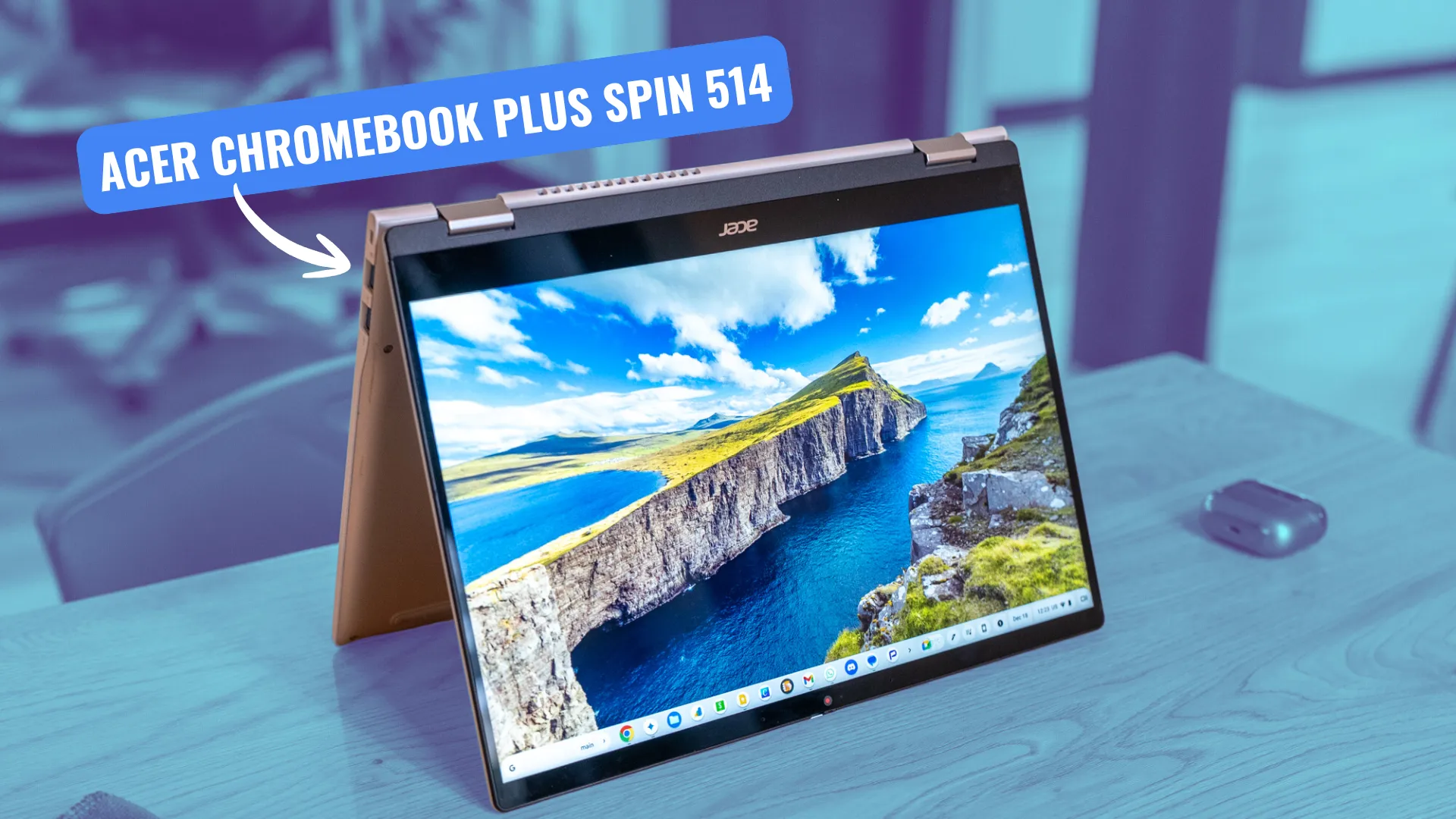
Acer Chromebook Plus Spin 514 MSRP – $699.99 “For anyone that loves the thought of the Lenovo Chromebook Plus 14 but really wants a convertible, this is the one for you.
-
Acer Chromebook Plus Spin 514 MSRP – $699.99 “For anyone that loves the thought of the Lenovo Chromebook Plus 14 but really wants a convertible, this is the one for you.
-

Google is launching Disco, a new experiment for the Chrome browser built on Gemini 3. The tool allows users to turn open tabs into interactive web apps, known as “GenTabs”, which can be used for study or travel planning, for example.
-
Midjourney Statistics
 Issue 2025-52
Midjourney recorded 21 million registered members on its Discord server as of May 2025, maintaining its position as the platform’s largest community globally. The AI image generation service reached $500 million in projected annual revenue for 2025, representing a tenfold increase from its $50 million launch year earnings in 2022.
-

Florence welcomed 16.2 million visitors in 2024, marking a complete recovery from pandemic-era lows and surpassing previous records. The Renaissance capital generated €76.9 million in tourist tax revenue, leading all Italian cities and demonstrating the economic power of cultural tourism.
-

Game porting in 2026 isn’t what it was five years ago. Back then, you could take a finished build, tweak graphics settings for console, and push it to production. Now, only small indie projects with simple graphics can afford that luxury.
-

Customer support teams using Zendesk often reach a point where response times slow down even though agents are working harder than ever. Ticket volume grows, channels multiply, and internal coordination becomes harder to manage. The problem is rarely effort. It is structured.
-

If you have been using ChromeOS for more than a few years, you know the feeling. Your machine, which used to fly through tabs and Android apps, is starting to feel a little slow.
-
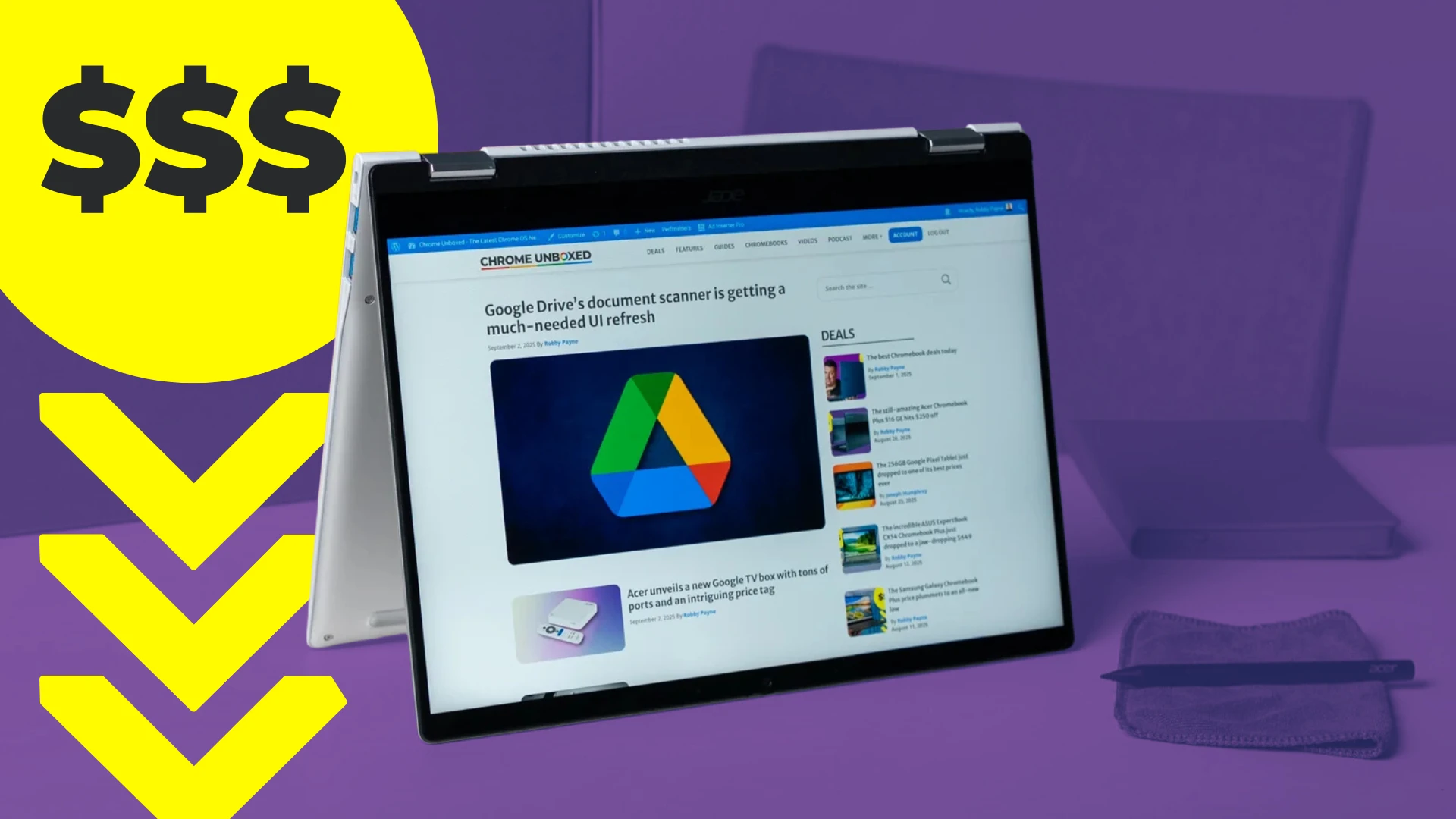
The Acer Chromebook Plus Spin 514 is easily one of the most intriguing devices to hit the market this year, specifically for those who have been eyeing the power and efficiency of the MediaTek Kompanio Ultra platform but needed a convertible form factor.
-
The Acer Chromebook Plus Spin 514 is easily one of the most intriguing devices to hit the market this year, specifically for those who have been eyeing the power and efficiency of the MediaTek Kompanio Ultra platform but needed a convertible form factor.
-

Google has recently released Nano Banana Pro, the latest evolution in its generative image stable. Built on the back of the Gemini 3 Pro architecture, this new model represents a significant technical leap over the standard Nano Banana (Gemini 2.
-

Your laptop’s visual clarity depends heavily on its pixel density. Learning how to change resolution on a Chromebook allows you to customize your viewing experience. Whether you prefer sharper visuals or larger icons, ChromeOS offers multiple methods. You can adjust settings through system menus or use quick keyboard shortcuts.
-

Chromebooks handle data differently than traditional computers. Most settings sync automatically through your Google account. However, local files need manual protection. Learning how to backup Chromebook to Google Drive prevents data loss during system resets or device changes. ChromeOS stores most data in the cloud by default.
-

OpenAI Whisper recorded 4.1 million monthly downloads on Hugging Face as of December 2025, establishing itself as the most-accessed open-source speech recognition model. Released in September 2022, the model supports 99 languages and delivers transcription at $0.006 per minute through its API.
-

In March, Computer Sweden reported that Google Assistant would be replaced by the AI tool Gemini in Android-based mobile phones before the new year. With just over a week to go until the end of the year, it is clear that this will not be the case.
-
In March, Computer Sweden reported that Google Assistant would be replaced by the AI tool Gemini in Android-based mobile phones before the new year. With just over a week to go until the end of the year, it is clear that this will not be the case.
-
What are the Essential Chromebook Privacy Settings to Help Minimize My Digital Footprint?
Issue 2025-52
Your digital footprint is the trail of data you leave behind through using a computer, phone, or tablet: your browsing, app activity, and account interactions. On a Chromebook, much of this data is tied to a Google account, which is often synced across devices.
-
Request conditions
 Issue 2025-52
Chrome DevTools now gives you fine-grained control over individual network requests. The former Network Request Blocking panel has been renamed to ‘Request Conditions,’ and it allows you to simulate and test any slow-loading APIs, styles, images, and scripts. Watch more What’s New in DevTools → https://goo.
-

It’s that time of year again! While most of us are busy looking forward and making resolutions for 2026, it’s also the best time to look back at everything that happened over the last 12 months.
-
It’s that time of year again! While most of us are busy looking forward and making resolutions for 2026, it’s also the best time to look back at everything that happened over the last 12 months.
-
Alphabet’s $4.75 billion acquisition of Intersect signals a massive AI infrastructure push
 Issue 2025-52
Alphabet is making a decisive move to secure the physical and energetic backbone required for the future of its AI ambitions. The company announced today that it is acquiring Intersect, a data center and energy infrastructure firm, in a deal valued at $4.
-
Alphabet’s $4.75 billion acquisition of Intersect signals a massive AI infrastructure push
Issue 2025-52Alphabet is making a decisive move to secure the physical and energetic backbone required for the future of its AI ambitions. The company announced today that it is acquiring Intersect, a data center and energy infrastructure firm, in a deal valued at $4.
-
The Dev channel has been updated to 145.0.7587.5 for Windows, Mac and Linux.A partial list of changes is available in the Git log. Interested in switching release channels? Find out how. If you find a new issue, please let us know by filing a bug.
-
Stop battling heavy JavaScript libraries and ‘content chaos.’ Turn the tightest layouts into an expansive canvas using new CSS primitives: stylable fragmentation, scroll markers, scroll buttons, and scroll snap. Create rich, dynamic, and performant carousels in minutes with just a few lines of CSS.
-

Sigma Browser OÜ Friday announced the launch of its privacy-focused web browser, which features a local artificial intelligence model that doesn’t send data to the cloud. Numerous browser companies are jumping onto the AI bandwagon and incorporating major AI models into the primary user experience.
-
Sigma Browser OÜ Friday announced the launch of its privacy-focused web browser, which features a local artificial intelligence model that doesn’t send data to the cloud. Numerous browser companies are jumping onto the AI bandwagon and incorporating major AI models into the primary user experience.



Welcome to the ChromeOSphere
Your one-stop hub for all things Chrome OS and Chrome browser. Our mission is simple: to keep you connected with the pulse of this ever-evolving digital realm. From the latest updates on Chrome, ChromeOSphere brings together the diverse voices of the Chrome world.