
-
Expanding our AI-optimized infrastructure portfolio: Introducing Cloud TPU v5e and announcing A3 GA
 Issue 2023-35
We’re at a once-in-a-generation inflection point in computing. The traditional ways of designing and building computing infrastructure are no longer adequate for the exponentially growing demands of workloads like generative AI and LLMs.
-
Organizations depend on the network to drive transformation and deliver business outcomes.
-
For generative AI to achieve its immense potential, it needs to be broadly accessible and easy to integrate into a range of services. That’s why we offer our customers Vertex AI Search and Conversation— generally available today— to abstract the complexity of creating generative search and chat applications.
-
As enterprises and government organizations navigate their digital transformation journey, they face many challenges: connectivity constraints, the need for low-latency connections, or industry-specific compliance and data sovereignty requirements. These challenges can make it difficult to fully adopt a public cloud.
-
Generative AI has captured our imagination in countless ways — not just for chatbots with humanlike responses, but also in the way it can unlock entirely new user experiences.
-
Three years ago, we launched Vertex AI with the goal of providing the best AI/ML platform for accelerating AI workloads — one platform, every ML tool an organization needs.
-
The emergence of generative AI is poised to become one of the most significant technological shifts in modern memory, opening up endless transformative possibilities for enterprises. Our customers are already seeing incredible benefits with AI.
-

Last year, the Chromebook world saw a new and slightly unexpected shift towards gaming-centric devices.
-

While Chromebook X devices have yet to reach store shelves, you may already own one. Here are the current and future ChromeOS devices that will be upgraded to Chromebook X or “Chromebook Plus.”
-
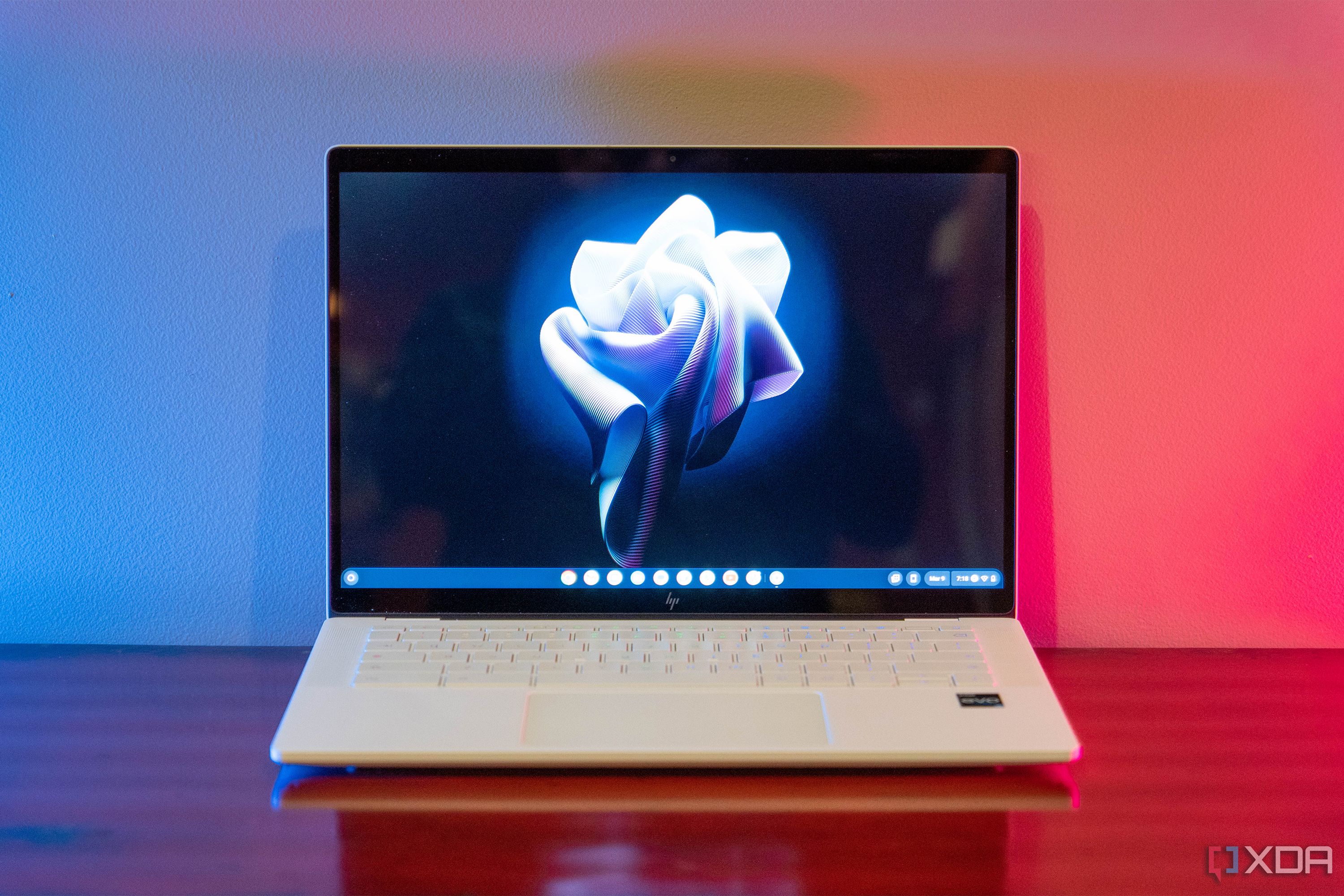
Google is rolling out ChromeOS version 116 and it adds a new OneDrive integration, and tons of other new features
-
Google is rolling out ChromeOS version 116 and it adds a new OneDrive integration, and tons of other new features
-

Here’s something I’ve never seen before – Google seems to be testing a new ‘lightbox’ pop up for content clicked on through its Knowledge Graph panel.
-

Watch the full video → https://goo.gle/3skT1IM Link to podcast → https://goo.gle/3PccRPv Catch more episodes → https://goo.gle/CSSpodcast Subscribe to Google Chrome Developers → https://goo.gle/ChromeDevs #CSSpodcast
-

If you missed out on the few previous sales we’ve seen on the incredible Acer Chromebook 516 GE, there’s good news: your chance to snag the Acer Chromebook 516 GE at its lowest-ever price is back as Best Buy has relisted the Acer 516 GE – my current, favorite Chromebook – for just $499. Shaving…
-
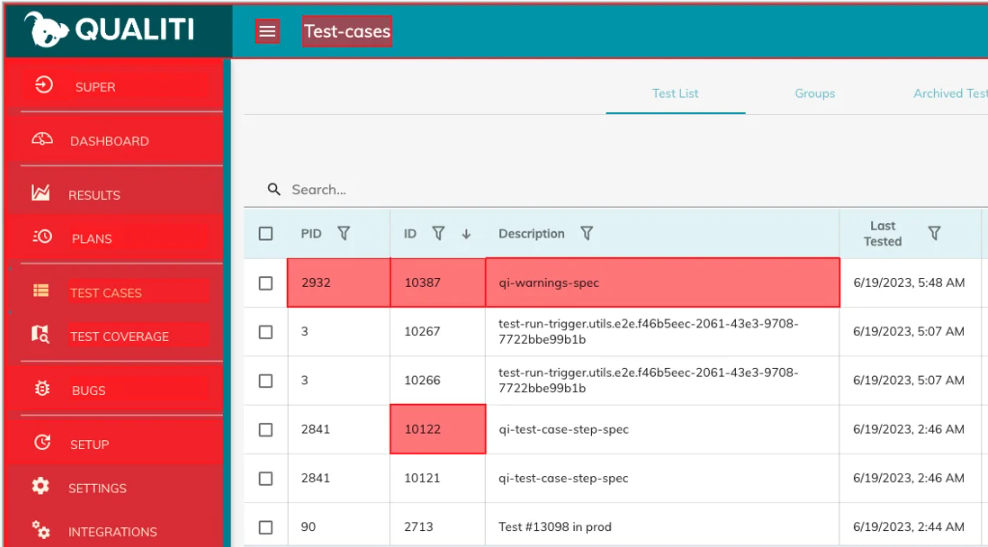
Software testing automation startup Qualiti Inc. said today it has closed on a $6.5 million round of seed funding led by Sierra Ventures with participation from Epic Ventures.
-
After four years, Google gets its notification bell back, but the beloved Mr. Jingles is still on hiatus
 Issue 2023-35
Google+ shut down in back in 2019, and at that time, Google also removed the extremely useful notification bell from Search on the web and mobile. This bell would show you notifications for things like Gmail, Google Photos and Hangouts Chats as well as Assistant alerts.
-

This week on The Chrome Cast, we begin the show by discussing the recent announcement by Google and Cameyo that the two will be partnering up moving forward to deliver a seamless virtual app delivery service to ChromeOS enterprise customers.
-
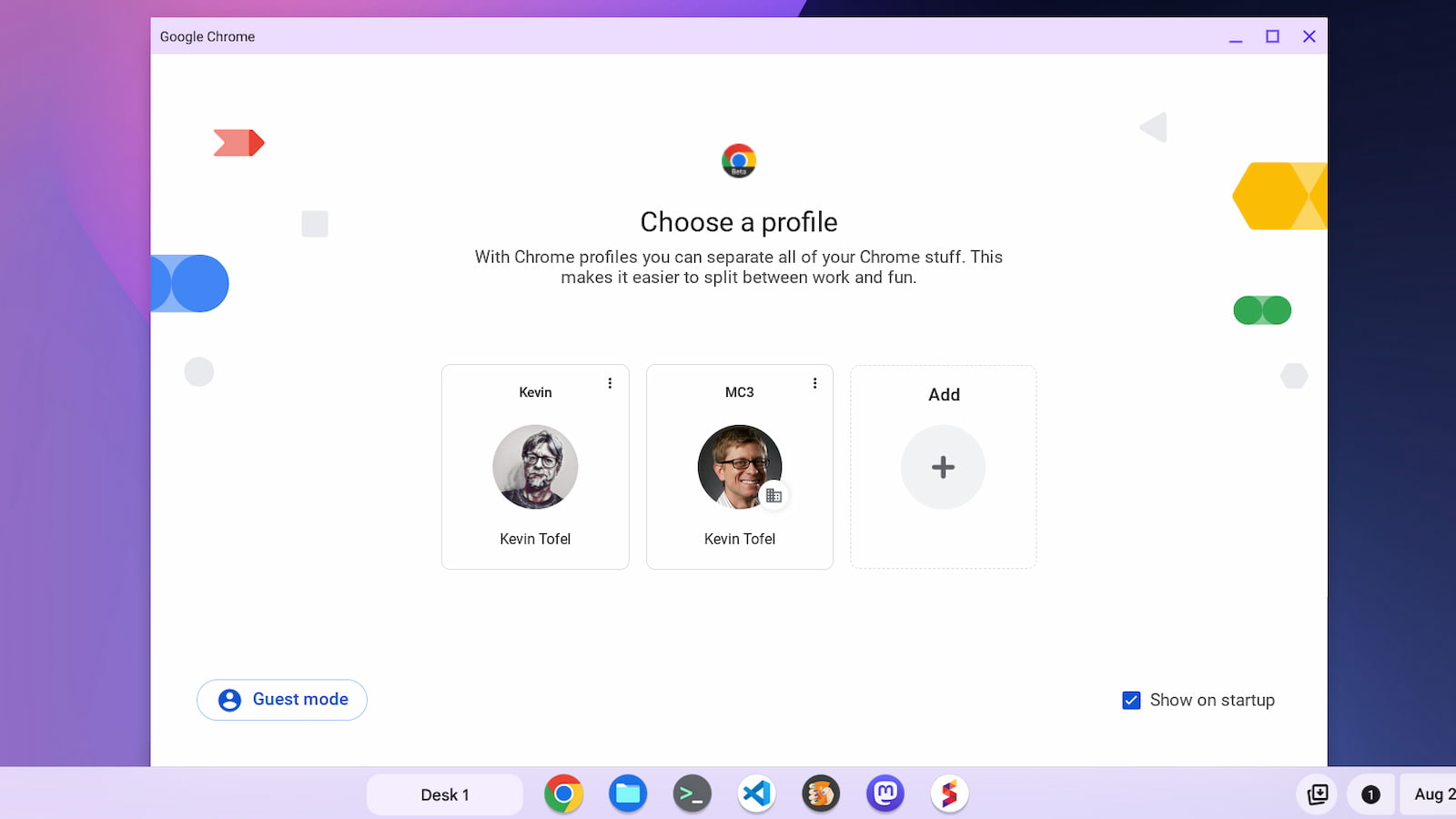
The ChromeOS 116 release adds new Chromebook features such as the Lacros browser, profile switching and file search for both local and Google Drive files.
-
Chrome’s Reading Mode will soon let you listen to articles instead of just reading them
Issue 2023-34
Chrome recently switched up its in-development Reading Mode by nixing a super useful toolbar in favor of stuffing all of its options for text, spacing and more into a settings icon.
-

Google is rolling out ChromeOS 116 with a number of small additions over the coming days.
-
Hello All,The Stable channel is being updated to 116.0.5845.120 (Platform version: 15509.63.0) for most ChromeOS devices and will be rolled out over the next few days.
-

Google has been pushing AI-driven additions to their services for a long time, but they’ve been far more verbose about it since the rise of generative AI like ChatGPT hit the scene nearly a year ago.
-
/cdn.vox-cdn.com/uploads/chorus_asset/file/24418649/STK114_Google_Chrome_02.jpg)
Illustration: The Verge Google is experimenting with a text-to-speech feature for Chrome’s reading mode on desktop, as reported by Android Police.
-

Link to podcast → https://goo.gle/3PccRPv Too small? Too big? Learn how to make your images just right and all the reasons they might be looking a little funky when you’re adding media to your interface. CSS for Web Vitals → https://goo.gle/3E98gY9 Learn Responsive Images → https://goo.gle/45EFuds Aspect Ratio → https://goo.
-

A few years back, the world went absolutely mad for Pokémon Go. You’d walk outside and see loads of people with their face in their phones, but their legs were moving. Like many, I was caught in the whirlwind, but life got in the way and my interest faded.
-
The Beta channel is being updated to OS version: 15572.16.0 Browser version: 117.0.5938.22 for most ChromeOS devices.If you find new issues, please let us know one of the following waysFile a bugVisit our ChromeOS communitiesGeneral: Chromebook Help CommunityBeta Specific: ChromeOS Beta Help CommunityReport an issue or send feedback on ChromeInterested in switching channels? Find out how.
-
Live lyrics for YouTube Music are finally rolling out so you can enjoy some karaoke at home
Issue 2023-34
Back in April, we highlighted YouTube Music’s real-time lyrics feature. Fast forward to today, and that’s now rolling out in full swing. Gone are the static, tiny, hard-to-read lyrics; in their place are these new, bold, scrolling words that sync perfectly with your favorite artist’s voice, as shown below.
-
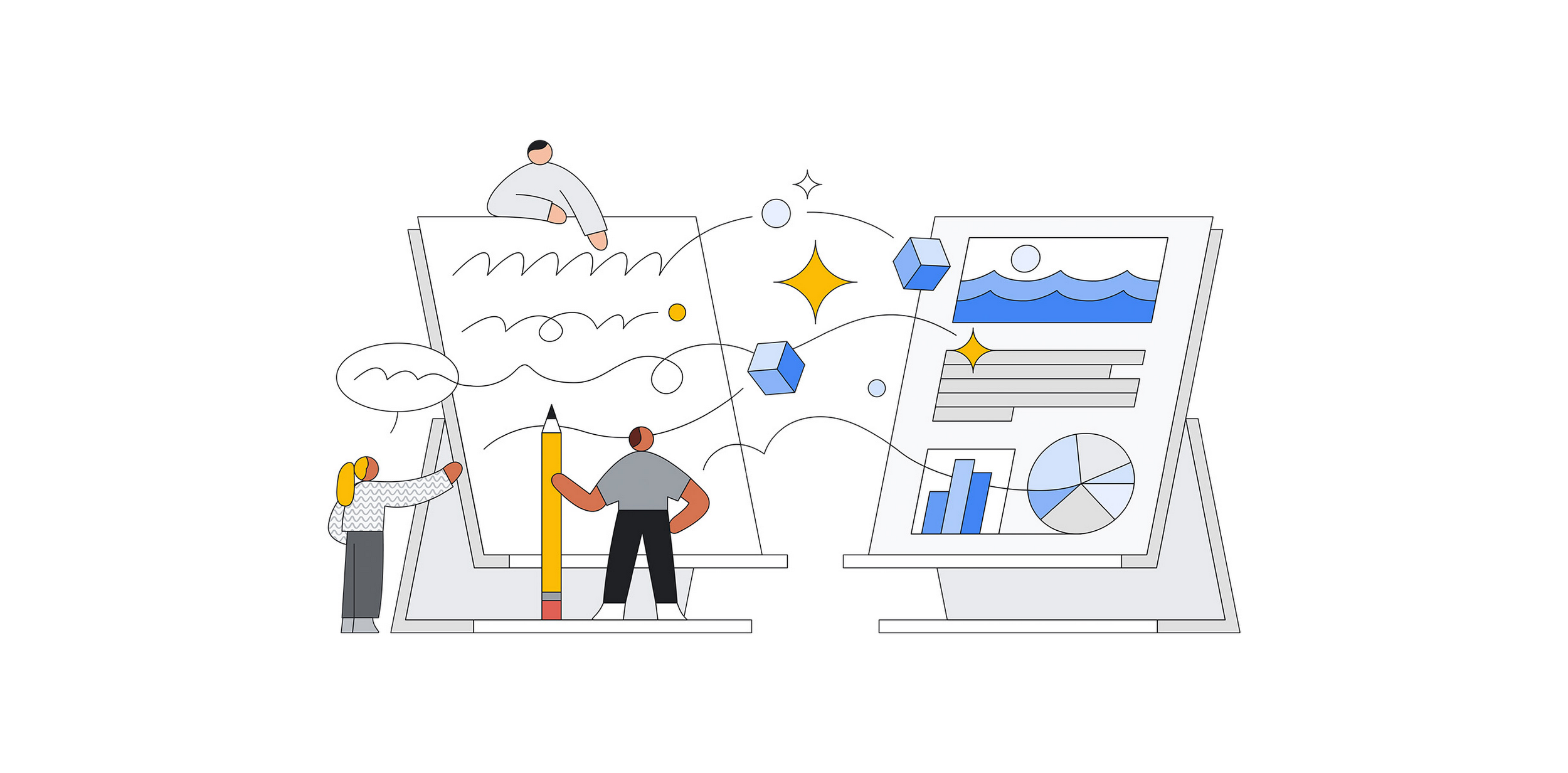
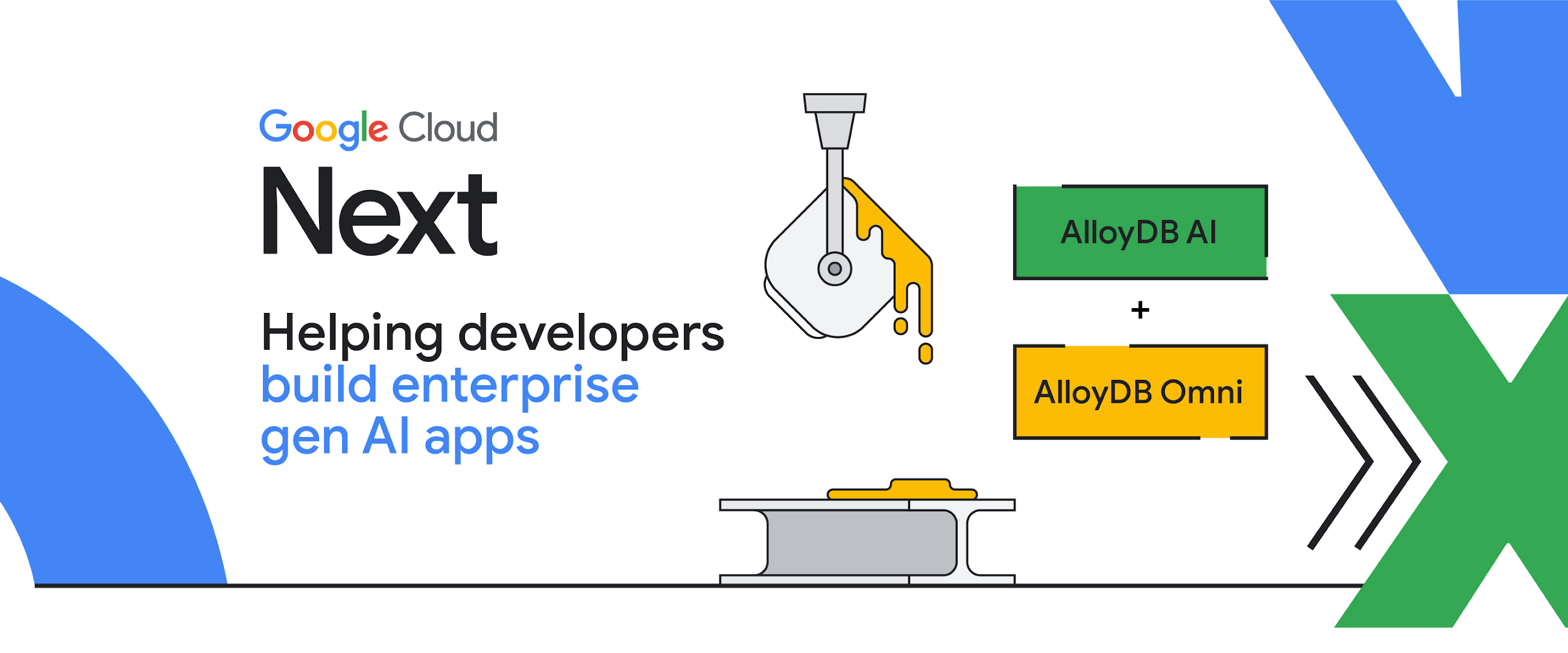
As enterprises race to extract value from structured, semi-structured, and unstructured data, they face a continuum of challenges related to data gravity, including data acquisition, data management and data governance.
-
TL;DR – Budgets in Google Cloud are even better than before! Now project users in Google Cloud can create budgets and stay on top of their cloud spend without needing additional billing roles. Project Owners can receive timely notifications for budget alerts, helping them take quick action.
-

Chrome’s ‘Journeys’ feature is likely about to be renamed to ‘Groups’, according to Chromestory, who first spotted a code change with new nomenclature on Chromium Gerrit. Essentially, ‘Journeys’ offered users an alternative to the regular date-based history in their browser.
-

Wow. I’m legitamately blown away right now.
-
Hi everyone! We’ve just released Chrome Beta 117 (117.0.5938.24) for iOS; it’ll become available on App Store in the next few days.You can see a partial list of the changes in the Git log. If you find a new issue, please let us know by filing a bug.Harry SoudersGoogle Chrome
-

For as long as group photos have been taken, I’d imagine we’ve all wished for a feature like the one that could be on the way for the Pixel 8 and Pixel 8 Pro.
-

There’s been a serious flurry of news from VMware Inc. in the areas of multicloud, edge computing and artificial intelligence.
-
![Google readying ‘Help me write’ AI for ChromeOS [Updated]](https://i0.wp.com/9to5google.com/wp-content/uploads/sites/4/2023/05/acer-chromebook-vero-514-5.jpg?resize=1200%2C628&quality=82&strip=all&ssl=1)
Building on the company’s ongoing momentum on generative AI tools, it seems Google is readying an AI writing and editing feature for Chromebooks. Update: We can now all but confirm that Google is preparing to launch its “Help me write” AI onto Chromebooks.







Welcome to the ChromeOSphere
Your one-stop hub for all things Chrome OS and Chrome browser. Our mission is simple: to keep you connected with the pulse of this ever-evolving digital realm. From the latest updates on Chrome, ChromeOSphere brings together the diverse voices of the Chrome world.