
-
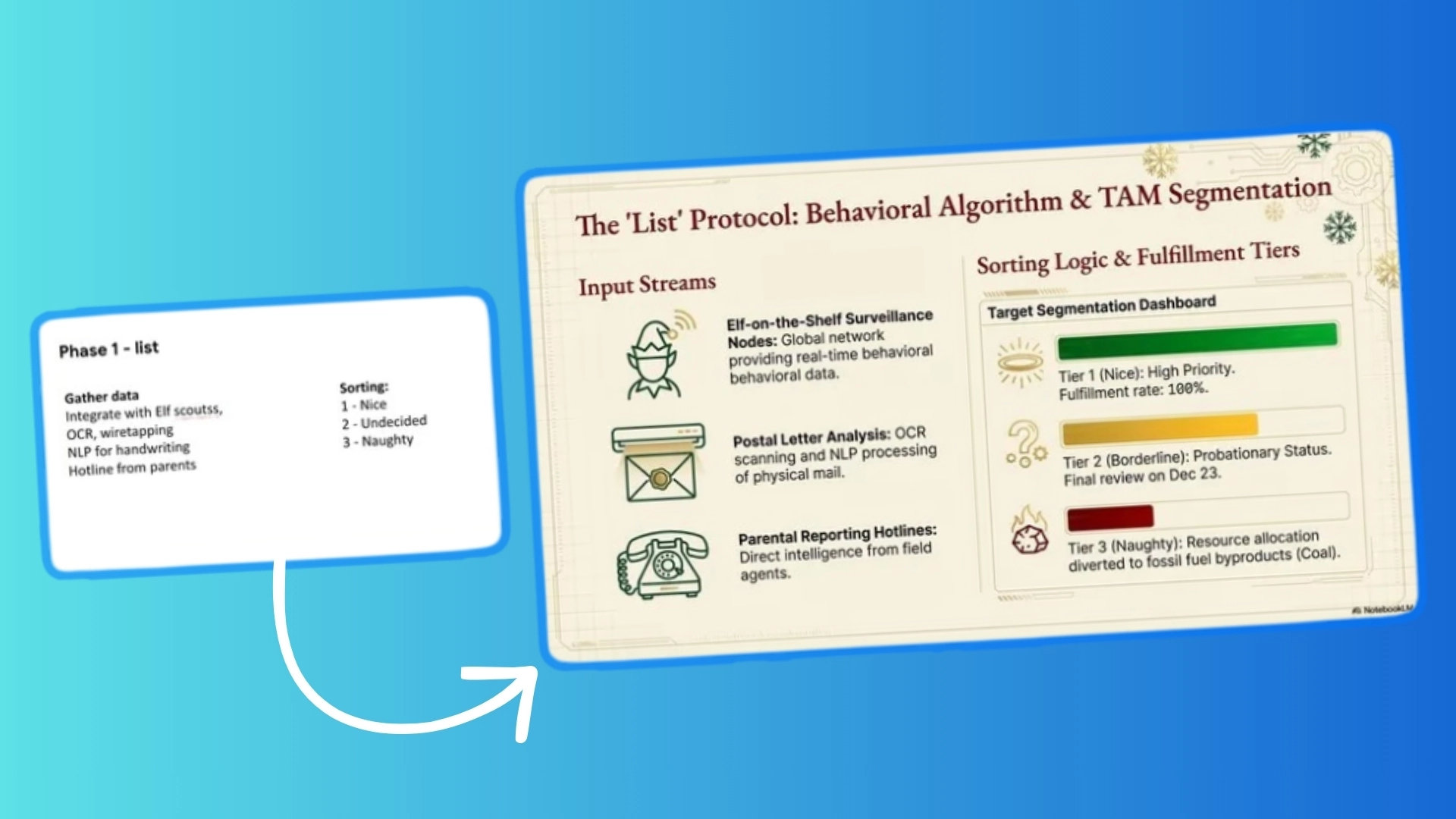
I have been saying for a while now that NotebookLM is the sleeper hit of the AI era. While everyone else was focused on chatbots, Google built a tool that actually helps you understand information.
-

It’s a great way to start your home server journey
-
It’s a great way to start your home server journey
-
It’s a great way to start your home server journey
-
It’s a great way to start your home server journey
-
It’s a great way to start your home server journey
-
It’s a great way to start your home server journey
-
It’s a great way to start your home server journey
-
Google Assistant gets a tiny lifeline as the full switch to Gemini gets pushed to 2026
 Issue 2025-51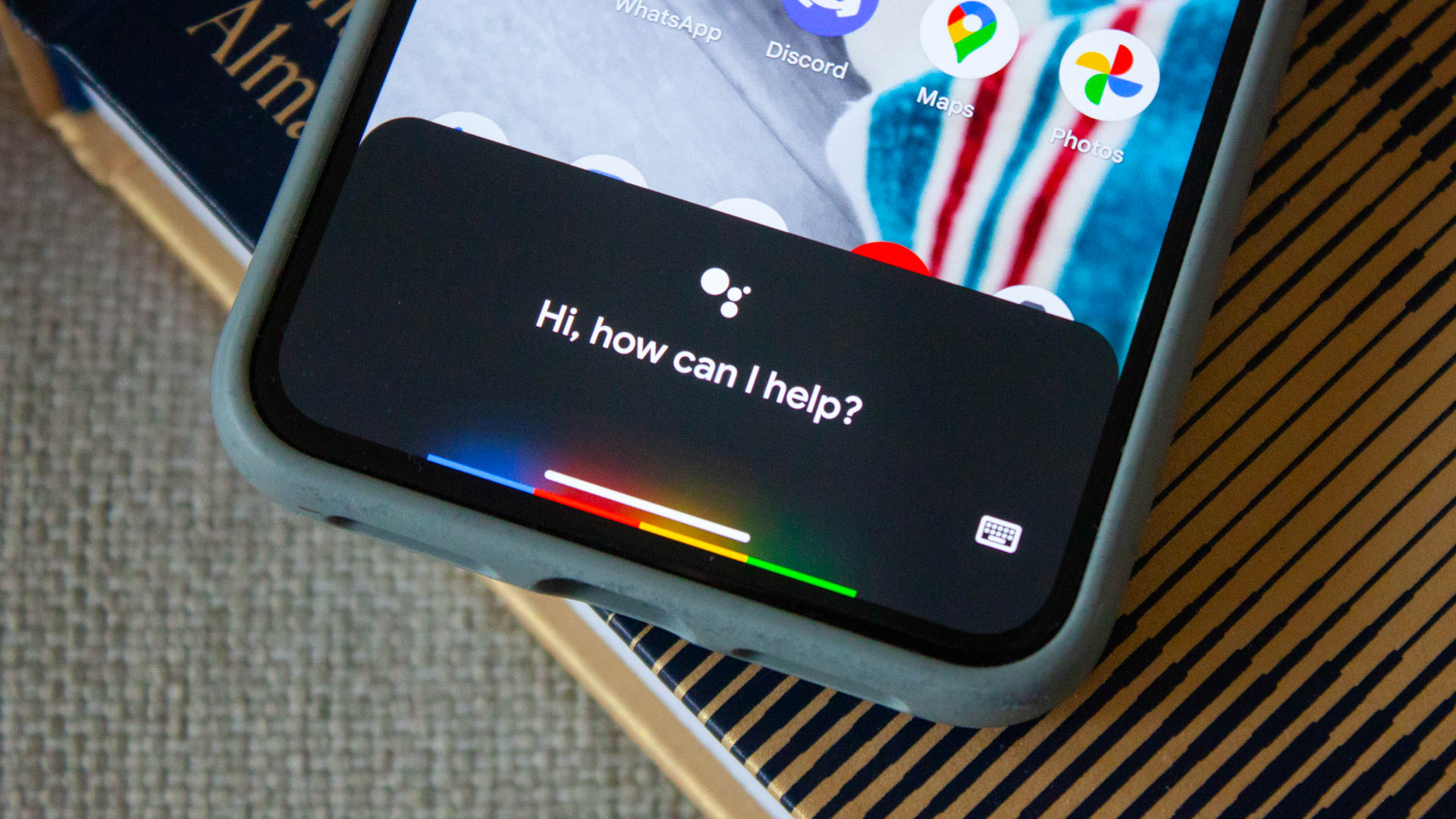
If you’ve been dreading the end-of-year deadline to give up Google Assistant and move fully over to Gemini, you can breathe a sigh of relief. While Google originally planned to have most of us transitioned away from Assistant by the end of 2025, they’ve officially tapped the brakes.
-
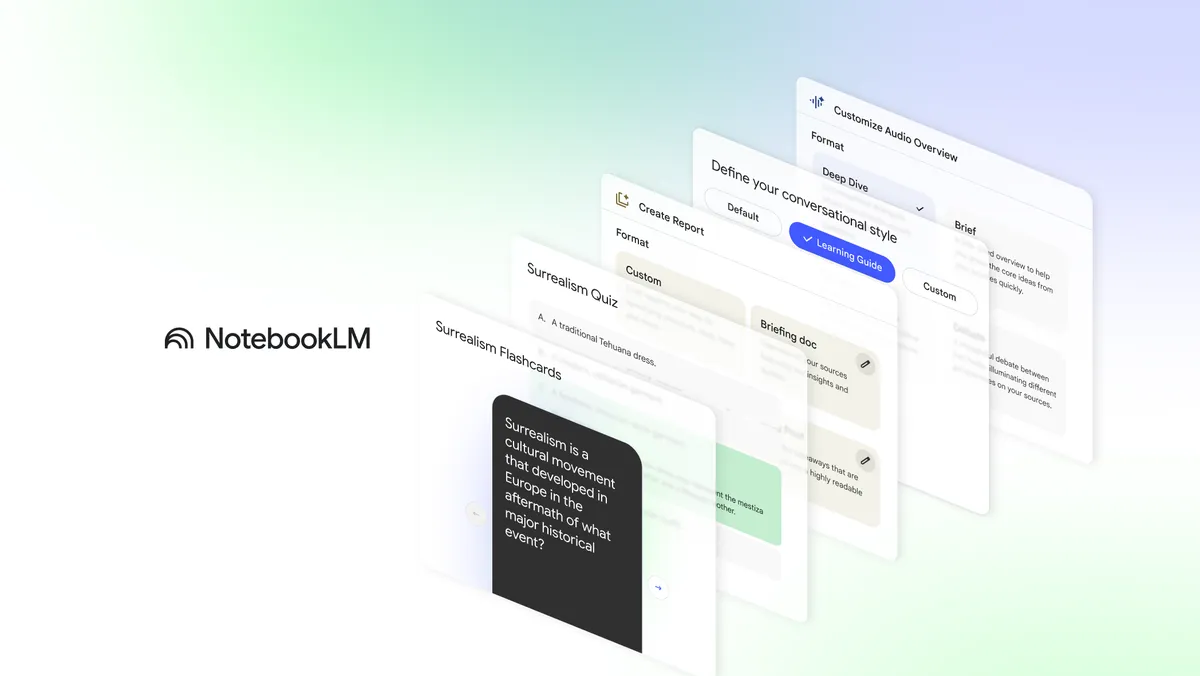
If you use NotebookLM, you know the magic: you dump in a dozen PDFs, transcripts, and notes, and it instantly becomes an expert on your data. But until now, getting that data out of NotebookLM in a structured way was a bit of a manual chore. That changes today.
-

If you haven’t jumped into Google Vids yet, it is Google’s AI-powered video creation app for work. One of its most futuristic features is the ability to use AI avatars to narrate your videos so you don’t have to get in front of a camera yourself.
-
If you haven’t jumped into Google Vids yet, it is Google’s AI-powered video creation app for work. One of its most futuristic features is the ability to use AI avatars to narrate your videos so you don’t have to get in front of a camera yourself.
-
I absolutely love the precision of this new image editing feature baked right into Gemini
Issue 2025-51
We’ve all been stuck trying to get an AI to edit an image, with the process of getting it to comprehend the exact spot you want to change becoming a nightmare.
-
I absolutely love the precision of this new image editing feature baked right into Gemini
Issue 2025-51We’ve all been stuck trying to get an AI to edit an image, with the process of getting it to comprehend the exact spot you want to change becoming a nightmare.
-
Historically, moving an element in the DOM was destructive. Now in Chrome 133, there’s moveBefore. It works exactly like insertBefore, but it keeps the element alive during the move. See all of the UI features that Chrome shipped this year → https://goo.
-
Data teams seem to be constantly balancing the need for governed, trusted metrics with business needs for agility and ad-hoc analysis. To help bridge the gap between managed reporting and rapid data exploration, we are introducing several new features in Looker, to expand users’ self-service capabilities.
-
Welcome to the second Cloud CISO Perspectives for December 2025. Today, Google Cloud’s Nick Godfrey, senior director, and Anton Chuvakin, security advisor, look back at the year that was.As with all Cloud CISO Perspectives, the contents of this newsletter are posted to the Google Cloud blog.
-
In the AI era, when one year can feel like 10, you’re forgiven for forgetting what happened last month, much less what happened all the way back in January. To jog your memory, we pulled the readership data for top product and company news of 2025.
-

If you bought a Pixel 10 back in October, you probably have a complicated relationship with it. The phone is fantastic—the cameras are unmatched, and the AI features are helpful—but if you try to play a graphics-heavy game, things get weird.
-
If you bought a Pixel 10 back in October, you probably have a complicated relationship with it. The phone is fantastic—the cameras are unmatched, and the AI features are helpful—but if you try to play a graphics-heavy game, things get weird.
-

In the latest episode of the Agent Factory, Mofi Rahman and I had the pleasure of hosting, Brandon Royal, the PM working on agentic workloads on GKE.
-
In the latest episode of the Agent Factory, Mofi Rahman and I had the pleasure of hosting, Brandon Royal, the PM working on agentic workloads on GKE.
-

The large amount of personal information that people freely share on social media platforms causes a major conflict between being connected and being at risk. Users often chat with individuals from other cultures, such as Ukrainian singles over 40, hoping to create meaningful relationships.
-
The large amount of personal information that people freely share on social media platforms causes a major conflict between being connected and being at risk. Users often chat with individuals from other cultures, such as Ukrainian singles over 40, hoping to create meaningful relationships.
-

Modern development teams work under constant pressure to ship features fast, keep systems stable, and reduce technical debt. In environments where even small mistakes can break integrations or slow down business operations, code review becomes one of the few reliable ways to maintain consistency and quality.
-
Modern development teams work under constant pressure to ship features fast, keep systems stable, and reduce technical debt. In environments where even small mistakes can break integrations or slow down business operations, code review becomes one of the few reliable ways to maintain consistency and quality.
-

Apple introduced the iPhone 17 Pro in September 2025 with a clear focus on performance. With upgraded hardware, a sharper display, and improved thermal control, it’s clearly aiming to meet the demands of mobile gamers. But strong specs alone don’t guarantee a smooth gaming experience.
-

You’ve built a powerful AI agent. It works on your local machine, it’s intelligent, and it’s ready to meet the world. Now, how do you take this agent from a script on your laptop to a secure, scalable, and reliable application in production?
-
The Stable channel has been updated to 143.0.7499.169/.170 for Windows/Mac and 143.0.7499.169 for Linux, which will roll out over the coming days/weeks. A full list of changes in this build is available in the Log.Interested in switching release channels? Find out how here.
-
Getting AI to write good SQL: Optimizing the AlloyDB AI natural language API for your use case
 Issue 2025-51
Today’s AI capabilities provide a great opportunity to enable natural language (NL) interactions with your enterprise data through applications using text and voice. In fact, in the world of agentic applications, natural language is rapidly becoming the interaction standard.
-
Android Desktop just got a casting upgrade, but here is why I don’t think it’s Aluminium OS
Issue 2025-51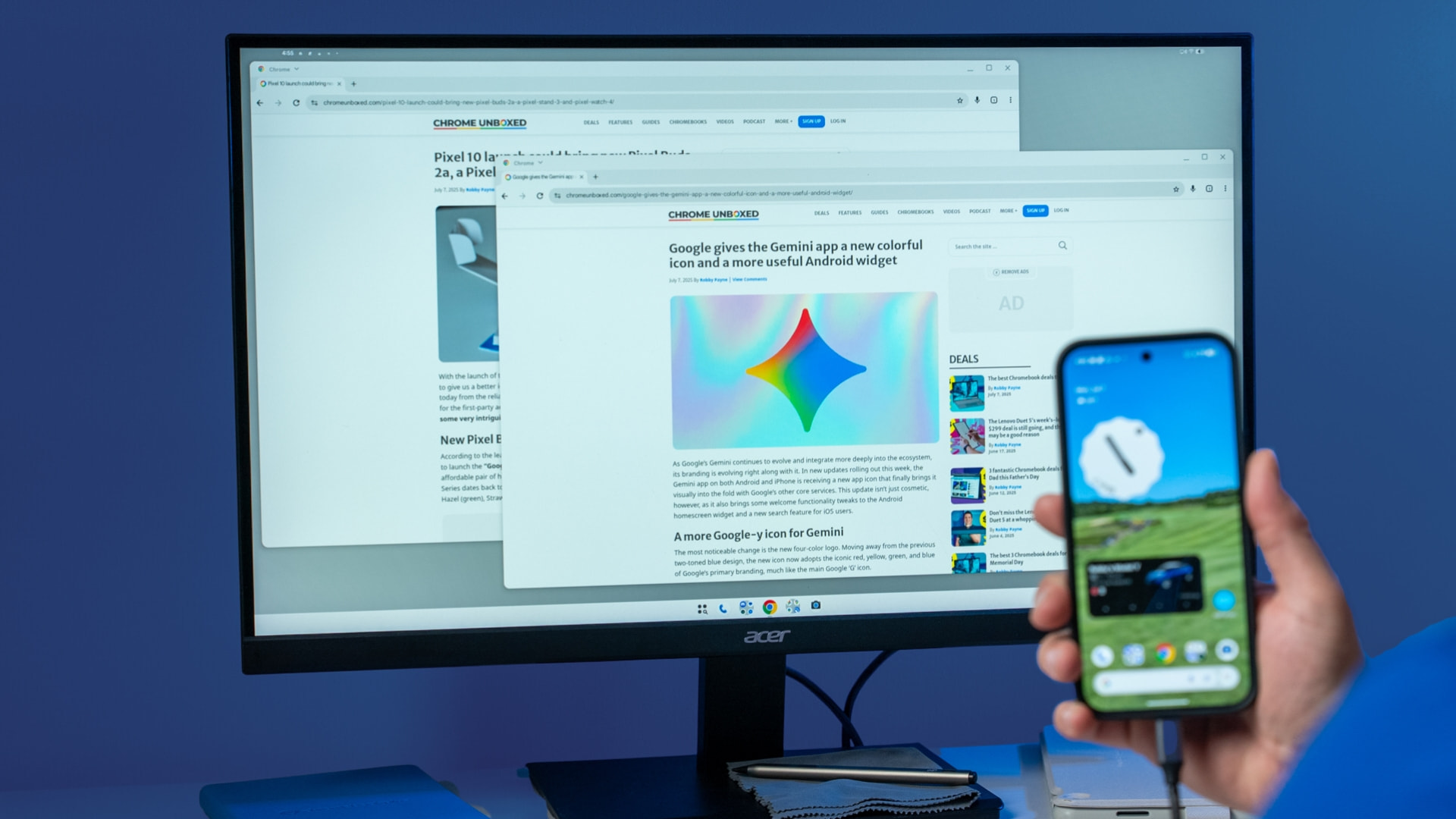
Google is continuing its steady march to make Android more capable on big screens. In the latest Android 16 QPR3 Beta 1, spotted by Android Authority, a cool new feature has appeared: the ability to cast content directly from an external display.
-
Android Desktop just got a casting upgrade, but here is why I don’t think it’s Aluminium OS
Issue 2025-51Google is continuing its steady march to make Android more capable on big screens. In the latest Android 16 QPR3 Beta 1, spotted by Android Authority, a cool new feature has appeared: the ability to cast content directly from an external display.
-
Enhance your development experience with the exciting updates in Chrome DevTools 142-144. This video demonstrates Code suggestions from Gemini, integrated into DevTools for a smoother and more efficient workflow.
-
For years, one of the biggest headaches in Google Meet was the weirdly restrictive audio sharing. If you wanted your audience to hear a video or a sound clip, you had to present a specific Chrome tab.
-
For years, one of the biggest headaches in Google Meet was the weirdly restrictive audio sharing. If you wanted your audience to hear a video or a sound clip, you had to present a specific Chrome tab.




Welcome to the ChromeOSphere
Your one-stop hub for all things Chrome OS and Chrome browser. Our mission is simple: to keep you connected with the pulse of this ever-evolving digital realm. From the latest updates on Chrome, ChromeOSphere brings together the diverse voices of the Chrome world.