
Weekly Issue: 2026-30
-
You’ll soon be able to ask Gemini about your Chrome tab groups

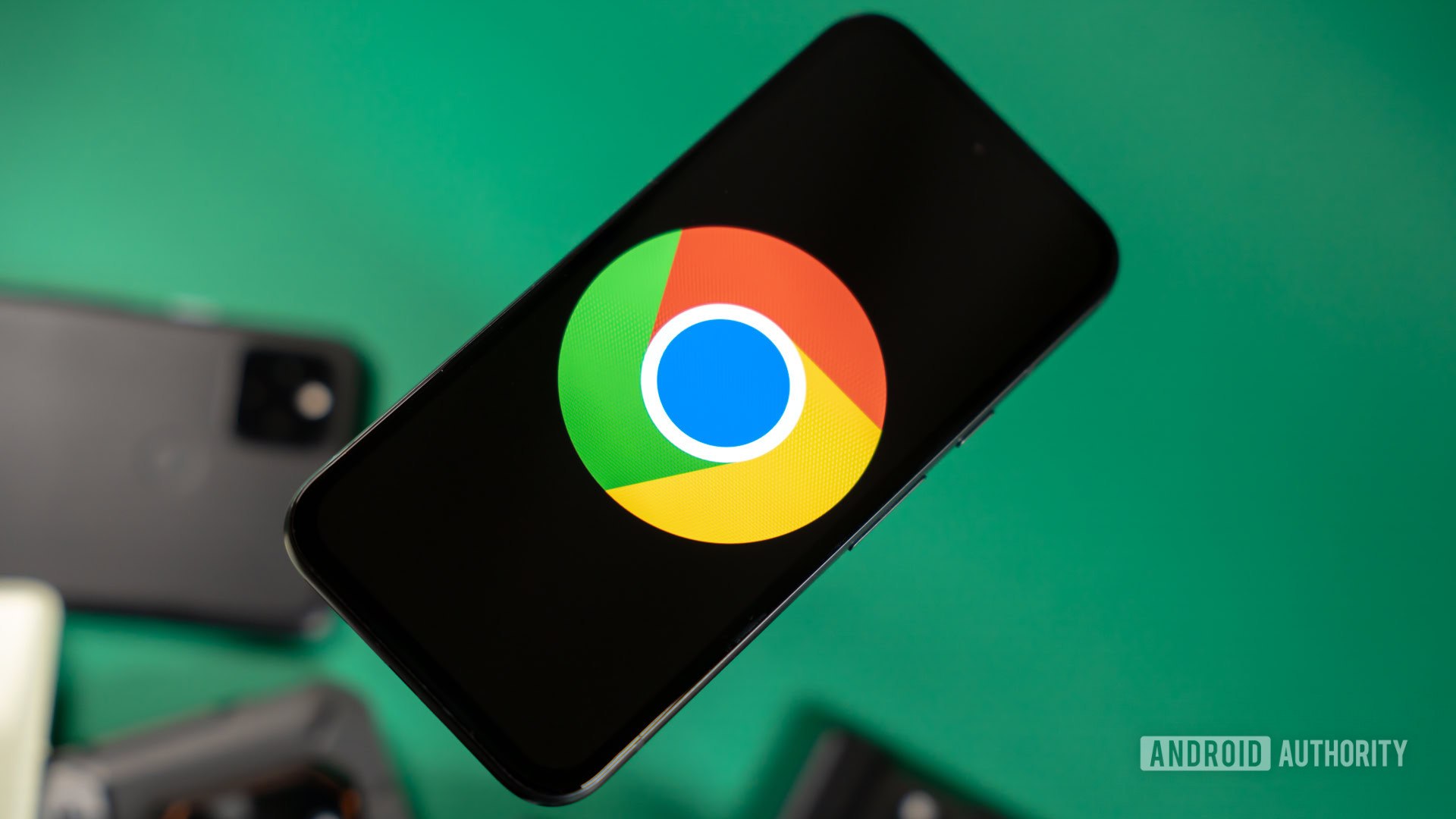
Chrome is putting Gemini right into your tab groups.
-
You’ll soon be able to ask Gemini about your Chrome tab groups
Chrome is putting Gemini right into your tab groups.
-
You’ll soon be able to ask Gemini about your Chrome tab groups
Chrome is putting Gemini right into your tab groups.
-
ChromeOS 150 rolls out with Gemini in Class Tools, Local PIN support, and more

ChromeOS 150 is rolling out to most eligible Chromebooks now, and Google has officially published the release notes; and while milestone releases often focus heavily on under-the-hood enterprise maintenance, this version packs some notable productivity and security upgrades for managed environments and education users.
-
How to schedule an extension release

Launching a new Chrome extension feature? Discover how staged releases and server-side feature flags give you complete control over your rollout timing. Ensure your updates land smoothly, exactly when you’re ready! Subscribe to Chrome for Developers → https://goo.gle/ChromeDevs #ChromeForDevelopers #Chrome Speaker: Oliver Dunk Products Mentioned: Chrome,
-
How to schedule an extension release

Launching a new Chrome extension feature? Discover how staged releases and server-side feature flags give you complete control over your rollout timing. Ensure your updates land smoothly, exactly when you’re ready! Subscribe to Chrome for Developers → https://goo.gle/ChromeDevs #ChromeForDevelopers #Chrome Speaker: Oliver Dunk Products Mentioned: Chrome,
-
How to schedule an extension release
Launching a new Chrome extension feature? Discover how staged releases and server-side feature flags give you complete control over your rollout timing. Ensure your updates land smoothly, exactly when you’re ready! Subscribe to Chrome for Developers → https://goo.gle/ChromeDevs #ChromeForDevelopers #Chrome Speaker: Oliver Dunk Products Mentioned: Chrome,
-
Accelerating automotive innovation with C4A-metal and Panasonic Automotive vSkipGen


As the automotive landscape accelerates toward software-defined vehicles, Cockpit Domain Controllers (CDCs) are becoming the core of next-generation in-cabin experiences. The ability to rapidly develop, test, and validate CDC software in a flexible, hardware-independent environment is critical for innovation and time-to-market.
-
You can now edit videos with just prompts and create custom avatars in Google Vids thanks to Gemini Omni

If you’ve spent any time trying to create professional video content for a business or a marketing campaign, you know how incredibly time-consuming it can be. I can’t tell you the number of times I’ve had a “quick edit” turn into an hour-long project.
-
You can now edit videos with just prompts and create custom avatars in Google Vids thanks to Gemini Omni
If you’ve spent any time trying to create professional video content for a business or a marketing campaign, you know how incredibly time-consuming it can be. I can’t tell you the number of times I’ve had a “quick edit” turn into an hour-long project.
-
The Google Pixel 11a just leaked, and it’s already shaping up to be a mid-range powerhouse
Even though the Pixel 11 series isn’t officially out the door yet, we already have our first big leak for the upcoming Pixel 11a.
-
Cheap vs Premium Instagram Followers: Which Is Worth Paying For

Premium Instagram followers services such as Buzzoid and Twicsy deliver real, active accounts that hold their count, while the cheapest bot sellers pad a number the platform later clears, which is why paying a little more usually costs less overall.
-
Best Apps to Follow the Premier League on Chromebook
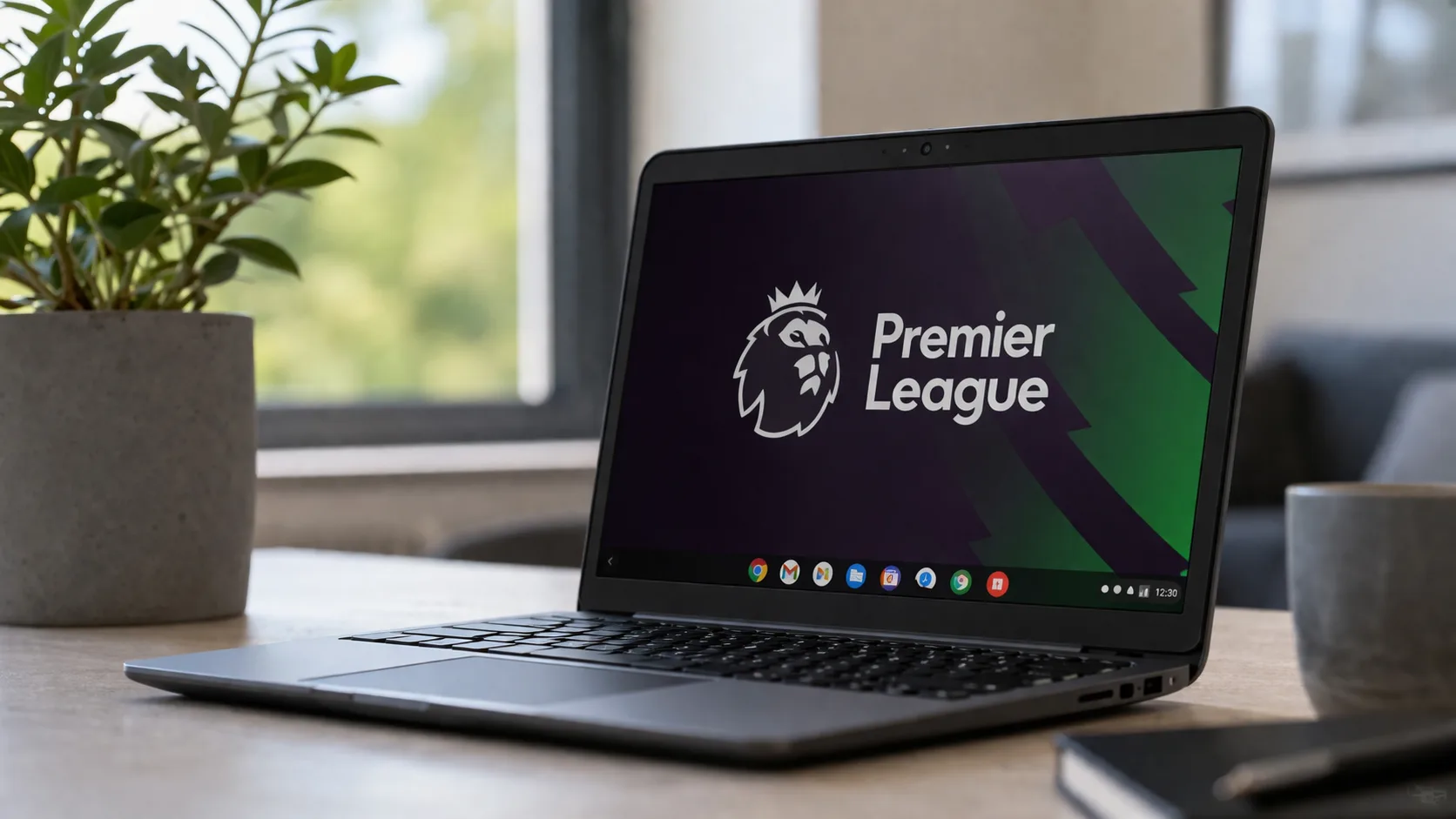
A Chromebook is now a better football screen than it used to be, mainly because the setup is simpler. Google says supported Chromebooks can run Android apps from Google Play, while Chrome app support started phasing out in July 2025, so the old question about Chrome apps is mostly gone.
-
Chromebook Plus Adoption Statistics 2026
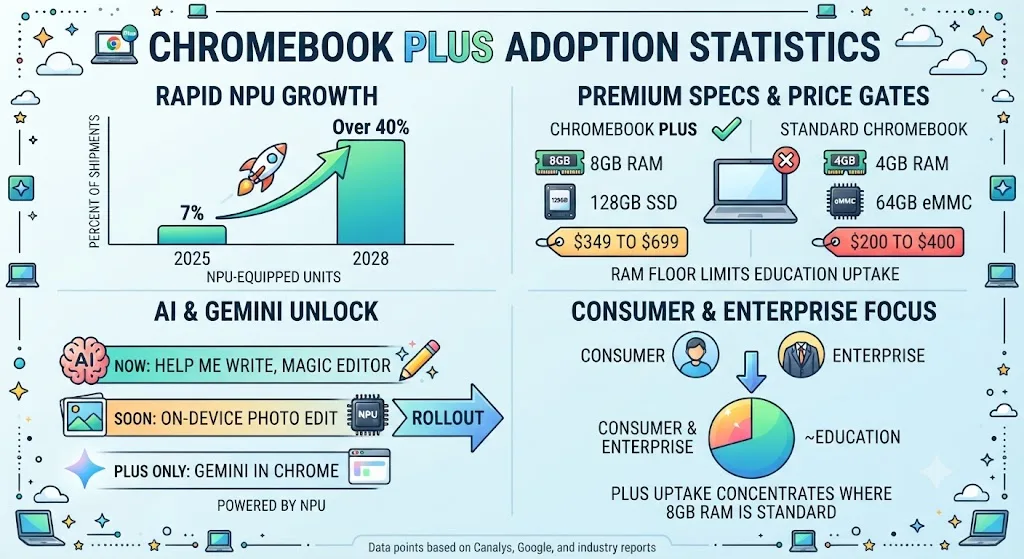
NPU-equipped Chromebooks accounted for 7% of shipments in 2025 and are projected to exceed 40% by 2028, reflecting the AI-driven growth shaping the Chromebook Plus category.
-
Chromebook vs MacBook Sales Statistics 2026: Shipments, Revenue, and Market Share Data
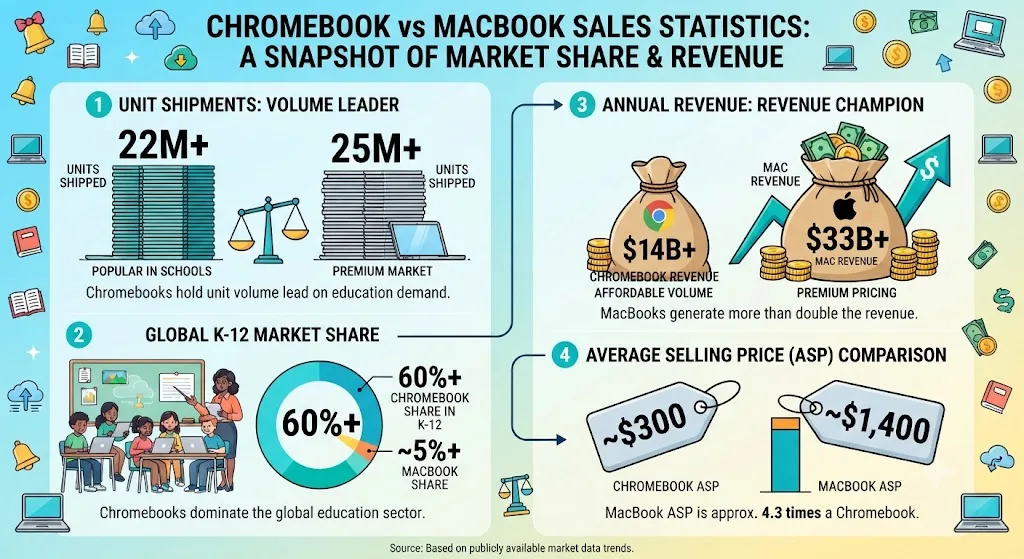
Mac shipments reached 25.6 million units in 2025 versus 22.11 million Chromebooks, while Apple’s $33.71 billion Mac revenue exceeded the entire $14.70 billion Chromebook market.
-
ChromeVox Explained: Google’s Free Screen Reader for Chromebooks
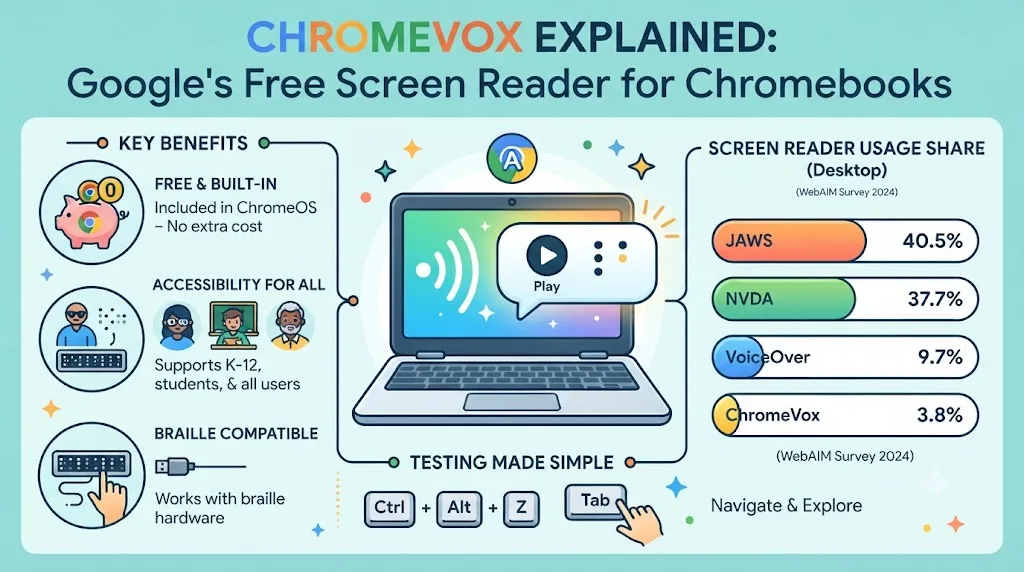
ChromeVox is Google’s built-in screen reader that converts on-screen content into speech or braille output. Learn how it works and why screen readers handle web pages differently.
-
How to Show Gmail’s Unread Count on a Pinned Chrome Tab

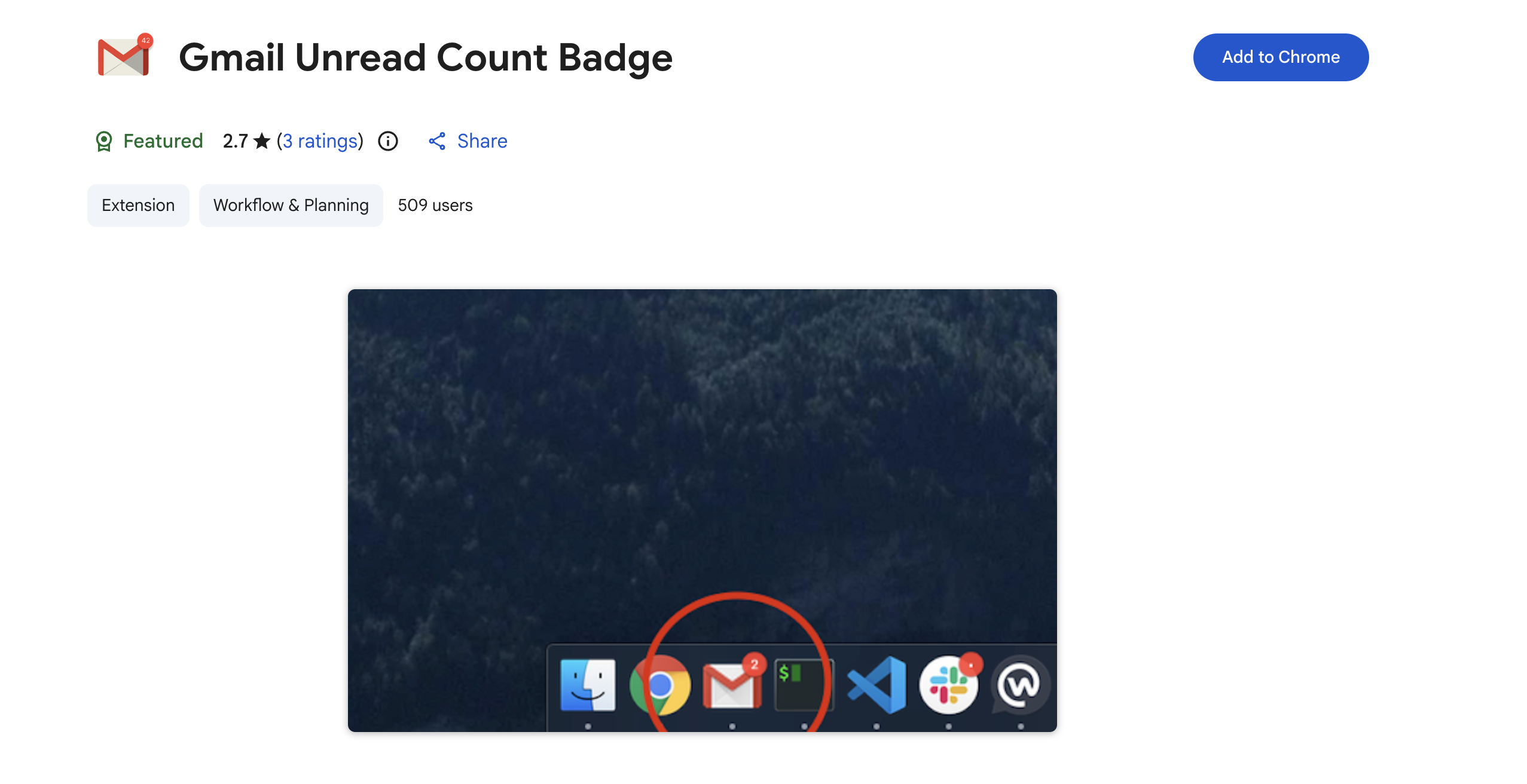
Pinning your Gmail tab hides the unread count. Here’s how to get it back with a small Chrome extension that badges the pinned tab’s icon.
-
How to Show Gmail’s Unread Count on a Pinned Chrome Tab
Pinning your Gmail tab hides the unread count. Here’s how to get it back with a small Chrome extension that badges the pinned tab’s icon.
Welcome to the ChromeOSphere
Your one-stop hub for all things Chrome OS and Chrome browser. Our mission is simple: to keep you connected with the pulse of this ever-evolving digital realm. From the latest updates on Chrome, ChromeOSphere brings together the diverse voices of the Chrome world.