
Weekly Issue: 2023-28
-
Chromebooks are getting boring: Why that’s both good and bad.
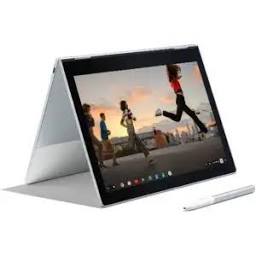
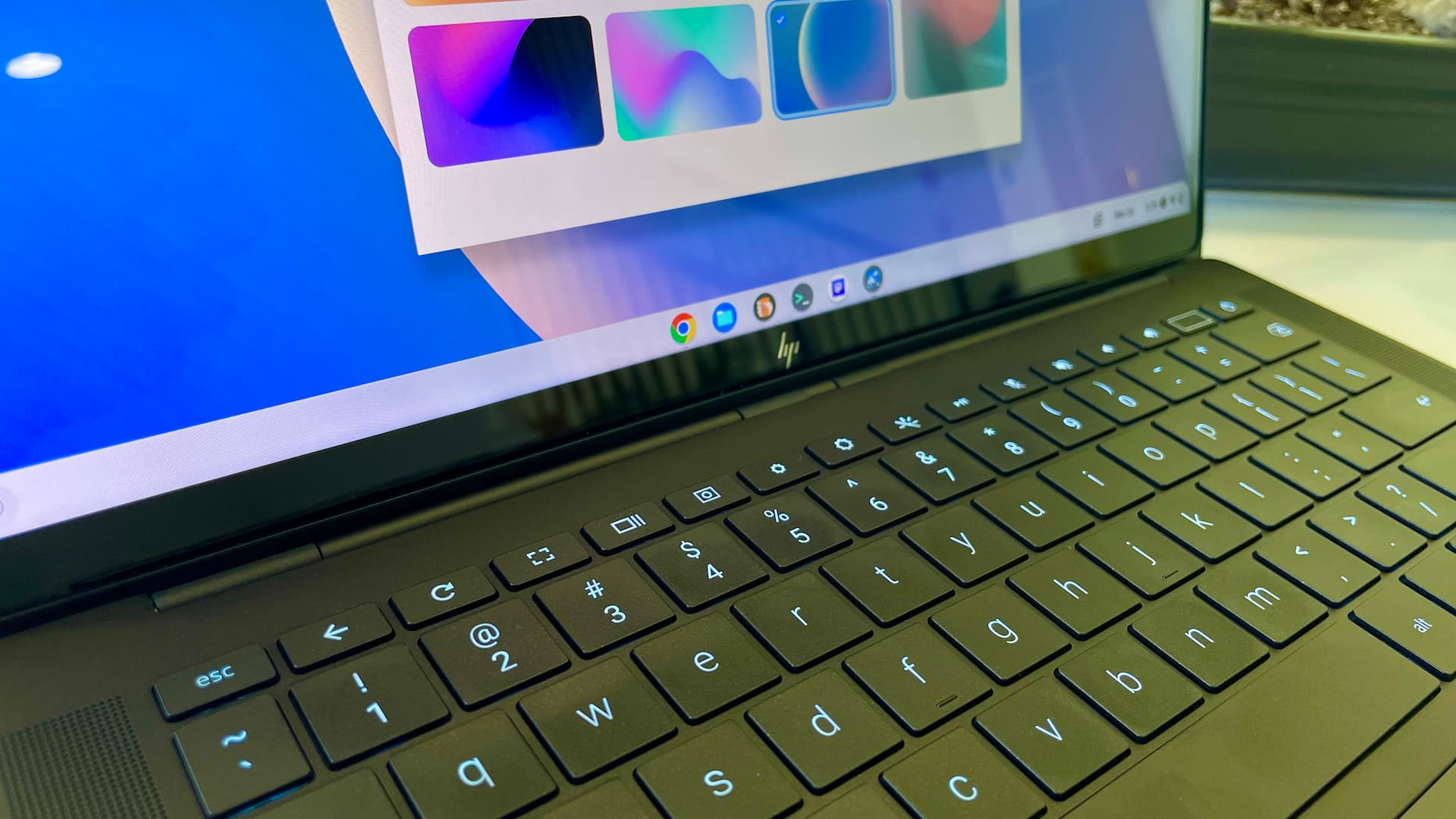
It’s Sunday morning and drinking my coffee. Maybe I’m being too contemplative today but I can’t shake the feeling that Chromebooks are getting boring.
-
Google Chat is finally giving you the ability to hyperlink text in your messages

Google Chat may not have launched with many of the same standard features as its competitors, but it’s slowly started added them over time – a Google staple for the development pipeline.
-
Android 13 and higher to give you an ‘Upgrade Invite’ prominently showcasing its new features

One persistent challenge Android users have faced over the years is the inability to understand precisely what updates Google is incorporating into its operating system. Often, they’d have had to rely on news outlets (like us!
-
DevOps Awards winner Sabre on nurturing team culture

Sabre is a leading software and technology company that powers the global travel industry. With decades of revolutionary firsts, their team of experts drive innovation and ingenuity across the travel ecosystem. Sabre partners with airlines, hoteliers, agencies, and other travel partners to retail, distribute, and fulfill travel.
-
Google One VPN to improve location service accuracy by switching to local IP addresses

Virtual Private Networks, or VPNs for short, are primarily designed to enhance user anonymity. They achieve this by giving you the freedom to choose the country from which your IP address is being broadcast from.
-
The Lenovo IdeaPad Chromebook Slim 3 is a marvel of affordability [VIDEO]
![The Lenovo IdeaPad Chromebook Slim 3 is a marvel of affordability [VIDEO]](https://chromeunboxed.com/wp-content/uploads/2023/07/LenovoSlim3-1.jpg)
Here in the office, we have the new Lenovo IdeaPad Chromebook Slim 3 – or what we tend to just call the Slim 3. This Chromebook showed up quietly, following the same design ethos that Lenovo employed for the Flex 3i we recently reviewed and really enjoyed a lot.
-
Beta Channel Update for ChromeOS

The Beta channel is being updated to OS version: 15474.56.0 Browser version: 115.0.5790.94 for most ChromeOS devices.If you find new issues, please let us know one of the following waysFile a bugVisit our ChromeOS communitiesGeneral: Chromebook Help CommunityBeta Specific: ChromeOS Beta Help CommunityReport an issue or send feedback on ChromeInterested in switching channels? Find out how.
-
Chrome Dev for Desktop Update
The Dev channel has been updated to 116.0.5845.32 for Windows, Mac and Linux.A partial list of changes is available in the Git log. Interested in switching release channels? Find out how. If you find a new issue, please let us know by filing a bug.
-
Google adds more features and language to Bard AI, taking aim at ChatGPT

When it comes to creativity, curiosity and imagination are really what bring everything to life. From a child’s imaginative game to an entrepreneur’s brand-new business idea, these qualities are intrinsically human and have found a new assistant here in 2023 with the rise of large language model AI.
-
How to disable Google Drive email spam and centralize file changes and requests in one place
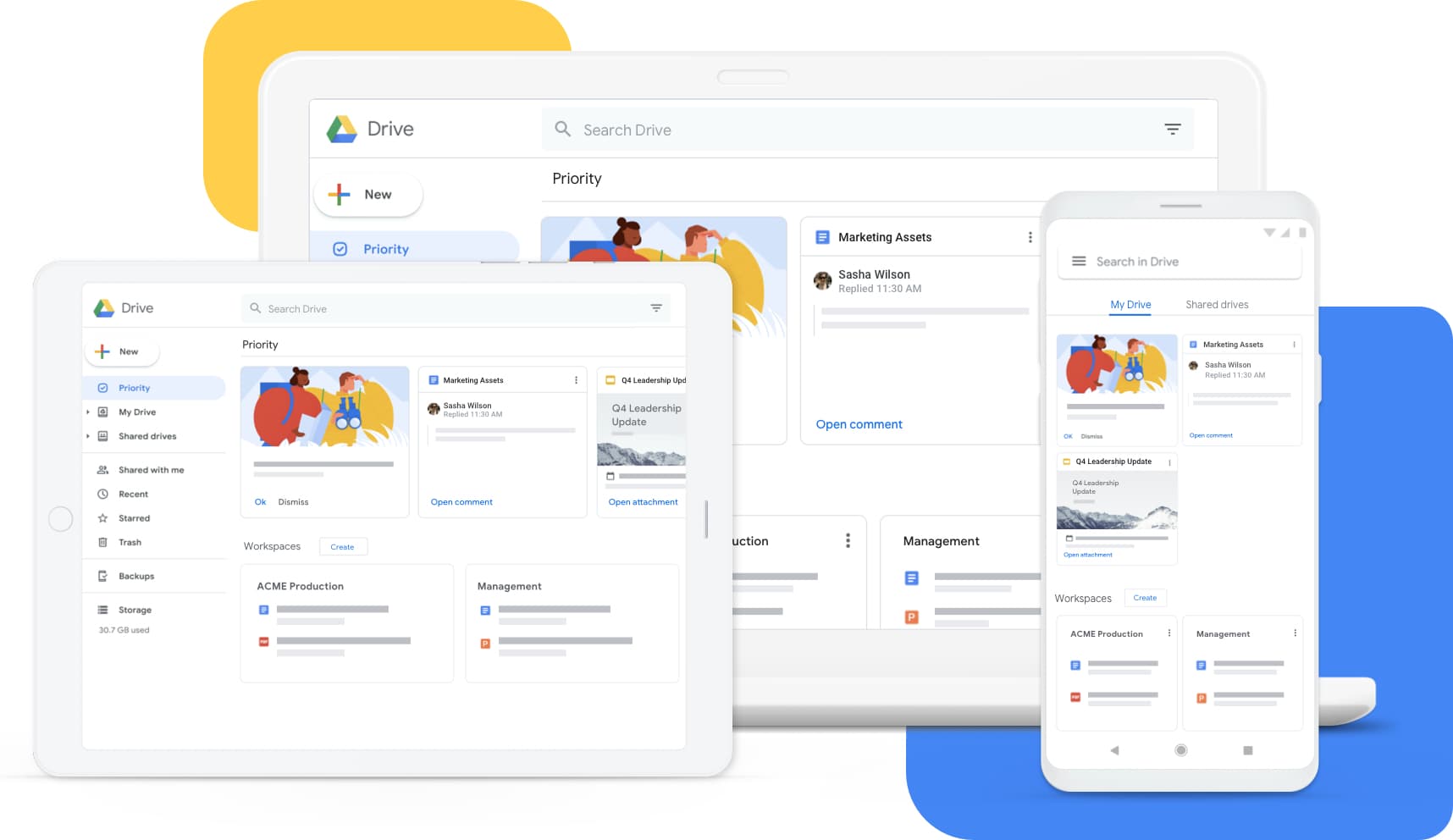
If you use Google Drive as much as I do, then you’ll know all too painfully well how many emails you get whenever someone makes a change to a file, invites you, or requests access, among many other things.
-
Passkeys on Chromebooks: What you need to know (updated)
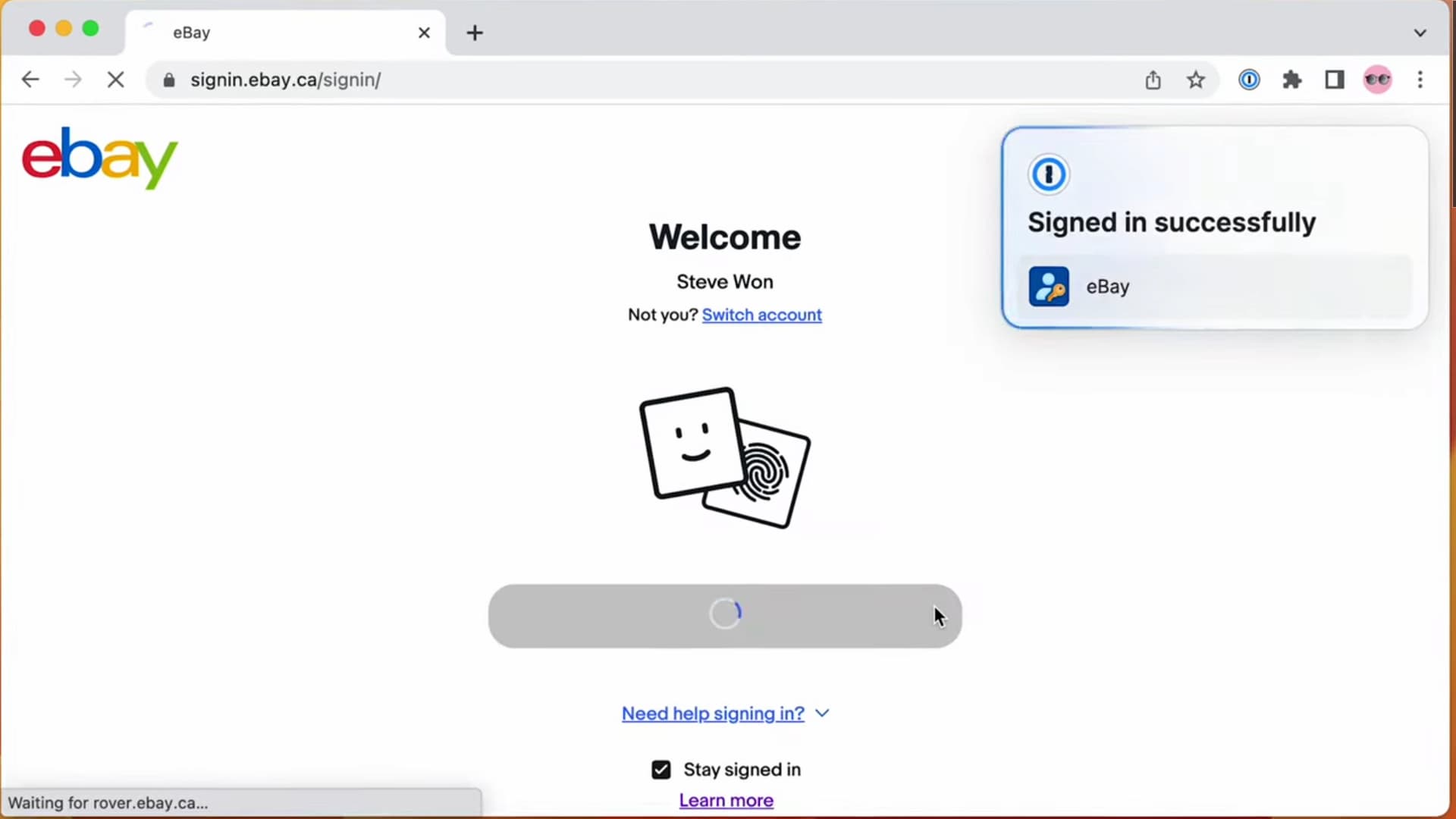
Passkeys on Chromebooks and Chrome will greatly reduce, if not get rid of, having to type passwords. Here’s what you need to know about them.
-
Thinking on ways to solve a MORPHING BUTTON

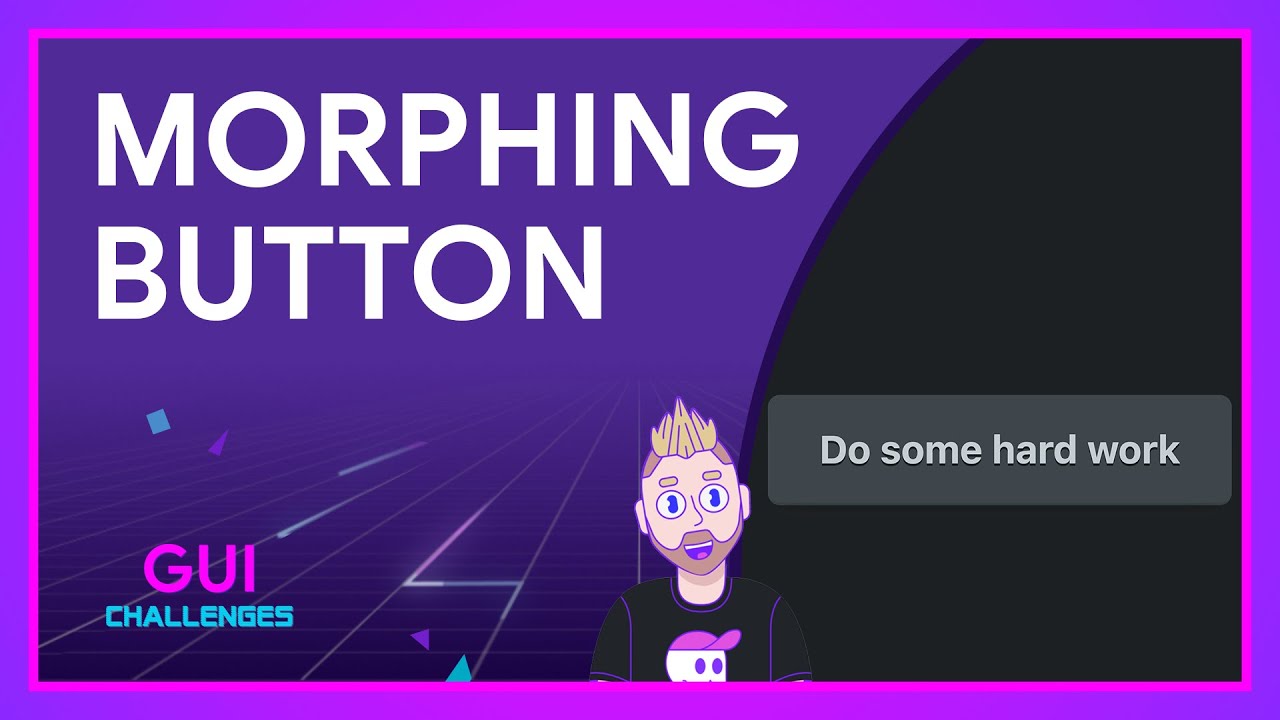
In today’s GUI Challenge, @AdamArgyleInk progressively enhances a multi-state button to morph between states using the super rad View Transitions api.
-
Chrome Incognito Mode to obscure Media Metadata from Windows, Android


Google is working to further improve Incognito Mode at OS Level. The company is working to prevent OS “media controls” from showing title/artists/artwork or other details during media playback in Incognito on Windows, Mac, Linux, Chrome OS, Android, and iOS.
-
The Roku Channel indirectly joins Google TV and Android TV’s lineup of free movies and TV shows

One of the oldest arguments of the tech world is whether or not you’ll buy a Roku or a Chromecast for your grandmother, and there are very clearly parties that fall on either side.
-
How to use Threads on desktop in Windows, Mac, Linux, and ChromeOS

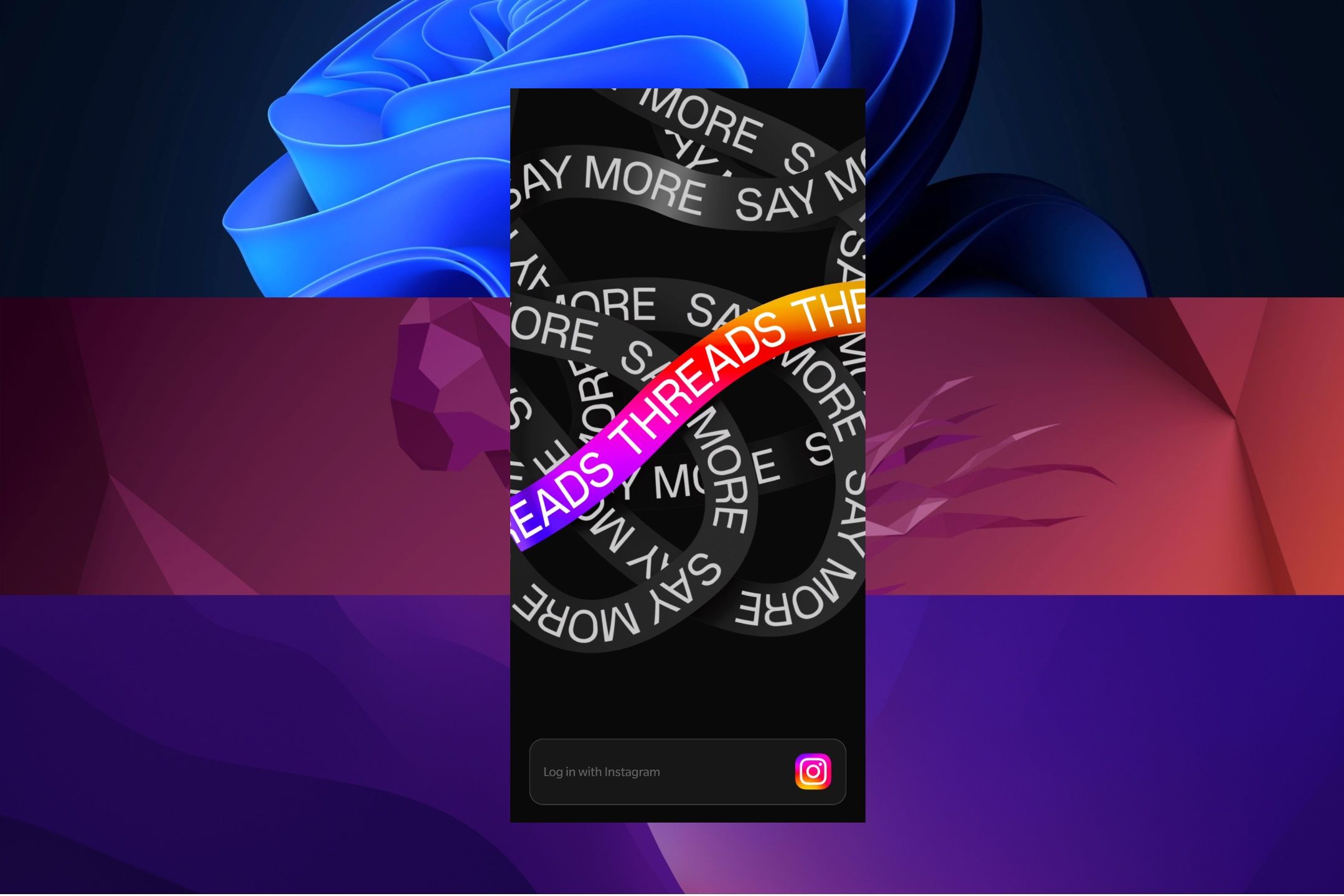
Here’s all you need to know about installing Threads on Windows, Linux, macOS, or ChromeOS and getting started with the Meta app on a PC or Mac.
-
Chrome Dev for Android Update
Hi everyone! We’ve just released Chrome Dev 116 (116.0.5845.30) for Android. It’s now available on Google Play.You can see a partial list of the changes in the Git log. For details on new features, check out the Chromium blog, and for details on web platform updates, check here.
-
Some of Best Buy’s best Black Friday in July Chromebook deals are still going

The first few days of this week saw Best Buy launching a huge sales event clearly aimed at Amazon’s massive Prime Day sales blitz.
-
macOS Sonoma lets Chrome use passwords stored in iCloud

/cdn.vox-cdn.com/uploads/chorus_asset/file/24418649/STK114_Google_Chrome_02.jpg)
Illustration: The Verge If you’re using the new macOS Sonoma beta, you might want to know about a glorious new bridge between ecosystems that lets Mac Chrome users connect with their iCloud passwords.
-
I accidentally dropped my Pixel Fold from 5 feet onto asphalt off of a moving golf cart

Yeah, you read that right. This past Sunday I was out for a casual round of golf and as I have done a few times already with my Pixel Fold review unit, I had the phone secured in my magnetic clamp that I keep on attached to the golf cart.
-
Chrome Incognito Mode to obscure Media Metadata from Windows, Android

Google to ensure Chrome doesn’t share media Metadata with OS Media Controls on desktop, Chrome OS, IOS, and Android when media is playing in Incognito Mode.
-
Chrome Incognito Mode to obscure Media Metadata from Windows, Android
Google to ensure Chrome doesn’t share media Metadata with OS Media Controls on desktop, Chrome OS, IOS, and Android when media is playing in Incognito Mode.
-
Chrome Incognito Mode to obscure Media Metadata from Windows, Android
Google to ensure Chrome doesn’t share media Metadata with OS Media Controls on desktop, Chrome OS, IOS, and Android when media is playing in Incognito Mode.
-
Chrome Incognito Mode to obscure Media Metadata from Windows, Android
Google to ensure Chrome doesn’t share media Metadata with OS Media Controls on desktop, Chrome OS, IOS, and Android when media is playing in Incognito Mode.
-
Chrome Incognito Mode to obscure Media Metadata from Windows, Android
Google to ensure Chrome doesn’t share media Metadata with OS Media Controls on desktop, Chrome OS, IOS, and Android when media is playing in Incognito Mode.
-
Chrome Incognito Mode to obscure Media Metadata from Windows, Android
Google to ensure Chrome doesn’t share media Metadata with OS Media Controls on desktop, Chrome OS, IOS, and Android when media is playing in Incognito Mode.
-
Chrome Incognito Mode to obscure Media Metadata from Windows, Android
Google to ensure Chrome doesn’t share media Metadata with OS Media Controls on desktop, Chrome OS, IOS, and Android when media is playing in Incognito Mode.
-
Chrome Incognito Mode to obscure Media Metadata from Windows, Android
Google to ensure Chrome doesn’t share media Metadata with OS Media Controls on desktop, Chrome OS, IOS, and Android when media is playing in Incognito Mode.
-
Chrome Incognito Mode to obscure Media Metadata from Windows, Android
Google to ensure Chrome doesn’t share media Metadata with OS Media Controls on desktop, Chrome OS, IOS, and Android when media is playing in Incognito Mode.
-
Chrome Incognito Mode to obscure Media Metadata from Windows, Android
Google to ensure Chrome doesn’t share media Metadata with OS Media Controls on desktop, Chrome OS, IOS, and Android when media is playing in Incognito Mode.
-
Chrome Incognito Mode to obscure Media Metadata from Windows, Android
Google to ensure Chrome doesn’t share media Metadata with OS Media Controls on desktop, Chrome OS, IOS, and Android when media is playing in Incognito Mode.
-
Chrome Incognito Mode to obscure Media Metadata from Windows, Android
Google to ensure Chrome doesn’t share media Metadata with OS Media Controls on desktop, Chrome OS, IOS, and Android when media is playing in Incognito Mode.
-
Chrome Incognito Mode to obscure Media Metadata from Windows, Android
Google to ensure Chrome doesn’t share media Metadata with OS Media Controls on desktop, Chrome OS, IOS, and Android when media is playing in Incognito Mode.
-
Chrome Incognito Mode to obscure Media Metadata from Windows, Android
Google to ensure Chrome doesn’t share media Metadata with OS Media Controls on desktop, Chrome OS, IOS, and Android when media is playing in Incognito Mode.
-
Chrome Incognito Mode to obscure Media Metadata from Windows, Android
Google to ensure Chrome doesn’t share media Metadata with OS Media Controls on desktop, Chrome OS, IOS, and Android when media is playing in Incognito Mode.
-
How to Reset Chrome to Default Settings


I have been using Google Chrome for a while now. Well, it has been years. I have customized Chrome to make it look and work the way I like. What if I want to go back to how it was?
Welcome to the ChromeOSphere
Your one-stop hub for all things Chrome OS and Chrome browser. Our mission is simple: to keep you connected with the pulse of this ever-evolving digital realm. From the latest updates on Chrome, ChromeOSphere brings together the diverse voices of the Chrome world.