
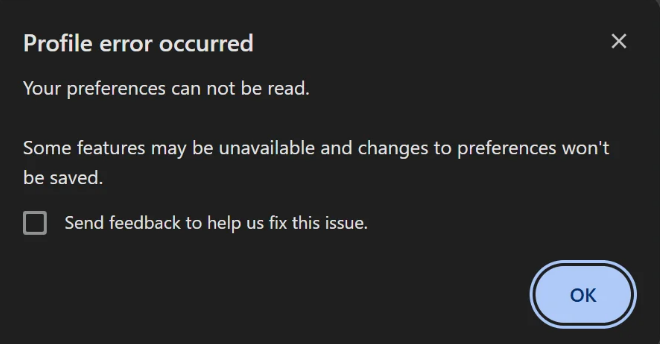
Have you ever launched Google Chrome only to be greeted by an annoying pop-up box that says: “Profile error occurred. Your preferences can not be read. Some features may be unavailable and changes to preferences won’t be saved”? This error usually means that your local Chrome user profile folder has become corrupted. Here are a […]
The post How to Fix ‘Profile error occurred: Your preferences can not be read’ in Google Chrome appeared first on Chrome Story.