

Chrome OS is regarded as one of the safest operating systems, offering advanced security measures to protect your data. It provides superior protection against account theft and phishing, which makes it a common choice for online gambling.
However, despite Chromebooks themselves being quite secure, they’re not immune to social engineering and human-based errors.
When it’s your money on the line, it’s important to do as much research as possible. A Yukon Gold Casino review offers insight into the operator’s licensing and safety, which improves confidence in technical security. Practice makes perfect, which is why this article will offer insight into how to stay even safer.

The In-Built Chrome-OS Security System
A ChromeOS system has multiple built-in security layers that most MacOS and Windows users must configure separately.
It takes action on your part as well, but the flow is smoother. Below are the features that make ChromeOS a secure operating system:
- Sandboxing: Each tab runs with its own “box,” so open a separate one for each task. If you stumble across a shady website and it tries to steal your data, it can’t jump into your banking tab or other accounts.
- Guest Mode: A better version of “Incognito,” the “Guest Mode” allows users to enter a website with a blank slate and no extensions. It uses none of your saved passwords and bookmarks, and saves no history. Use it when you’re testing a new gambling website.
- Verified Boot: This feature checks the integrity of your operating system each time you start up your device. Always restart it if you are prompted to do so. Should a malicious website try to drop a harmful code, a reboot helps clean the slate.
In the end, the built-in features reduce the risk compared to other operating systems, but they’re not foolproof. You have to accept them, and then use practical safety tactics to eliminate the threats that can’t be erased.
Practical Tips to Improve Security
Human error is regarded as one of the most common causes of security breaches. This means that even if ChromeOS offers a layer of protection, it’s up to you to harden it. Below are some practical tips to strengthen your security when using gambling platforms:
1. Check the Platform License
The first step is to review the platform’s licensing and security. A reliable gambling website should publicize under whose license they operate, as well as the license number. Use that number to check if they appear in the authority body’s registry.
2. Look for Security Protocols
Legitimate websites use AES-128 security protocols, which encrypt your data if there’s a breach. Look for a padlock or a link that starts with “HTTPS,” as it suggests advanced security protocols. It may not guarantee that the site is reliable, but at least the data between you and their server is encrypted.
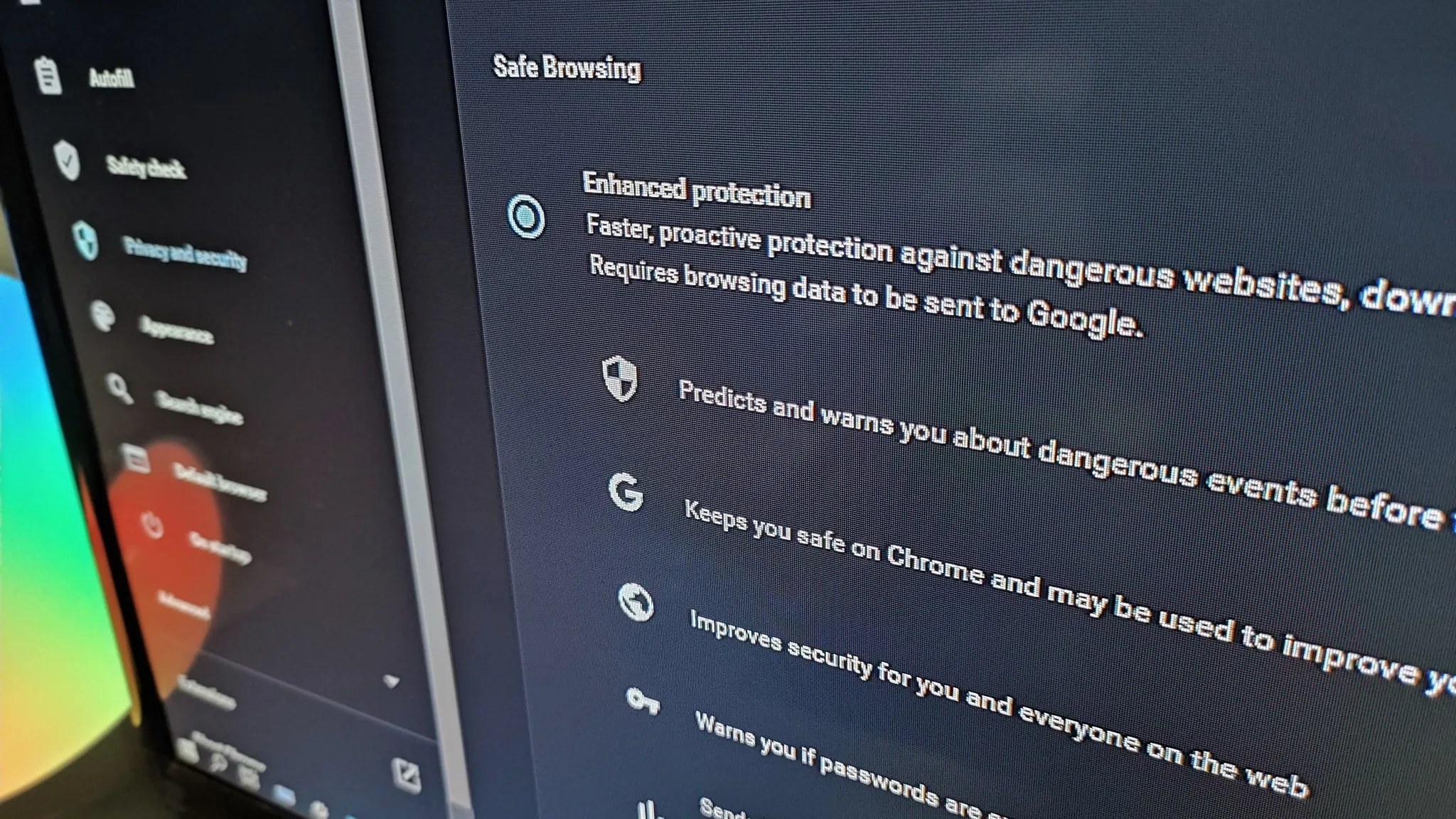
3. Enable Safe Browsing on Chrome
This Chrome security feature alerts you when you access a website that’s known for malware or phishing, particularly when downloading. It finds and blocks dangerous extensions and warns you if your credentials appear in a data breach.
4. Turn On Two-Factor Authentication (2FA)
2FA can be set on Google, and finding it on a gambling platform is a bonus. If your credentials are stolen and someone attempts to access your account, they can’t do this without your say-so. This protects against hijacking.
ChromeOS offers a solid security framework, but a lot of it depends on you. Think of the operating system as the lock, and you have to turn the key to set things in motion.
Check the legitimacy of the website, review its security protocols, and take advantage of ChromeOS’s security prompts.