
Chromebooks have come a long way from being “just a browser with a keyboard.” With faster processors, better displays, Android apps, Linux support, and cloud-first workflows, many people are now asking a serious question:
Can a Chromebook fully replace your main laptop?
To answer this honestly, we tested Chromebooks in real-world daily use scenarios—work, study, entertainment, and even light creative tasks. No marketing hype, just practical results.
What a Modern Chromebook Actually Is (and Isn’t)
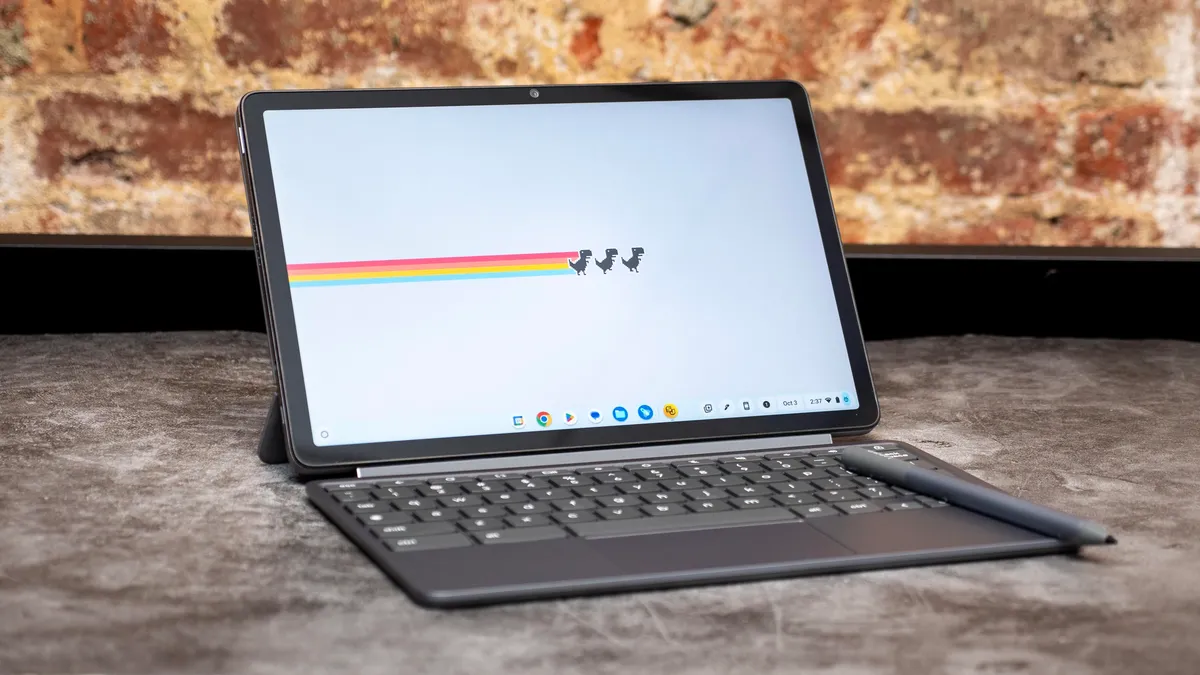
A Chromebook runs ChromeOS, an operating system built around Google Chrome. But modern Chromebooks are no longer limited to web browsing.
Today, most Chromebooks support:
- Web apps (Google Docs, Sheets, Canva, Figma, etc.)
- Android apps from the Play Store
- Linux apps for coding and development
- Offline work for documents, media, and files
However, ChromeOS is still different from Windows or macOS—and that difference matters.
Real-World Test 1: Office Work & Productivity
What Works Well
For everyday productivity, Chromebooks perform surprisingly well.
You can comfortably:
- Write documents (Google Docs, Word Online)
- Create spreadsheets and presentations
- Attend Zoom/Google Meet calls
- Manage emails and calendars
- Use project tools like Notion, Trello, Slack, ClickUp
Most office workflows today are browser-based, and ChromeOS handles them smoothly.
Where It Struggles
- Advanced Excel macros don’t work
- Desktop-only software like MS Access or legacy accounting tools are unsupported
- Multitasking with 15–20 heavy tabs can slow down low-end models
Verdict:
For students, writers, marketers, and remote workers, a Chromebook can replace a main laptop.
Real-World Test 2: Media Consumption & Entertainment
This is where Chromebooks shine.
You can:
- Stream Netflix, Prime Video, YouTube in HD
- Download content for offline viewing
- Use Android apps for Spotify, Disney+, etc.
- Connect Bluetooth headphones easily
Battery life often lasts 8–12 hours, beating many Windows laptops.
Verdict:
As a daily entertainment machine, Chromebooks are excellent.
Real-World Test 3: Creative Work (Design, Video, Audio)
Design & Graphics
- Canva works flawlessly
- Figma runs well in-browser
- Light photo editing is possible with Photopea or Android apps
Video Editing
This is where limitations appear.
- No Adobe Premiere Pro
- No Final Cut Pro
- Web-based editors are usable but limited
Audio Production
- No full DAWs like FL Studio or Ableton
- Basic audio editing is possible via web tools
Verdict:
Chromebooks are fine for light creative work, but not professional production.
Real-World Test 4: Coding & Development
Thanks to Linux support, Chromebooks are surprisingly capable for developers.
You can:
- Run VS Code
- Use Python, Node.js, Git
- Build and test web apps
- Use terminal-based tools
However:
- Heavy Docker workloads are slow
- Android Studio is usable but not ideal
- Game development is limited
Verdict:
Great for learning, web development, and light coding. Not ideal for heavy dev workflows.
Real-World Test 5: Gaming
Let’s be clear.
- No AAA PC gaming
- No Steam (native)
- No GPU-heavy titles
What does work:
- Cloud gaming (GeForce NOW, Xbox Cloud Gaming)
- Android games
- Casual browser games
Verdict:
Not a gaming laptop—unless you rely on cloud gaming.
Storage, File Management & Offline Use
Chromebooks encourage cloud storage, but offline support has improved.
You get:
- Local file storage
- USB drives & external SSD support
- Offline access to Google Docs, Gmail, Drive
Still, file management feels simpler compared to Windows/macOS.
Verdict:
Good enough for most users, limited for power users.
Security & Maintenance (Big Win for Chromebooks)
This is an area where Chromebooks outperform traditional laptops.
- Automatic updates
- Built-in virus protection
- Sandboxed apps
- No driver headaches
For non-technical users, this is a huge advantage.
Who Should Use a Chromebook as Their Main Laptop?
A Chromebook can replace your main laptop if you are:
- A student
- A writer or blogger
- A digital marketer
- A remote worker
- A casual user
- Someone who lives mostly in a browser
Many tech reviewers and productivity blogs, including Gizmocrunch, have noted that ChromeOS is now powerful enough for mainstream users—not just beginners.
Who Should NOT Replace Their Laptop with a Chromebook?
Stick to Windows or macOS if you:
- Edit videos professionally
- Use Adobe Creative Suite daily
- Play PC games
- Rely on specialized desktop software
- Need heavy multitasking and local processing power
Final Verdict: Can a Chromebook Replace Your Main Laptop?
Yes—for the right user.
No—for power users and professionals.
Chromebooks are no longer secondary devices. For millions of people, they’re fast, affordable, secure, and more than capable of handling daily work.
The real question isn’t “Is a Chromebook powerful enough?”
It’s “Do you still need traditional desktop software?”
If your answer is no, a Chromebook might already be all the laptop you need.