
Once the material is in your hands, you need to choose your editing setup — and that’s when the headache usually begins. The internet today is drowning in video editing software options. How do you actually make the right choice?
Some editing tools are made for quick results, others for creativity, and some for full-scale professional production.
The difference between content that gets ignored and content that performs often comes down to one thing: the editor you use.
Today’s best video editing apps aren’t just tools — they’re productivity engines powered by automation, templates, and AI.
But with so many options promising “professional results in minutes,” choosing the right one can feel like editing without a timeline.
That’s why we’re focusing on five video editors that actually make sense in 2026 — practical tools for real creators, real workloads, and real publishing schedules.
Evaluating the Tools
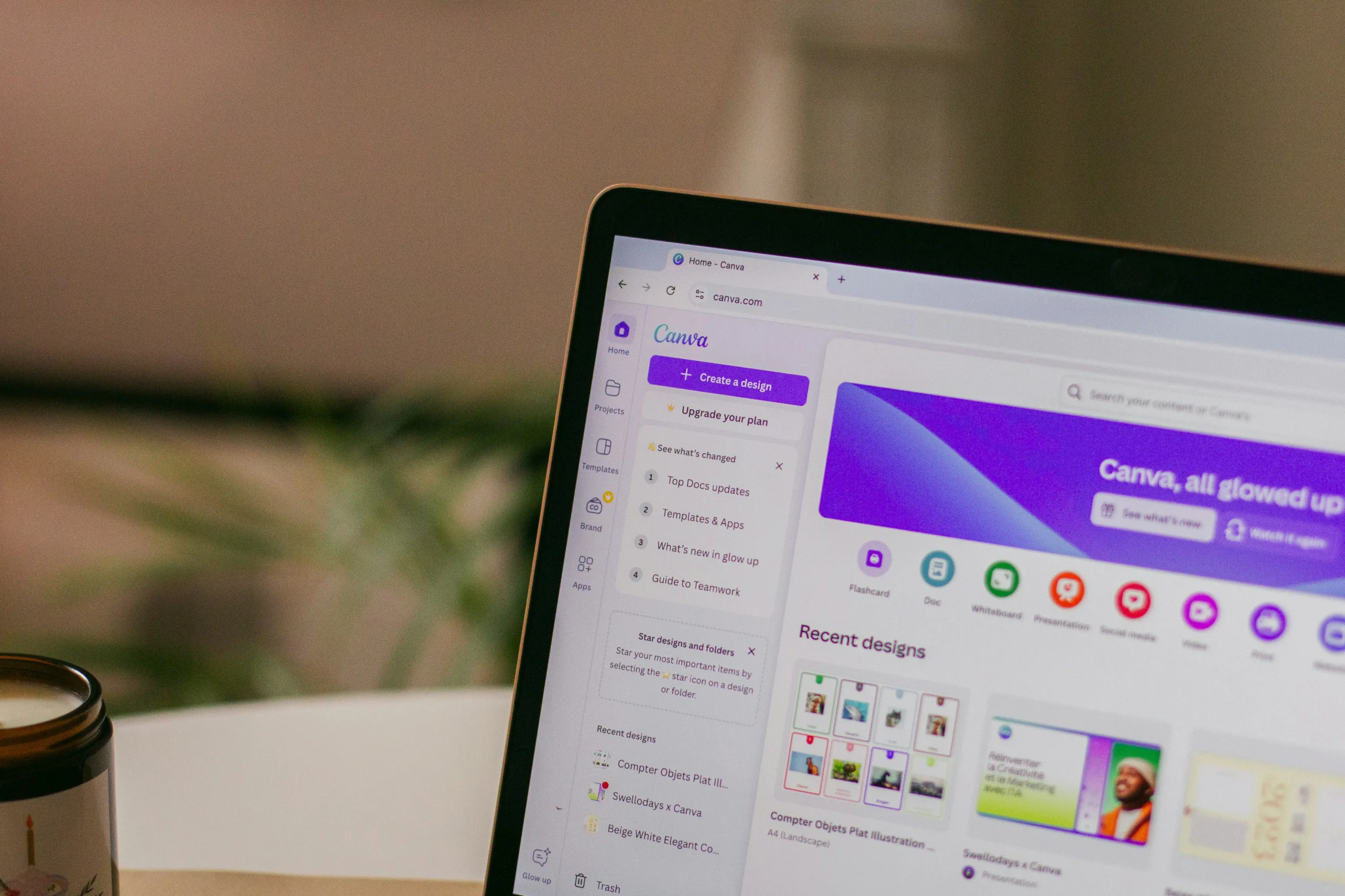
Canva — Fast, Online, and Shockingly Capable
If speed matters more than perfection, Canva is your weapon. What started as a design tool is now one of the most accessible AI video editing tools available. You won’t get cinematic color grading or advanced compositing — but you will get results quickly.
Canva is perfect for:
- Social media videos
- Marketing promos
- Explainer content
- Presentation videos
Editing becomes much easier when you can simply move elements around the timeline. Templates simplify decisions, and AI resizing handles platform formatting automatically. Canva helps daily creators move from idea to published video with less effort. Less time editing means more time publishing.
Movavi Video Editor — Easy Start, Strong Results
Movavi Video Editor hits the rare balance — powerful enough to keep up with your skills, but simple enough to learn in a single afternoon. Beginners use it because it’s simple. They stick with it because the results look professional.
Movavi excels at:
- Quick timeline editing
- Built-in effects and transitions
- Screen recordings
- AI-assisted enhancements
Unlike many entry-level tools, Movavi doesn’t feel limiting after a few months of use. It scales with your skills. Another practical advantage? It already has YouTube- and TikTok-optimized export settings built right in, so you can publish regularly without extra hassle.
If switching between editing software, converters, and watermark removers is driving you crazy, Movavi gives you everything in a single workspace. That single advantage can free up hours of your time every week.
iMovie — Still the King of Simplicity
Some tools don’t need reinvention. They just need to keep working — and Apple iMovie does exactly that. For Apple users, it remains the most reliable Mac video editing software available out of the box.
iMovie is ideal for:
- Students
- Small business owners
- First-time creators
- Quick personal projects
No unnecessary extras — just stability, simplicity, and smooth performance on macOS. Everything stays in perfect sync on the timeline, renders happen fast, and exporting videos is delightfully reliable
Crucially, iMovie prioritizes real editing fundamentals so you don’t get lost in complexity: timeline organization, clip trimming, multi-track audio, and easy color adjustments.
And that foundation is what makes the transition to pro-level editing software feel natural once you’re ready to level up.
CapCut — Built for the Algorithm Era
CapCut understands modern content creation better than most editors. It wasn’t built for filmmakers — it was built for creators chasing reach.
If you’re producing short-form content, this is easily one of the best video editing apps you can install in 2026.
CapCut shines with:
- AI captions
- Auto-cutting features
- Trend-based templates
- Background removal tools
- Music sync automation
CapCut is all about social media efficiency — TikTok videos especially — where the goal is to publish quickly. Its AI automatically picks out the highlights, creates ready-to-use subtitles, and cuts down editing time significantly. Creators who post often or test new trends can rely on CapCut to keep production moving.
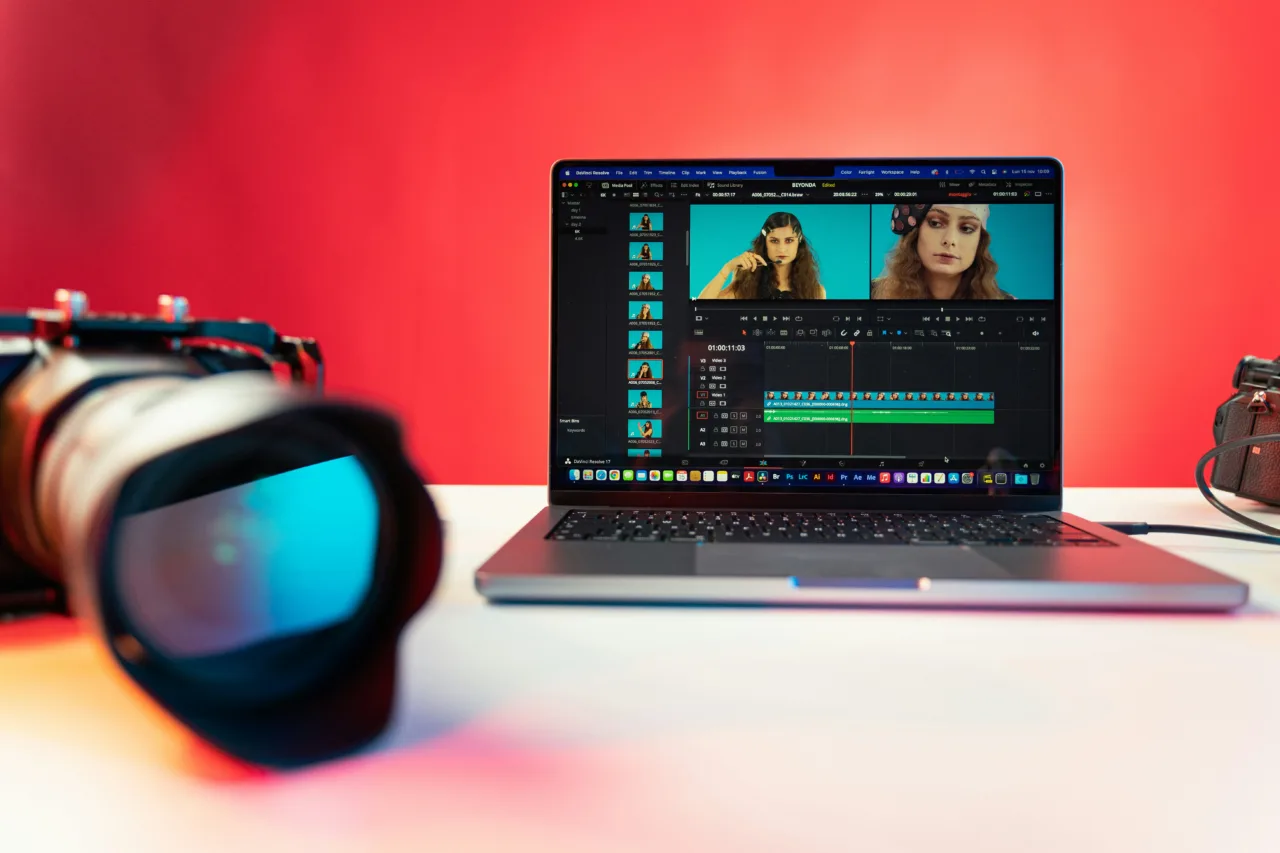
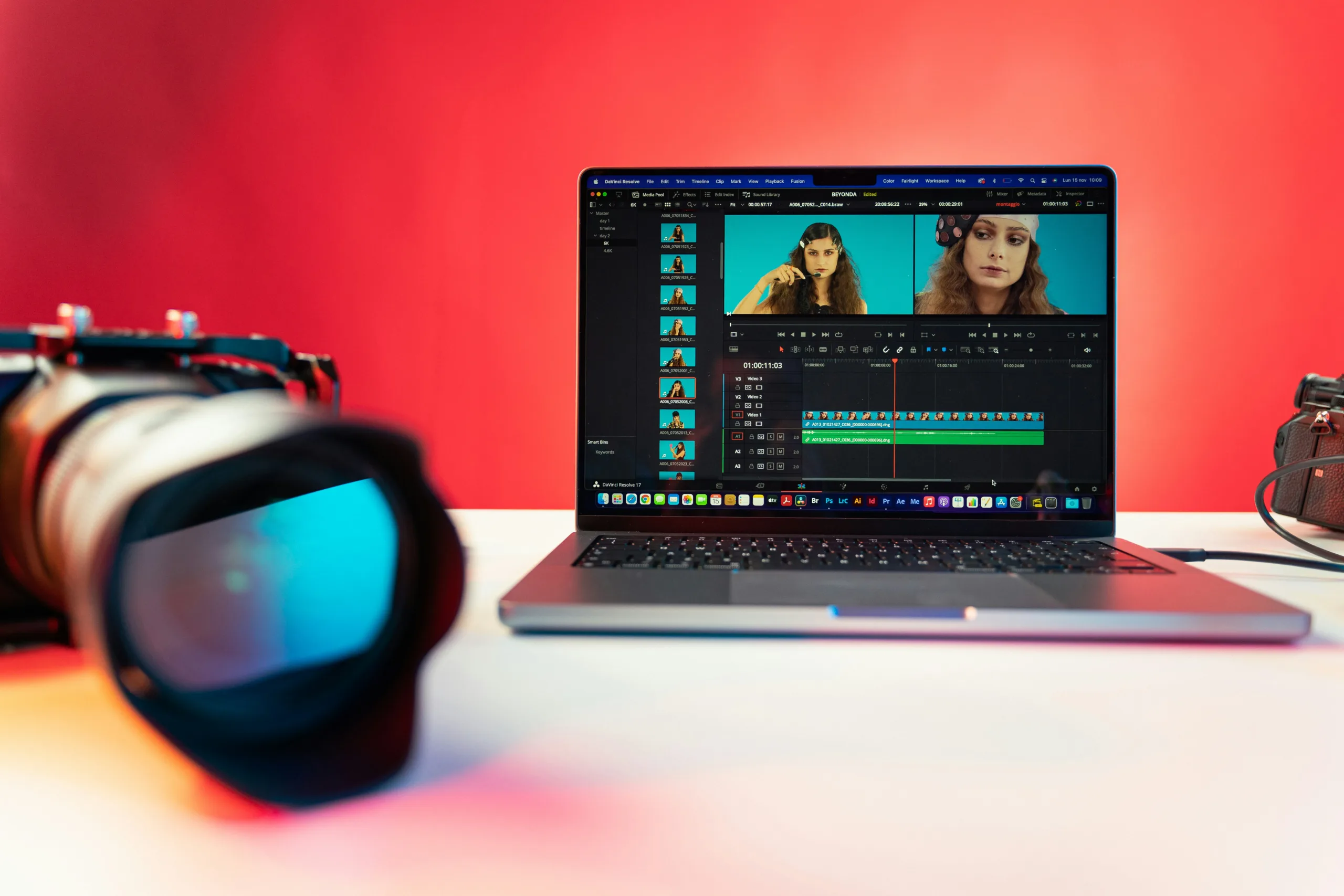
DaVinci Resolve — When You’re Ready to Go Pro
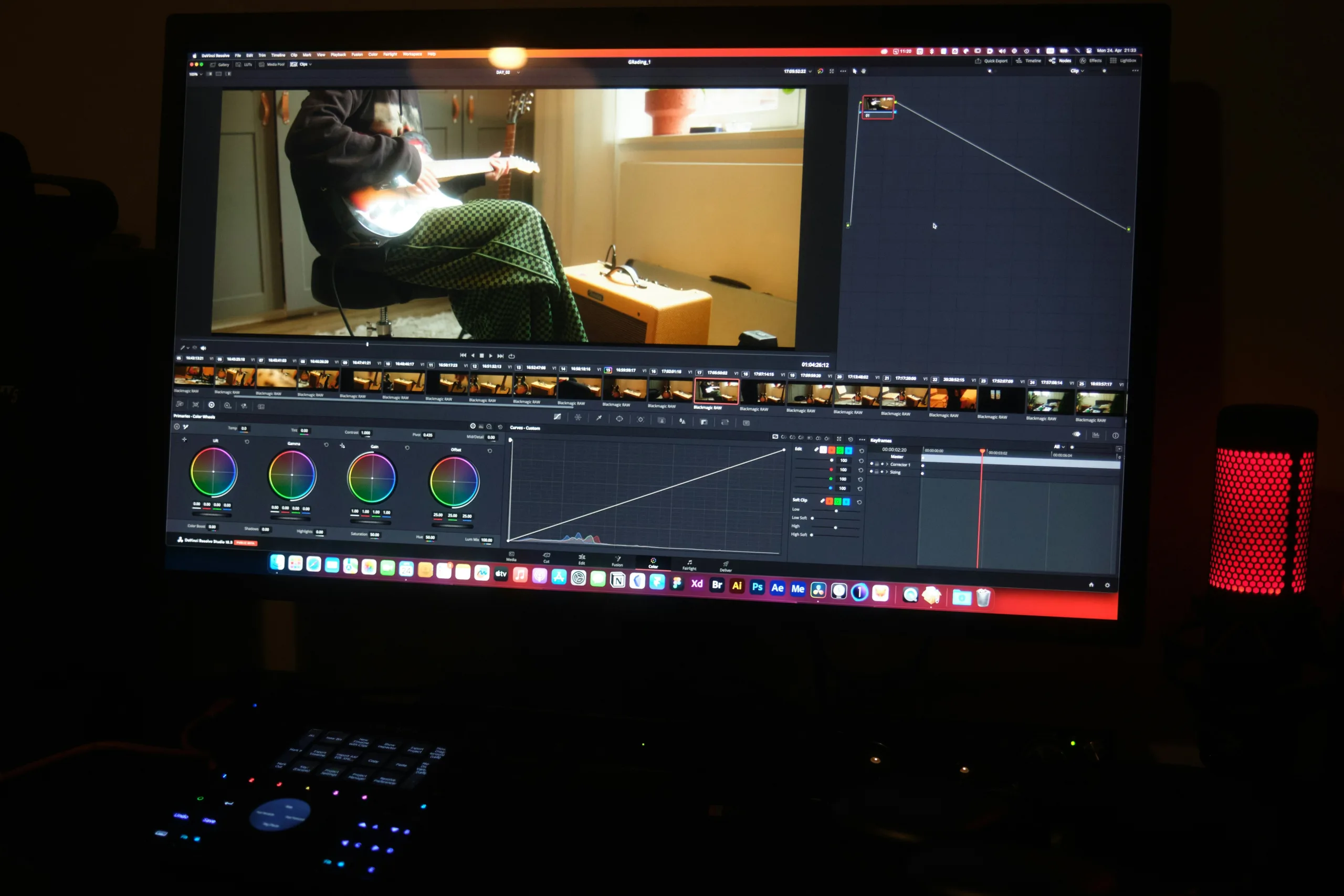
If Canva is speed and CapCut is momentum, DaVinci Resolve is control. This is real professional video editing software, used in film production, commercial studios, and high-end YouTube channels. And surprisingly, the core version is still free.
DaVinci Resolve dominates in:
- Color grading
- Audio post-production
- Visual effects
- Multi-camera editing
- Advanced timeline control
Here’s where it stands apart from beginner tools:
- Node-based color correction
- Hollywood-level rendering engine
- Precision audio mixing
- Fusion visual effects system
Resolve isn’t the easiest editor to learn — but it’s one of the most powerful tools available without a subscription. Outgrown template editors? This is where real control begins. That progression is normal — and smart.
Which Video Editor Should You Choose?
The biggest mistake is picking an editor that’s too limited — or far too complicated. The decision gets easier when you break it down:
Choose Canva if:
- You prioritize speed over precision
- You create marketing or social content
- You want AI to handle most of the work
Choose Movavi Video Editor if:
- You want a balance between ease and power
- You’re learning editing seriously
- You need an all-in-one workflow
Choose Apple iMovie if:
- You’re on Mac
- You’re just starting out
- You want reliability without complexity
Choose CapCut if:
- You create short-form content daily
- You rely on trends and fast publishing
- AI automation matters to you
Choose DaVinci Resolve if:
- You want full creative control
- You’re editing long-form content
- You’re moving toward professional production
The truth is simple: there is no single “best” tool — only the right one for your workflow.
The Future of Video Editing Is Faster and Smarter
Editing used to be technical. Now it’s strategic. Creators in 2026 don’t just sit on the timeline cutting clips — they build faster workflows, rely on AI video editing tools, and automate the boring parts of editing.
Features that once required separate tools — watermark removers, background isolation, and AI audio cleanup — are now built into many video editors.
That shift changes everything. The question is no longer: “Which editor is the most powerful?” It’s: “Which editor helps me publish consistently?” Because steady progress matters more than complicated tools.
The Decision Is Yours
The barrier to entry for video editing is basically gone… but choosing the program is way harder these days. Your choice of editor isn’t trivial — pick the wrong one, and you’ll waste time fighting the interface.
Begin with a simple tool. Upgrade when your skills demand it. Let AI handle repetitive work. Focus your energy on storytelling.
That’s how creators win in 2026. And the ones who win? They’re not waiting for the perfect software — they’re already editing.