
As cloud-based computing continues to grow, devices powered by ChromeOS and browsers like Google Chrome are becoming essential tools for both work and everyday life. Lightweight, fast, and secure by design, these platforms prioritize efficiency and simplicity.
However, one challenge remains universal across all devices: dealing with unknown contacts. Whether it’s an unexpected email or a suspicious phone number, users need reliable ways to verify information quickly.
That’s where ClarityCheck fits perfectly into the Chrome-centric ecosystem.
The ChromeOS Philosophy: Speed, Simplicity, and Security
Why ChromeOS Users Need Efficient Tools?
Chromebooks are designed around:
- Fast web-based workflows
- Minimal local storage
- Seamless browser integration
Most tasks happen directly in the browser, including communication, making ChromeOS users especially reliant on web tools.
But with this convenience comes exposure to:
- Unknown email senders
- Suspicious contact forms
- Unexpected phone numbers
Without proper verification tools, users are left to guess—something that contradicts the efficiency ChromeOS aims to provide.
Introducing ClarityCheck
What Is ClarityCheck?
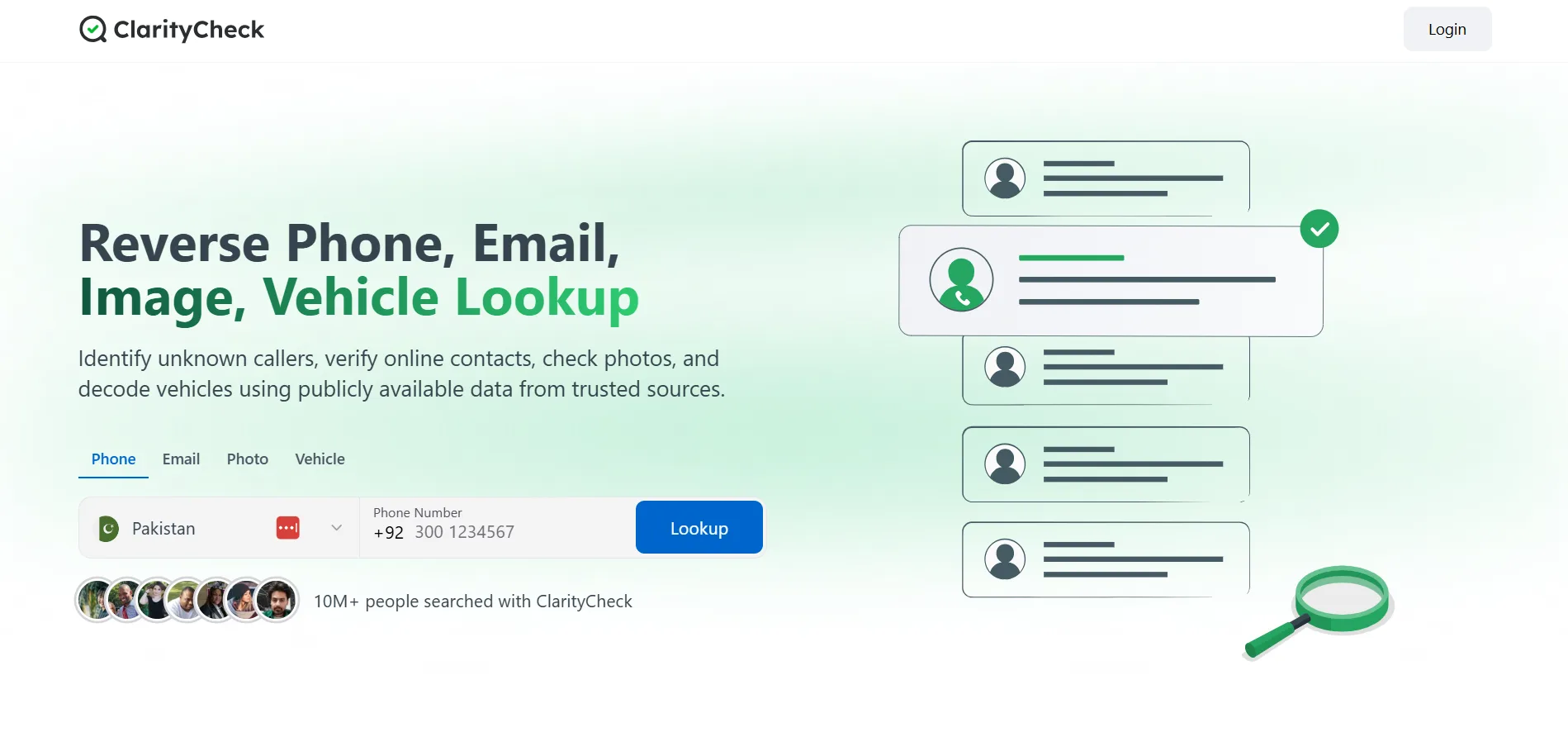
ClarityCheck is a web-based service that allows users to search for information linked to:
- Phone numbers
- Email addresses
It’s designed to provide quick insights, helping users determine whether a contact is legitimate before taking action.
Because it operates entirely online, ClarityCheck is especially well-suited for Chromebook and browser-first environments.
Why ClarityCheck Works Perfectly on Chromebook?
1. Fully Browser-Based
No downloads, no installations—just open your browser and use the service instantly. This aligns perfectly with ChromeOS principles.
2. Lightweight and Fast
Chromebooks are optimized for speed, and ClarityCheck complements that by delivering:
- Quick search results
- Minimal interface clutter
- Efficient performance even on lower-end devices
3. Cross-Device Compatibility
Whether you’re using:
- A Chromebook
- A desktop with Chrome
- A mobile browser
ClarityCheck provides a consistent experience.
Key Features
Phone Number Lookup
Identify unknown callers before responding. This is particularly useful for:
- Avoiding spam calls
- Verifying business contacts
- Screening unknown messages
Email Address Verification
Before replying to an unfamiliar email, you can:
- Check its credibility
- Reduce phishing risks
- Make informed decisions
Simple User Interface
ClarityCheck keeps things minimal:
- Enter phone number or email
- View results
- Decide next steps
No unnecessary complexity.
Real User Insights
ClarityCheck has been positively discussed in online communities, where users highlight its practical value in everyday situations.
You can read more here:  ClarityCheck
Common points from users include:
- Ease of use
- Fast results
- Useful for both personal and professional scenarios
Use Cases for Chromebook and Chrome Users
1. Managing Emails in the Browser
Most Chromebook users rely heavily on webmail. When receiving emails from unknown senders:
- Open a new tab
- Use ClarityCheck
- Verify before replying
2. Handling Web-Based Communication
From contact forms to online platforms, many interactions happen in-browser. ClarityCheck helps verify:
- New contacts
- Potential clients
- Unknown inquiries
3. Remote Work and Freelancing
Chromebooks are popular among remote workers. ClarityCheck adds value by:
- Validating leads
- Screening outreach messages
- Reducing time wasted on unreliable contacts
4. Everyday Browsing Safety
Even casual users benefit from:
- Identifying suspicious numbers
- Avoiding scams
- Browsing with more confidence
Benefits Overview
| Feature | Benefit for Chrome Users |
| Browser-based access | No installation needed |
| Fast results | Matches ChromeOS speed |
| Easy interface | Minimal learning curve |
| Reliable insights | Better decision-making |
Integrating ClarityCheck into Your Workflow
Simple Routine for Better Efficiency
- Spot unknown contact
Email or phone number appears - Open a new tab
Stay within your Chrome workflow - Search using ClarityCheck
Get quick insights - Decide with confidence
Respond, ignore, or investigate further
Security and Awareness in a Browser-First World
ChromeOS already offers strong built-in security features, such as sandboxing and automatic updates. However, human decisions still play a major role in staying safe.
ClarityCheck enhances this by helping users:
- Make informed choices
- Avoid risky interactions
- Maintain control over communication
The Future of Browser-Based Productivity
As more tools move to the cloud, the browser becomes the central hub for:
- Work
- Communication
- Research
In this environment, tools like ClarityCheck are essential because they:
- Add functionality without complexity
- Support fast, decision-driven workflows
- Fit seamlessly into existing habits
Final Thoughts
Chromebook and Chrome users value speed, simplicity, and efficiency—and their tools should reflect that.
ClarityCheck delivers exactly what’s needed: a fast, browser-based way to verify phone numbers and email addresses without disrupting your workflow. It enhances productivity while adding a layer of security and confidence.
Whether you’re working remotely, managing emails, or simply browsing the web, ClarityCheck is a practical addition to your digital toolkit—helping you stay informed, efficient, and in control.